

Artificial Intelligence (AI) is revolutionizing how we interact with technology, and conversational AI models such as ChatGPT and DeepSearch have led that change.
DeepSeek Artificial Intelligence Co., Ltd. (also called “DeepSeek”) is a Chinese company that was founded in 2023. Its mission is to make Artificial General Intelligence (AGI) a reality. AGI refers to highly independent systems that can do better than humans at most important jobs. DeepSeek focuses on improving AI technologies, including natural language processing, machine learning, and other AI-driven solutions.
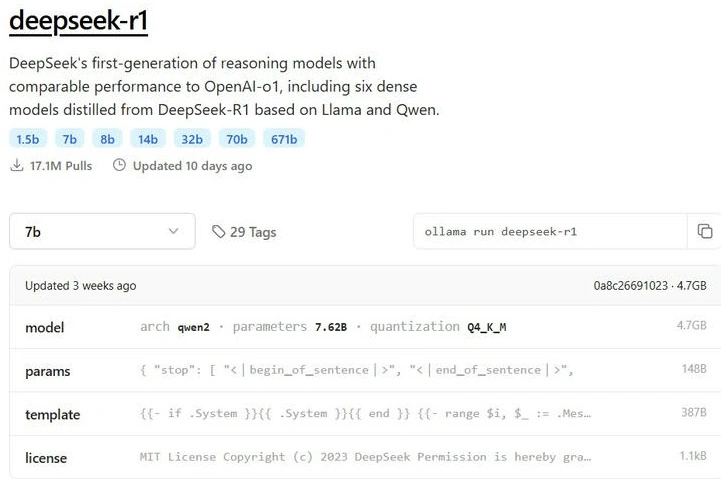
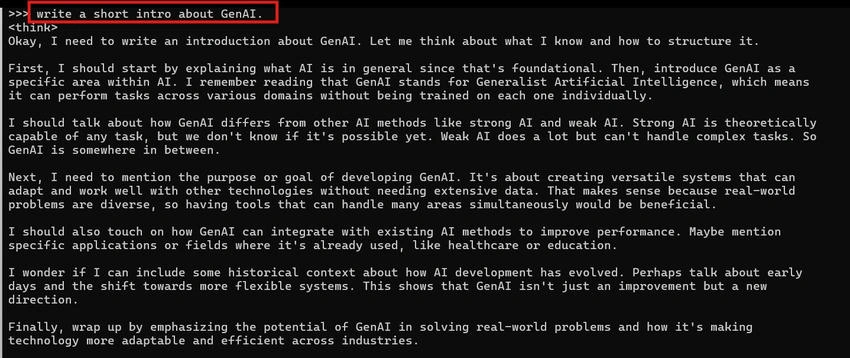
DeepSeek is an advanced open-source AI model designed for understanding and generating language. With DeepSeek-R1 (1.5B model), organizations can use local AI to build secure, efficient, and customized solutions without relying on external cloud APIs.
This is particularly valuable for enterprises looking to,
- Keep data on-premises for compliance and security. Fine-tune AI models using proprietary data.
- Reduce operational costs by using self-hosted infrastructure.
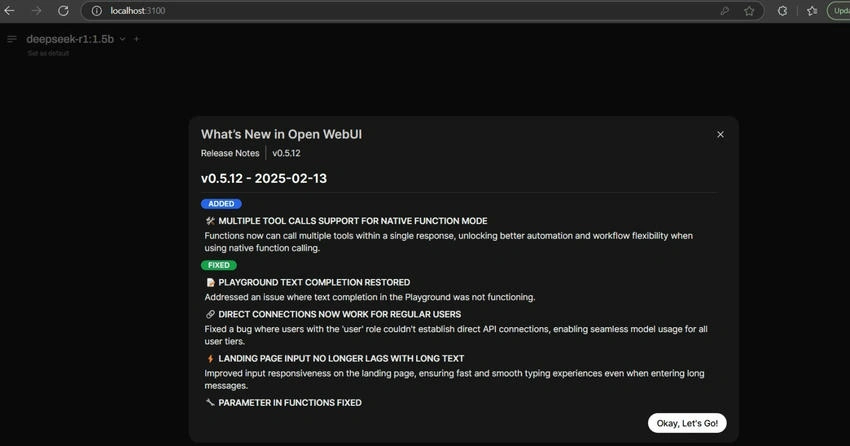
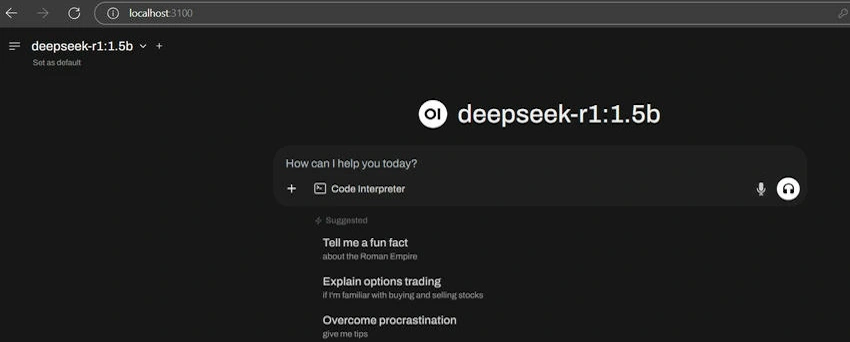
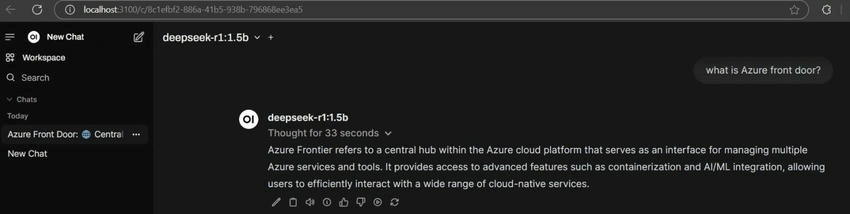
- DeepSeek can be used on your computer using Ollama and managed via Open WebUI, which makes it accessible and manageable through a web-based interface.
In this article, we will create an isolated docker container to run Deepseek locally using Ollama and Open WebUI. Let’s commence.
Prerequisites
- Docker: Ensure Docker is installed on your system.
- Ollama: We’ll use Ollama to manage and run the DeepSeek-R1 model.
- Open WebUI
You can install the docker from https://www.docker.com/products/docker-desktop/.
Ensure the Docker is installed.
Docker --version
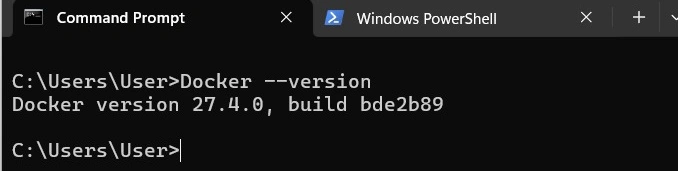
Check if the Docker desktop is running.
Deploying DeepSeek-R1 with Ollama & Open WebUI on Docker
The steps to run DeepSeek-R1 inside a Docker container with Ollama and Open WebUI are given below.
Step 1. Pull the Required Docker Images.
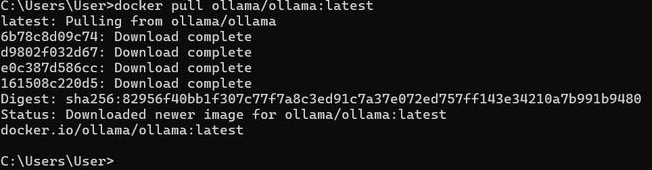
First, we need to download the Docker images for Ollama (for running AI models) and Open WebUI (for easy access).
Run the following commands.
docker pull ollama/ollama:latest
docker pull ghcr.io/open-webui/open-webui:main
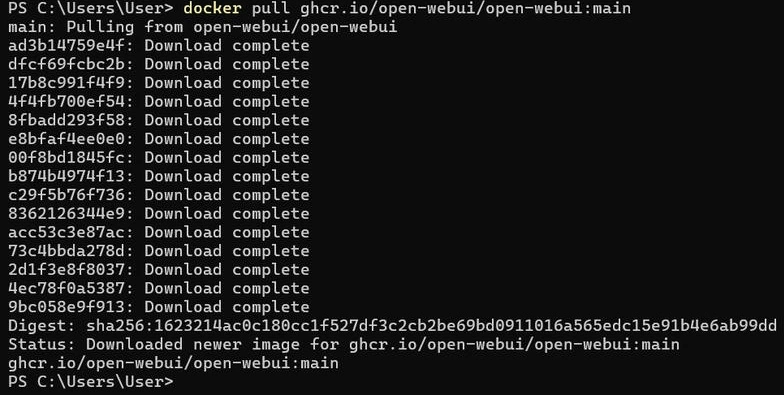
Step 2. Start the Ollama Container.
Ollama is the core system that will manage and execute the DeepSeek model. Let’s start it in detached mode.
docker run -d --name ollama --restart unless-stopped -p 11434:11434 ollama/ollama:latest
Check if it’s running.
docker ps
You can see the result as shown below.

Step 3. Access the Ollama Container and Download the DeepSeek Model.
Before downloading the DeepSeek-R1 model, we need to access the Ollama container to ensure we are inside the environment where the model will be installed.
Step 3.1. Access the Ollama Container.
Run the following command to enter the Ollama container.
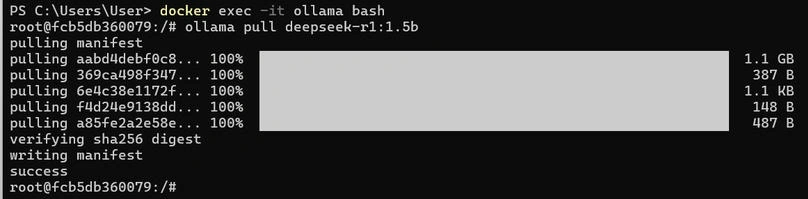
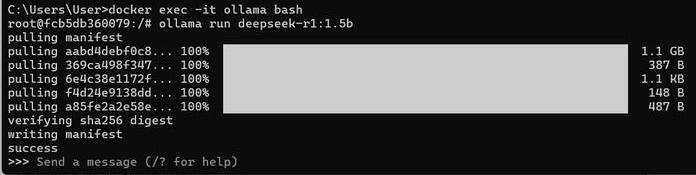
docker exec -it ollama bash
Once inside the container, we should see a shell prompt like this.
root@<container-id>:/#

Join the conversation! Your thoughts help the community grow.