

It will help you a lot.
To get started,create a new xna windows game.
Add reference to these:
System.Drawing
System.Windows.Forms
And then import them using:
using System.Drawing;using System.Windows.Forms;
Then add these variables on your project:Bitmap screen = null; int a = 1;"screen" variable will be used to capture the screen, "a" variable will be used while saving as output.
Now in Update function we will control if any key pressed,if true then we will capture the screen and save it as a output.png(it will be named output1.png,output2.png - depending on "a" variable)
KeyboardState stat = Keyboard.GetState();System.Drawing.Rectangle bounds = Control.FromHandle(Window.Handle).Bounds;if (stat.IsKeyDown(Microsoft.Xna.Framework.Input.Keys.Escape)){screen = new Bitmap(bounds.Width, bounds.Height);using (Graphics g = Graphics.FromImage(screen)){g.CopyFromScreen(new System.Drawing.Point(bounds.Left, bounds.Top), System.Drawing.Point.Empty, screen.Size);}screen.Save("output" + a + ".png", System.Drawing.Imaging.ImageFormat.Png);a += 1;}As you can see we used classical Windows way as its going to work only for Windows then why not use it?
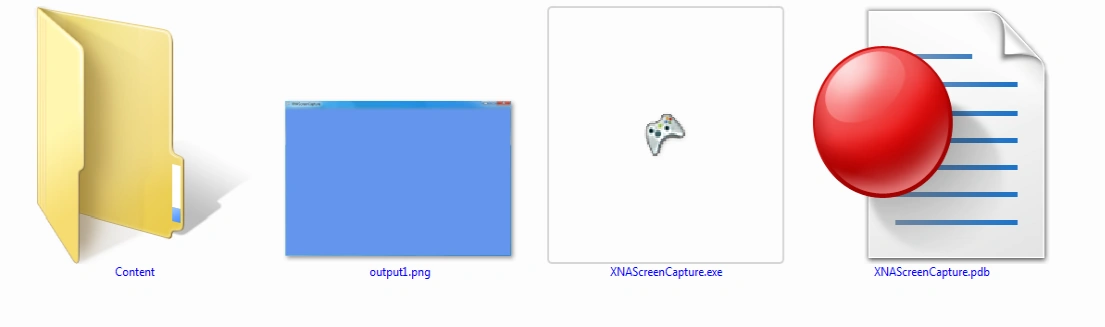
Now lets run it and see.Press Escape key and it will create outputs automatically:
 Hope that helps!
Join the conversation! Your thoughts help the community grow.