

Scenario
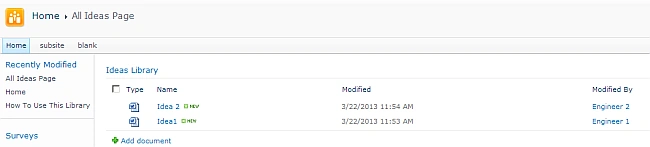
The Research department has an Ideas Library. The following are the constraints:
- Each employee can add / edit / delete documents to the library
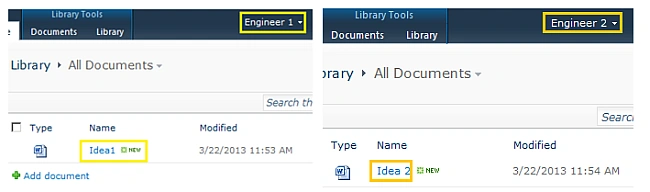
- An employee cannot view other employee's documents
- The Research Head can view all the documents
- An employee should not be able to change a view
How to do this?
The common way of view creation with a filter does not work here since the user may change the view. Plus the item filtering options for Lists & Survey Lists are not available for document libraries.
Users
The following are the users involved in this scenario:
- Research Head
- Engineer 1
- Engineer 2
Solutions
There are 2 solutions for this problem:
- Create multiple views with filtering & use SharePoint Designer to set View Permission
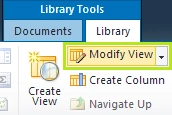
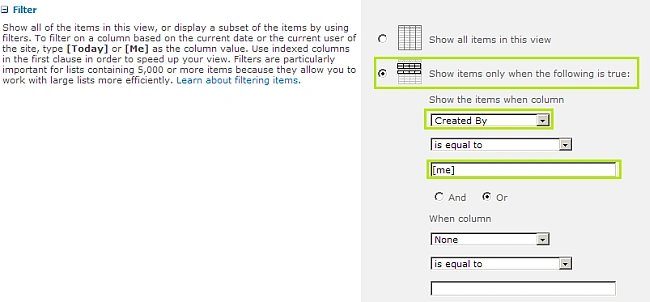
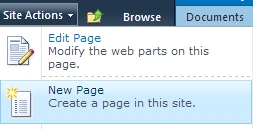
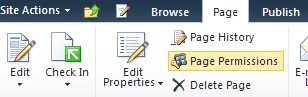
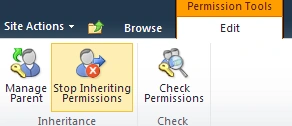
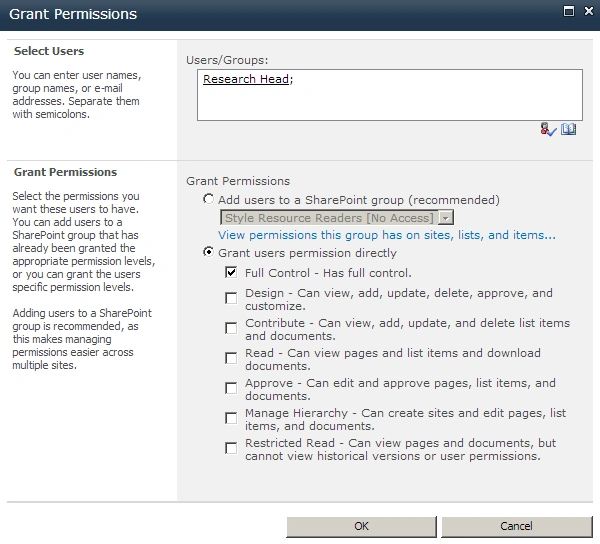
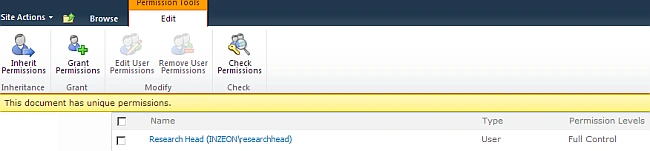
- Modify the default view to show only the current user items & create a restricted page to show all items
We can try the second approach.
Steps
Step 1 : Create Users
The first step is to create the following users in Active Directory or in User Accounts:
- Research Head (researchhead)
- Engineer 1 (engineer1)
- Engineer 2 (engineer2)


Mahesh BabuPosted Mar 26, 2013, 5:38 AM
Hi jean paul,thanks for your suggestions...Sure, i will try.
Jean PaulPosted Mar 25, 2013, 12:25 PM
Hello Mahesh, Thank You for the good words.. For your scenario I think Filters for Views are best. Each group can be given a separate view. Regards, Jean Paul
Mahesh BabueditedPosted Mar 25, 2013, 2:51 AMEdited Mar 25, 2013, 2:57 AM
Good one Jean Paul....Nice. I have one scenario like this but different. I have 3 groups.. 1.Group 1 2.Group 2 3.Group 3 i have requirement like..HR uploads the documents belongs to all Groups(Group 1,Group 2,Group 3).. when hr uploads the document he/her should select the group. Now when Group 1 user logged in to the system he should see documents related to Group 1 and remaining also same etc.. How to acheive this type of scenario..Please let me know.. thanks in advance.