

Introduction
In this article, we will see how to create/ configure the version and advanced settings in SharePoint Online Ooffice 365.
After Microsoft launched One Drive for SharePoint Online, the most common workday challenge is organizing documents and sites. Some ways are given below with which you can organize documents and sites in One Drive for Business.
Office 365 provides a variety of ways to find the documents, which you need quickly.
Office 365 introduced many features in the document library to maintain the documents and store the documents.
If you want to get the documents, which are based on the name, in the left side search box; enter the document name and it will return the documents, which are based on the queryText.
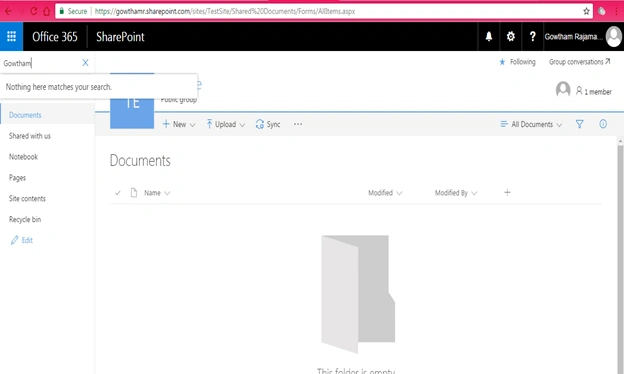
It will return based on the conditions given below.
- Documents in your OneDrive for Business.
- Documents that someone has shared with you.
- Documents that are stored on a site, which you follow.
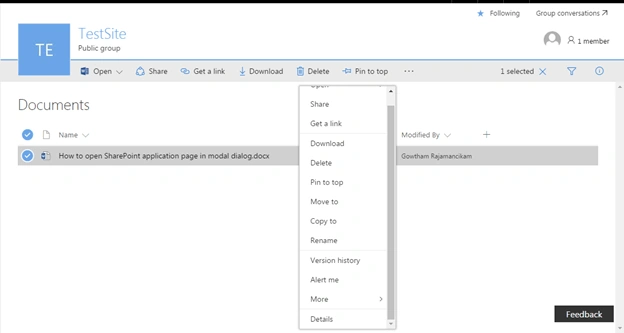
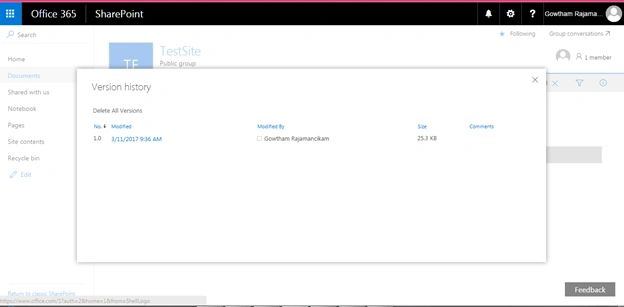
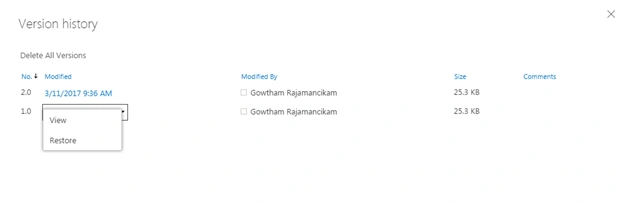
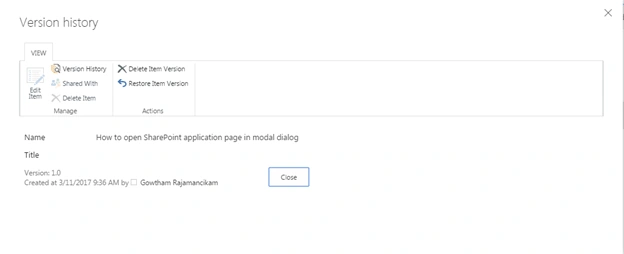
We can see the version settings and advanced version settings about document library.
Click the library settings icon in your SharePoint site.
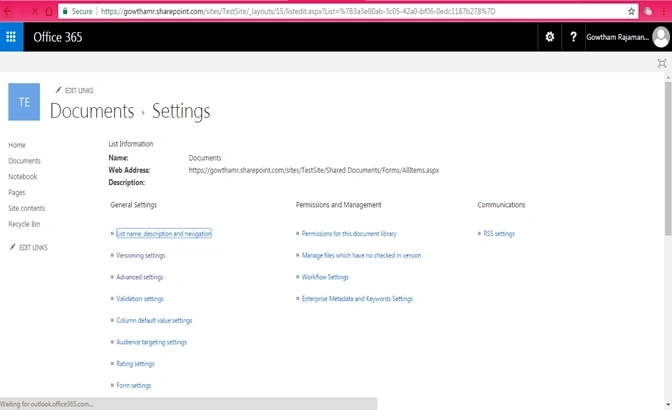
Click Version Settings link.
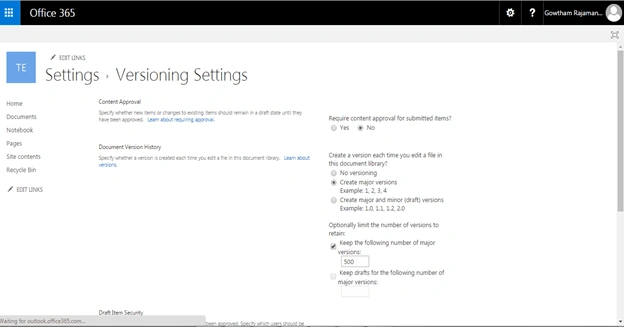
In the content approval section, specify whether new items or changes to the existing items should remain in a draft state, until they have been approved.
Specify whether a version is created each time when you edit a file in this document library.
Create a version each time, when you edit a file in this document library.
- No versioning
- Create major versions
Example
1, 2, 3, 4
- Create major and minor (draft) versions.
Example
1.0, 1.1, 1.2, 2.0
We can specify Drafts are minor versions or the items, which have not been approved. Specify which users should be able to view the drafts in this document library.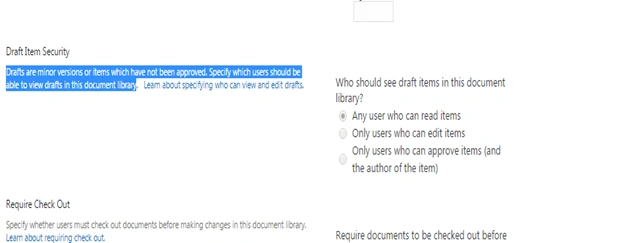
We can give the restrictions to the library.
- Any user, who can read the items
- Only users who can edit the items
- Only users who can approve items (and the author of the item).

Click OK button to save the version settings of SharePoint document library.
Join the conversation! Your thoughts help the community grow.