

When you click on the manage the farm administrators group Link, you will land on the Farm Administrators page. This page will let you manage the farm administrators.

Manage the farm administrators group’s direct link /_layouts/15/people.aspx?MembershipGroupId=3
In a company, there are many administrators who look after the SharePoint farm, and to give them proper permission so that they can do day to day activities, we have to manage farm administrator.
Farm Administrators group is special groups in SharePoint and part of SharePoint central admin. Member of this groups have full control of SharePoint and those members called SharePoint administrators. As a farm administrator, you can manage service applications, web applications, manage the administrators of service application, manage the managed account and control the server attributes from Central admin. As a farm administrator, you can take control of the Site content.
Note
Being a member of farm administrators does not mean that you have full control of the content of sites unless you are part of the policy of web application.
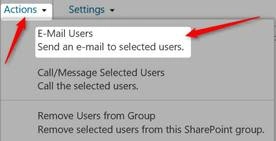
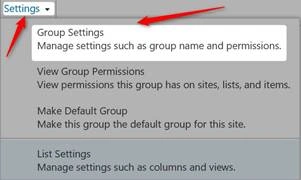
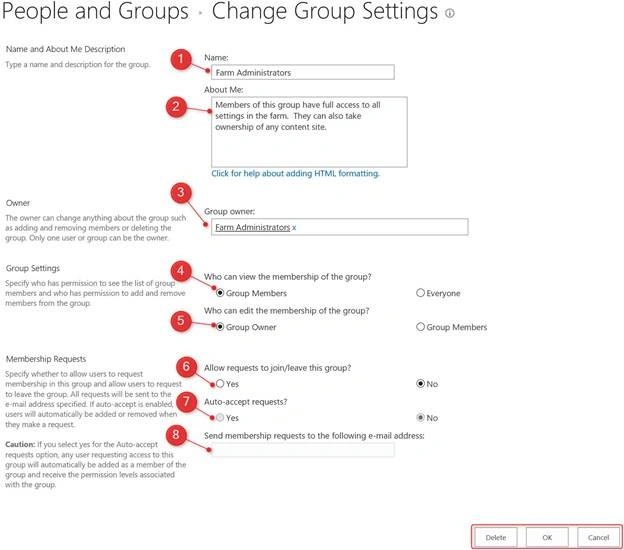
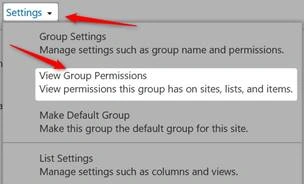
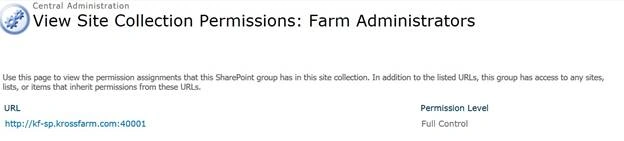
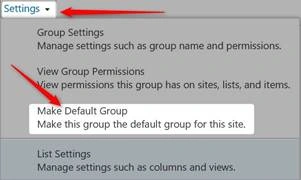
On the manage the farm administrators group we can add new users or remove an existing user, we can change the group settings, view the settings or send the email to the members of groups.
We can perform the following operations in farm administrators
To add a user in the farm administrator groupPlease follow the below steps to add a user into the Farm admin group.
- Login on central admin with user who is member farm administrator group and also local admin on the server.
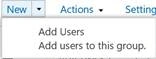
- Click on New dropdown and Click on Add Users
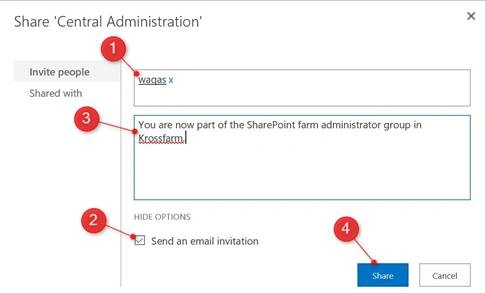
- On new popup, please enter following information
- Enter name / id/ email address of the User.
- Check the send an email invitation checkbox
- Enter the text of the email if you want customize.
- Click Share
If you click on the Share With option, you will see all the users/groups who are part of this group.
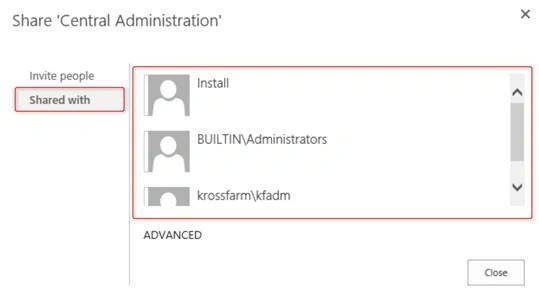
- Now the Waqas is part of farm administrator group and he will also get an email.
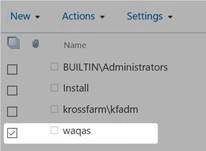
Please follow the below steps to remove a user from farm administrators group.
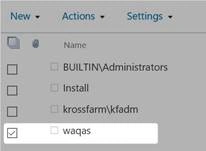
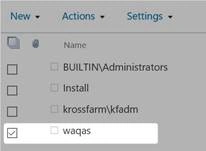
- Click the checkbox in front of the user which you want to remove.
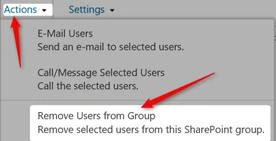
- From the ribbon Click on Action dropdown and click on Remove Users from Group
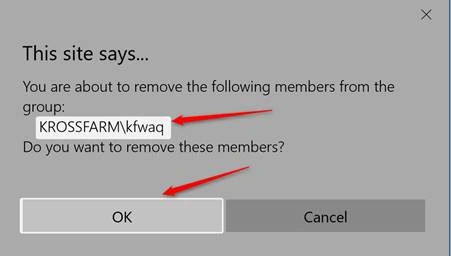
- Click on the Ok from warning popup. (make sure you are removing the correct user).
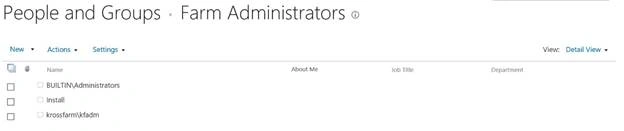
- Now you will see that Waqas is no longer a part of farm administrator group.
Join the conversation! Your thoughts help the community grow.