
Introduction
The purpose of this article is to guide you through the installation steps of SharePoint 2019.
Why SharePoint?
Why SharePoint? (Intranet portal, DMS & Process Automation) It is important for an organization and how this will help an organization in a better position in terms of collaboration within employees. Usually, in a bigger size organization, employees will not know what's happening in the other country/branches even other departments. Sometimes employees not even know some of the departments as exist. users come to the office to do their regular duty and leave the office. The main advantage of the Intranet Portal is a Single workspace for an entire organization in terms of Information sharing.
There are many tools available in the market for collaboration. However, one of the best suitable software is SharePoint. The reason why I suggest SharePoint is, this software is not only for collaboration, it includes content and collaboration, workflow automation.
Intranet portal in SharePoint it not rocket science. Yes, obviously for the Initial configuration you require IT help to setup. Once everything is fine, as a business user they can create their own Sites for their department and Share content between the employees. The movement they create sites and share the content, by default the collaboration has enabled in your organization, however in-order to represent better look and feel, you need a design expert to give an elegant look and feel to your portal.
When you want to promote portal inside your organization, you must do internal marketing and moreover try to build some important application using SharePoint like leave or expense approval, SharePoint has an inbuilt powerful workflow engine. Which run the workflow automation for all your approval process within your organization.
SharePoint 2019 Installation Steps
In this article, we will see how to install and configure a SharePoint 2019 environment.
- Microsoft SQL Server 2016 Installation and Configuration
- SharePoint 2019 Installation for application with Search.
- SharePoint 2019 installation for Web front end with a distributed cache server.
Prerequisites for Installing SharePoint 2019
- Windows Server 2016
- SharePoint 2019 with Product Key
- Microsoft SQL Server 2016 with Key
- Domain Account with local administrator privilege on all the servers.
- Internet Connection on all the servers during installation time.
Microsoft SQL Server 2016 Installation & Configuration
Step 1
Copy the installation Files into the Database server.
Step 2
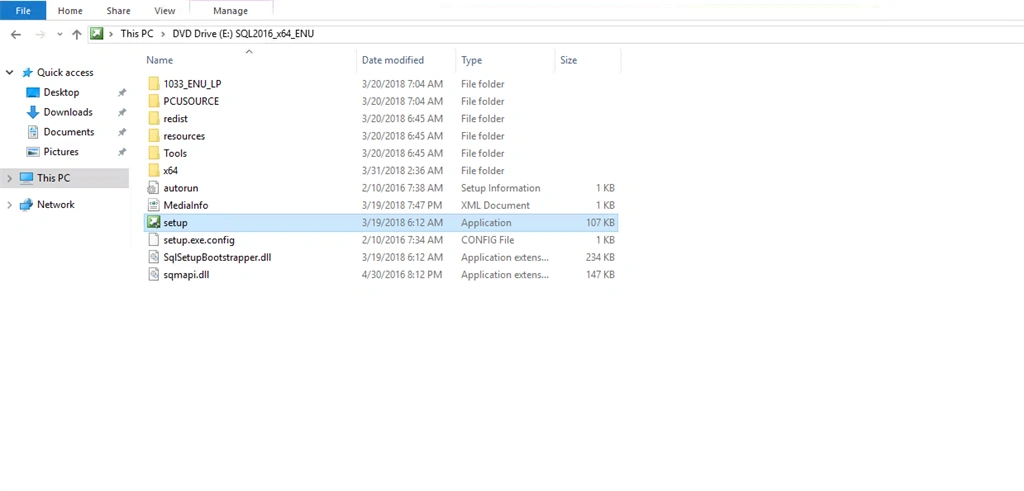
Right-click the setup file and click run as administrator.
Step 3
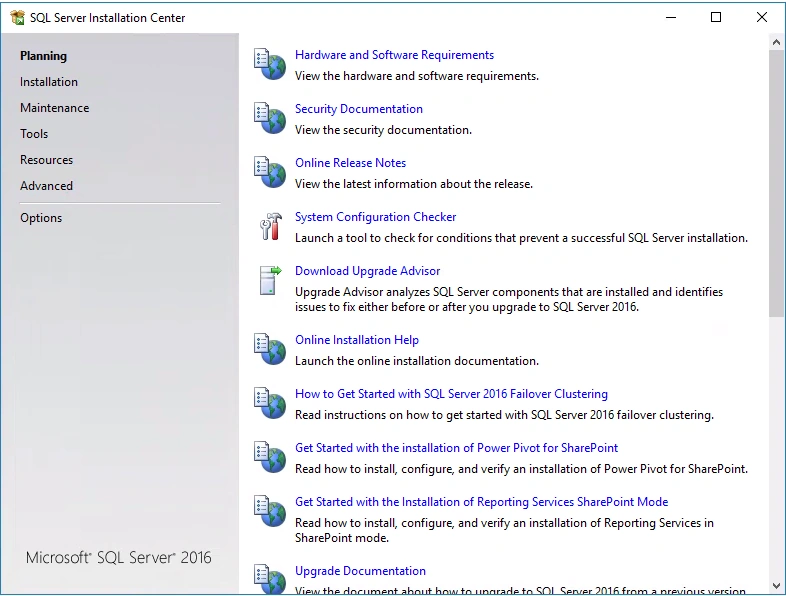
Click the Installation link from the left bar.
Step 4
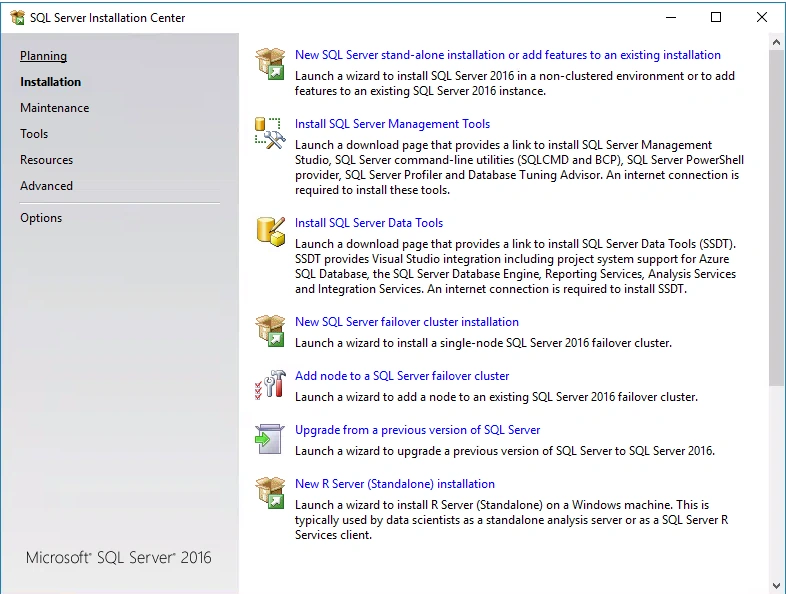
Click on the NEW SQL Server Stand-alone Installation or add features to an existing installation.
Step 5
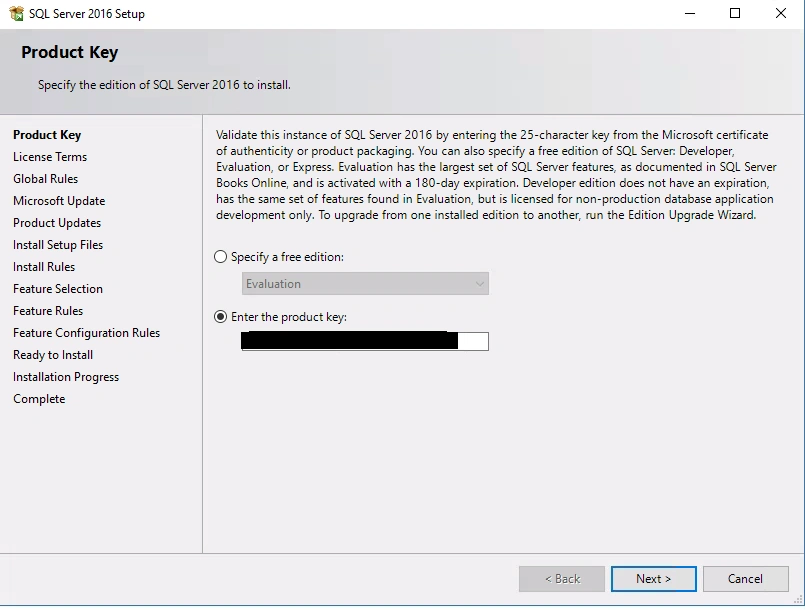
Enter the Product Key and click next
Step 6
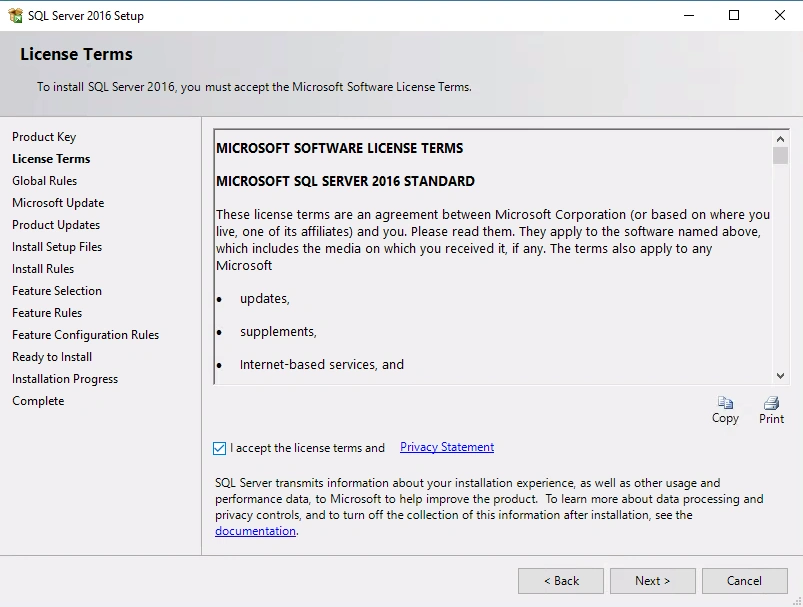
Accept the Microsoft software license and click next.
Step 7
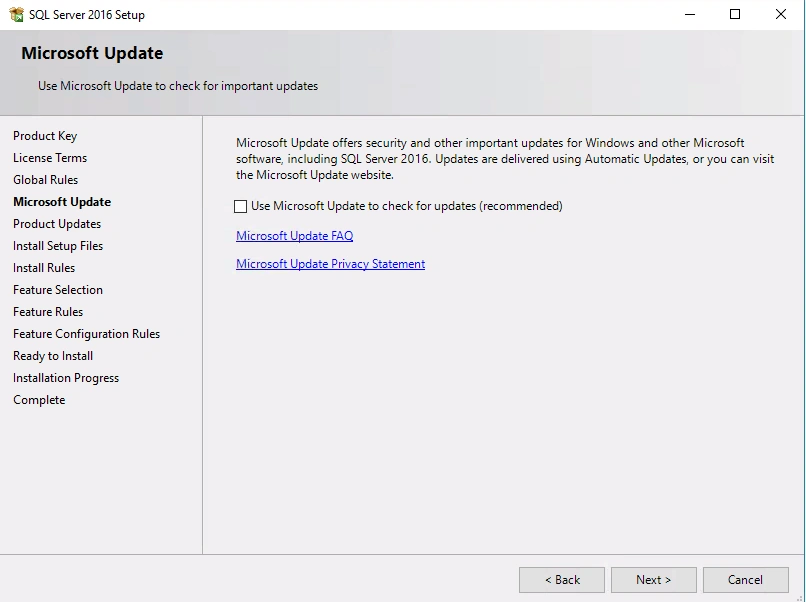
On this screen, you need to decide on Microsoft update.
If you want SQL to be auto update then select this option otherwise click next without enabling this checkbox.
Step 8
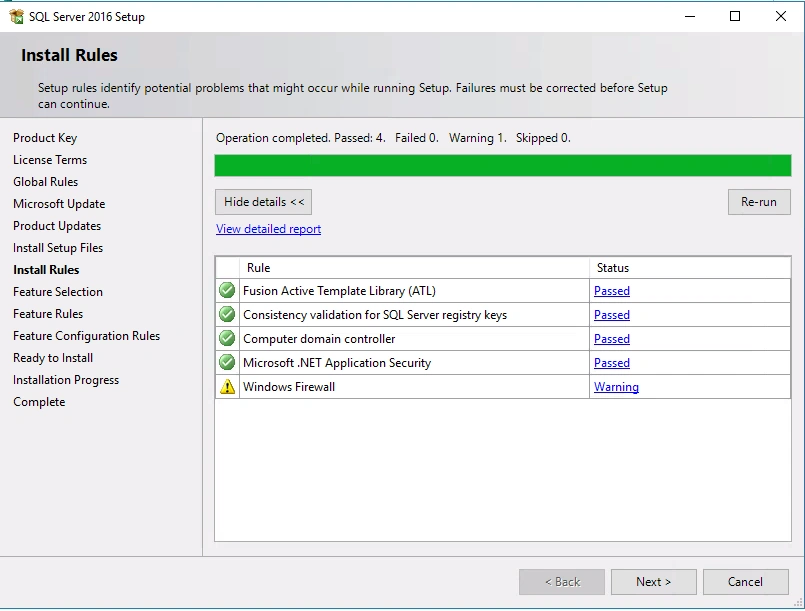
The system will run a checklist wizard for smooth installation.
Step 9
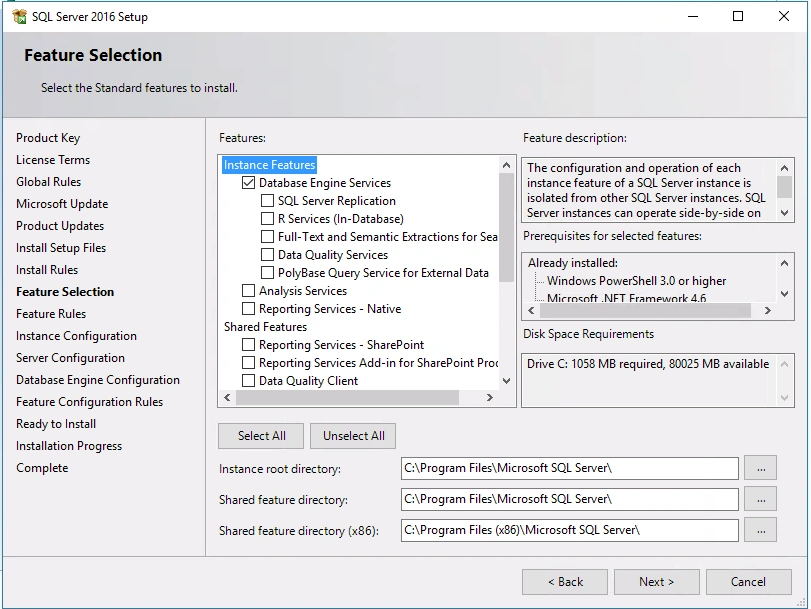
In this step, enable what features need for installation. For this, we enabled only Database Engine Services.
Step 10
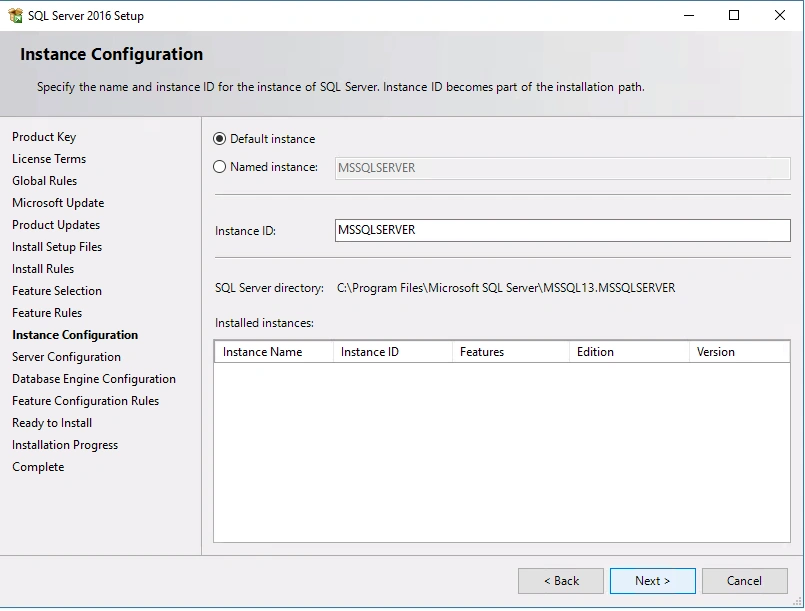
On this screen, select the default instance. In case if you have multiple instances on the same server, create a named instance selecting the appropriate option.
Step 11
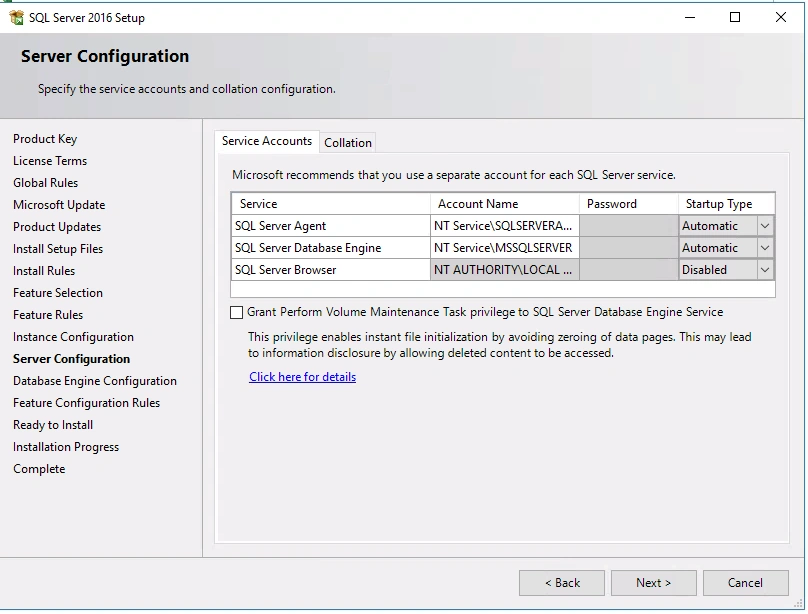
Select SQL Server Agent and SQL Server Database Engine startup types as Automatic and click next.
Step 12
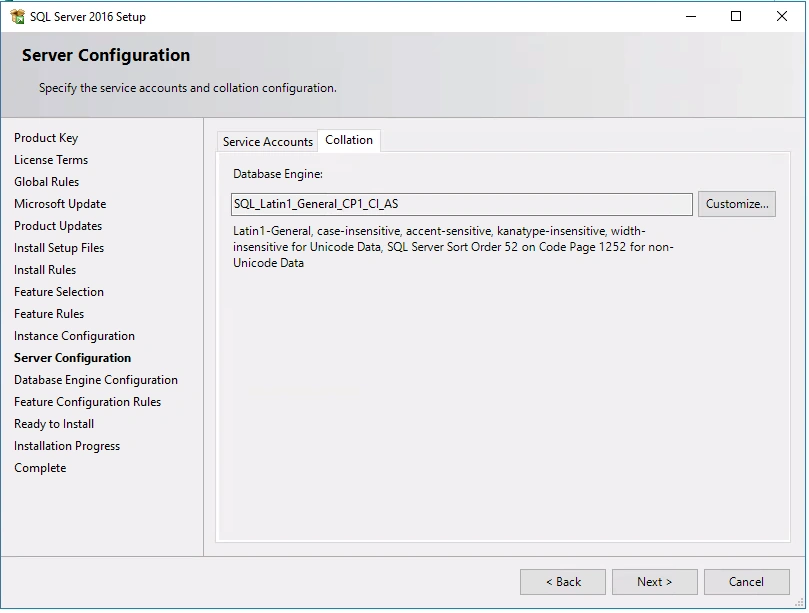
Select the collation type as Default (SQL_Latin_General_CP1_CI-AS)
Step 13
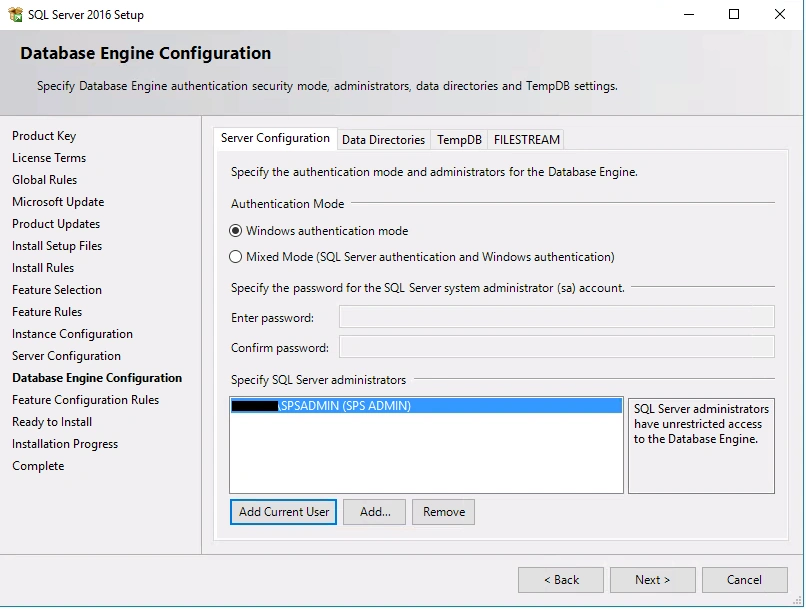
In this screen select the authentication types as windows authentication mode and add the domain login as the SQL Server administrator.
You have another tab. If you want to change the data directory location to a different drive, not in the system drive, it's better to change in the Data Directory tab.
Step 14
Review wizard. In this screen you can verify the configuration which you have selected in the previous screens. If everything is OK, click the install button to start installing SQL 2016
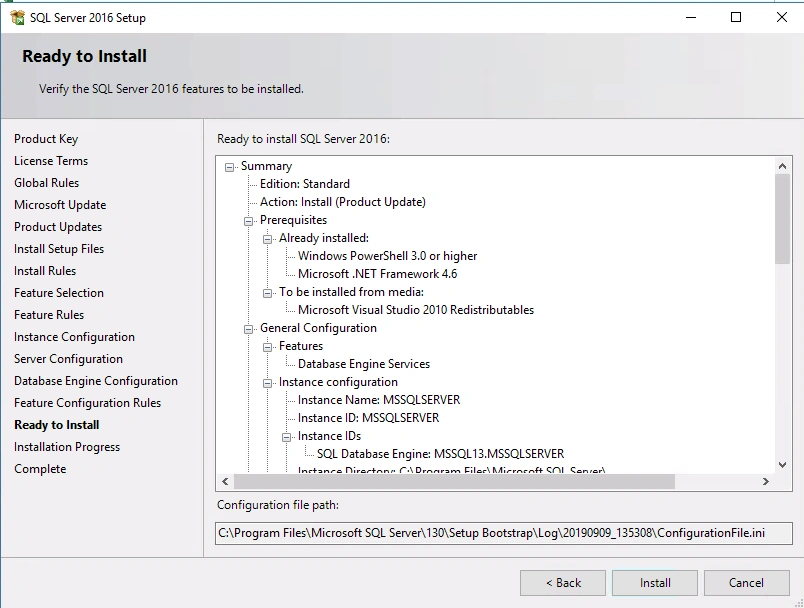
Step 15
Installation Wizard
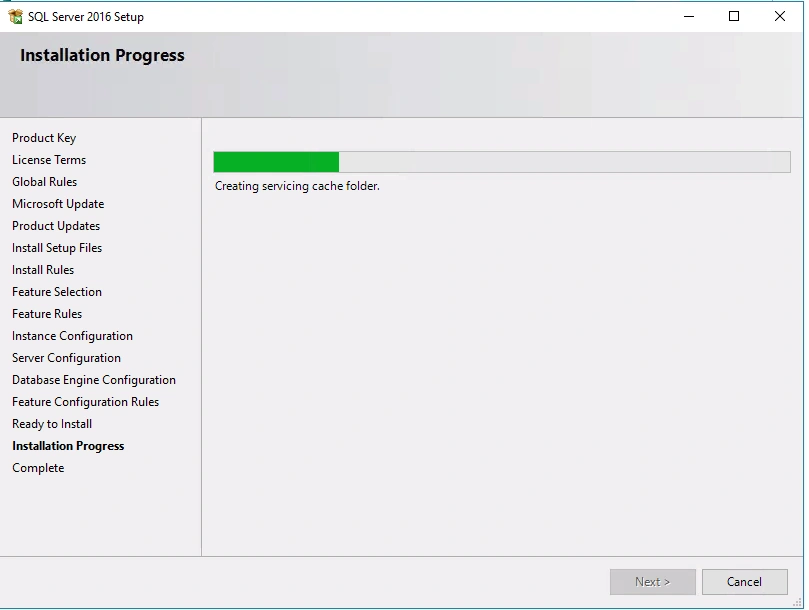
Step 16
After installation, the wizard will give you a report with the status.
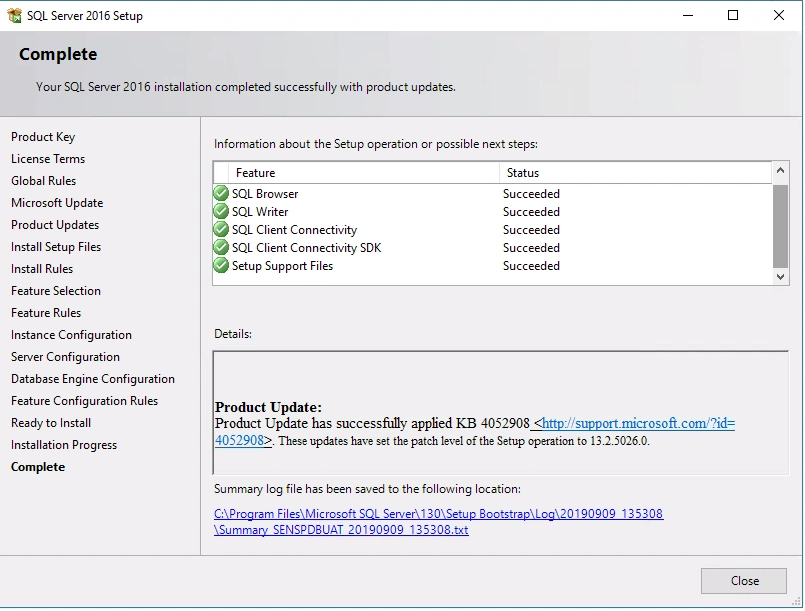
Step 17
SQL Server 2016 has installed successfully. Click the close button to return to install management tools.
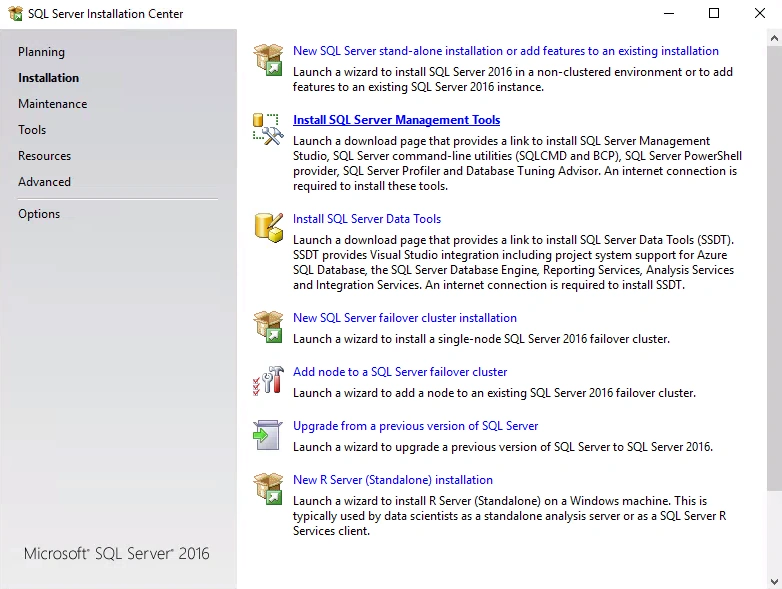
After SQL 2012 version Microsoft has split the SQL installation and Management tools installation separately.
Step 18
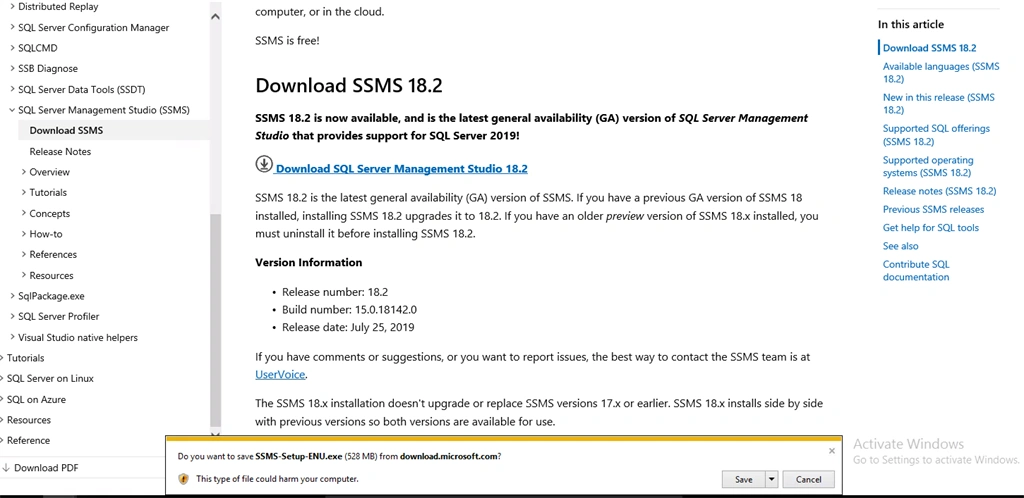
In the installation wizard, Click Install SQL server management tools link, this will open the Microsoft site for downloading the software with the latest release.
Step 19
On the website, click the download SQL Server Management Studio 18.2
Step 20
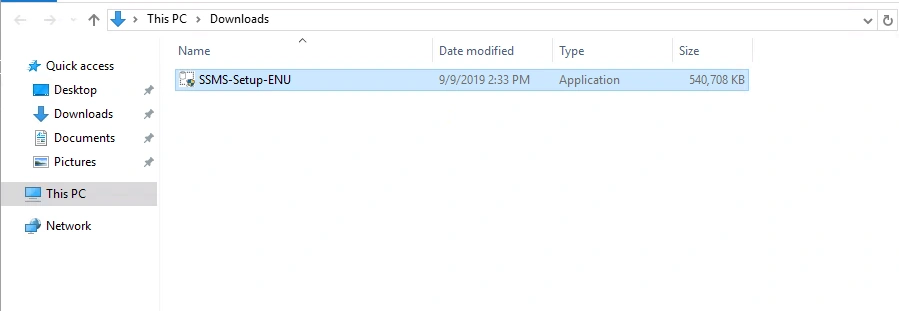
Save the setup file and Run the setup file as administrator.
Step 21
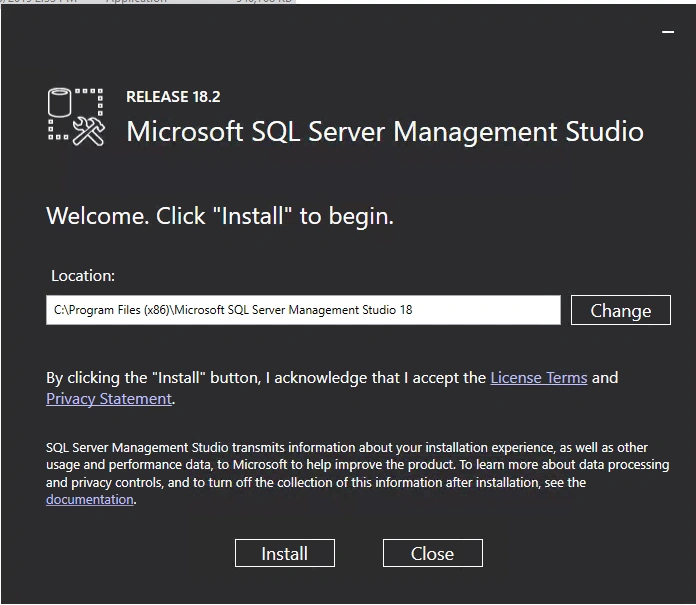
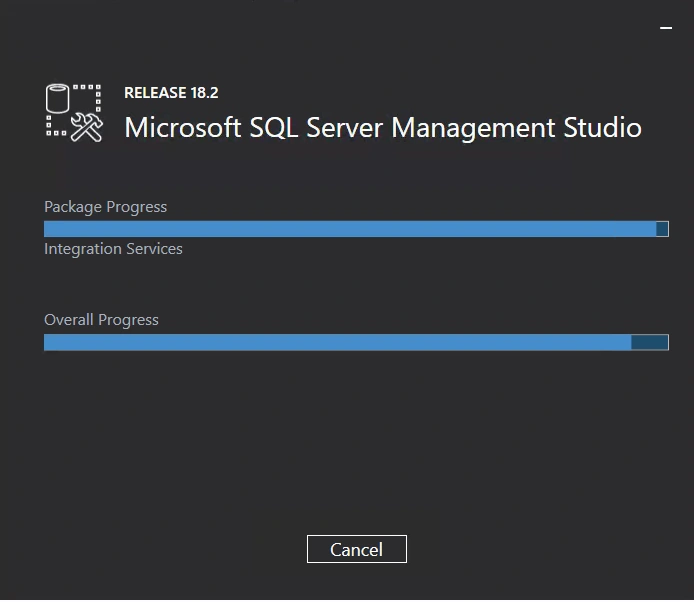
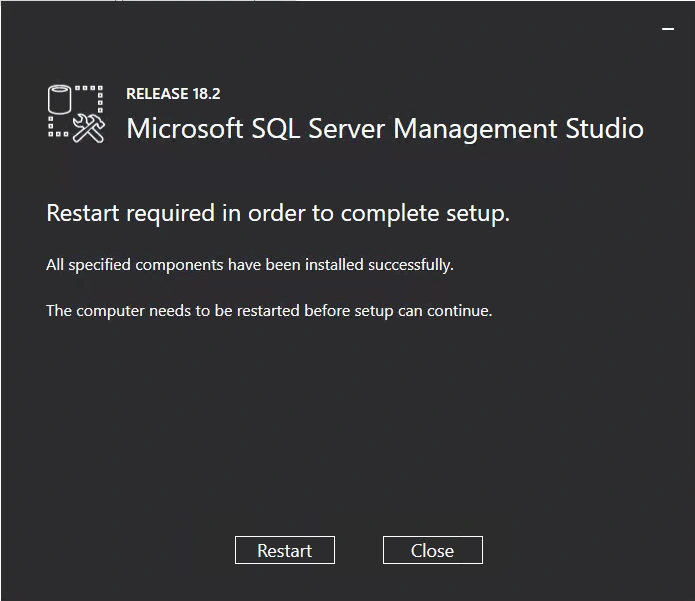
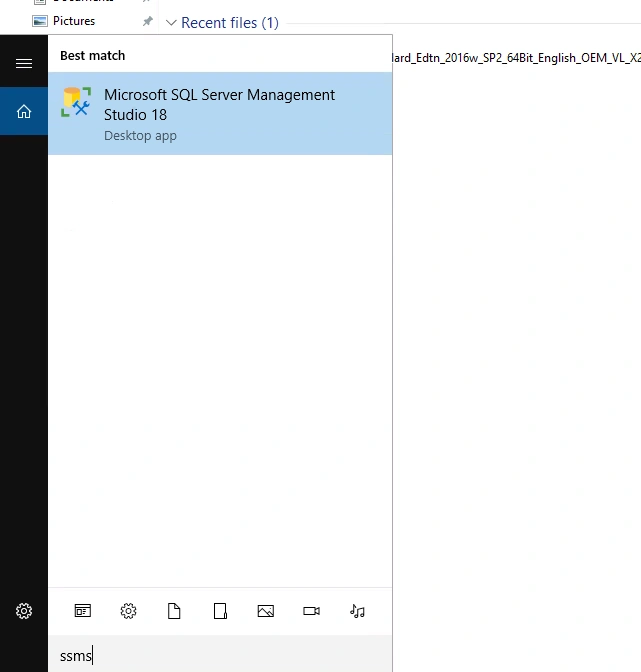
Follow the below snapshots for the management tools installation.
Vijay JaiswalPosted Dec 31, 2022, 11:17 AM
Where are the steps to install SharePoint 2019? This article has explained the process of SQL installation only.