
Even I need to struggle to get it into my site. Nevertheless we have it now.
Let's see SharePoint Designer in our 2013 site.
In the following we can see a Document Library displaying in the SharePoint Designer since it's an add-on.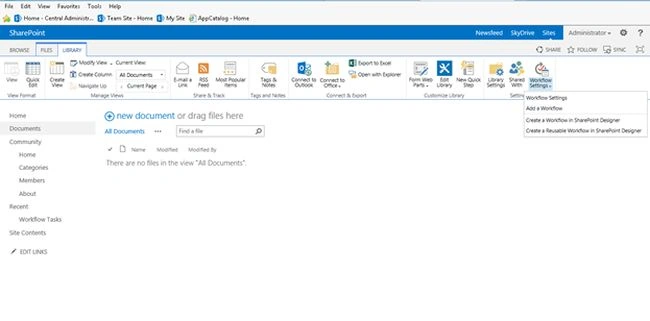
Let's get into it and see what we have in it.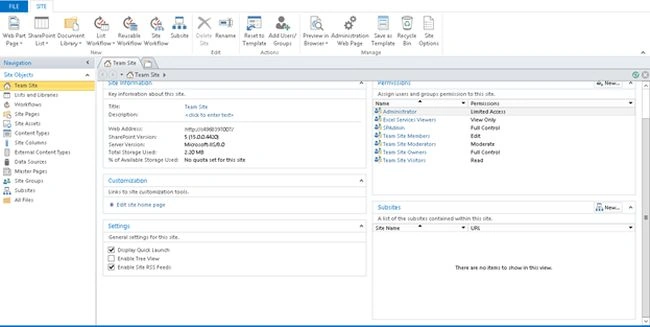
As we can see it has a similar designer page as 2010 with not much changed in the 2013 version.
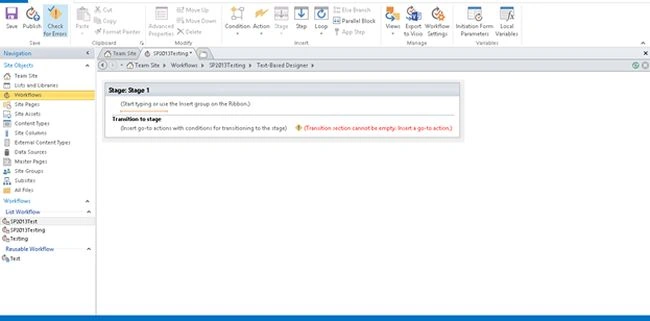
Let's create a List Workflow.
`
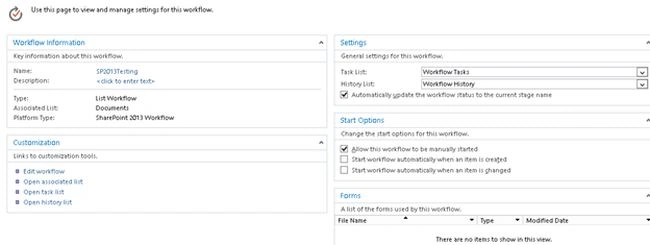
We can see a similar staging approach as the 2010 designer but has a new option as platform type where you can use 2010 as well as a 2013 designer platform to build your workflow.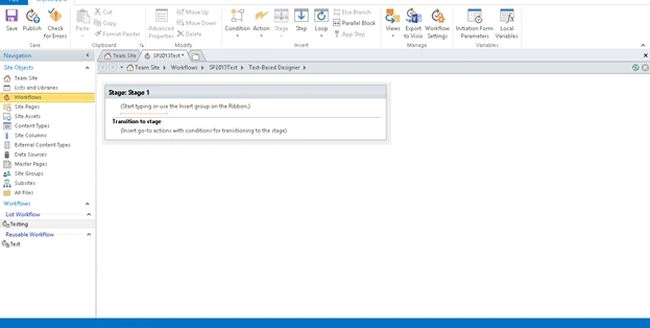
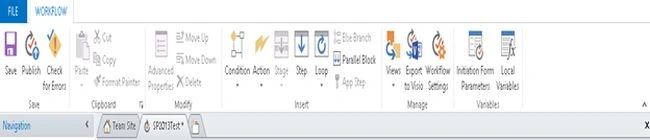
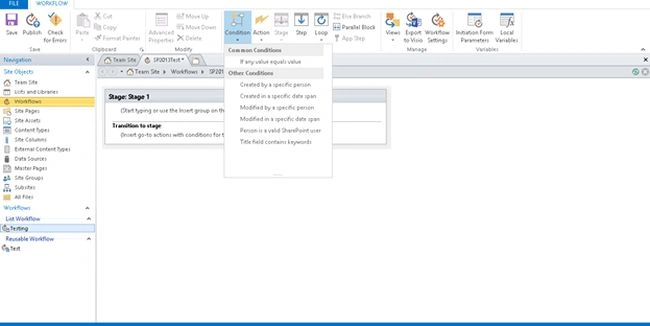
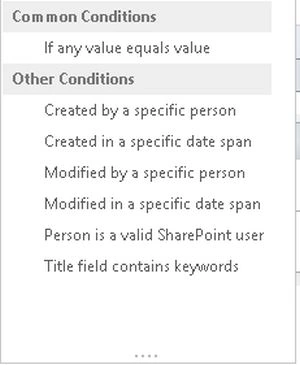
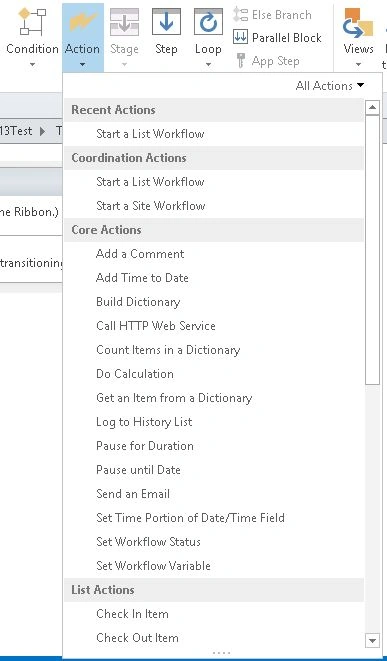
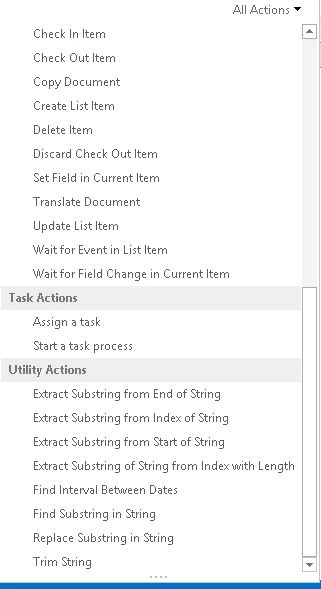
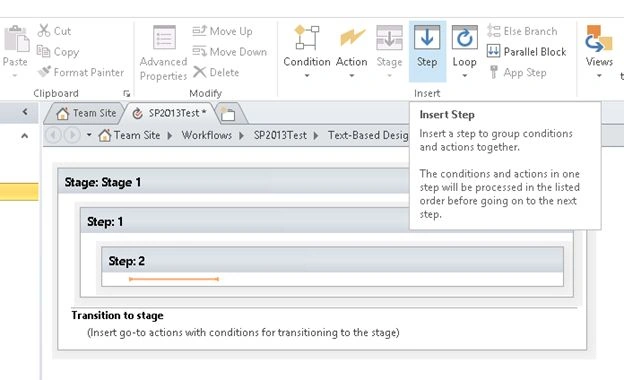
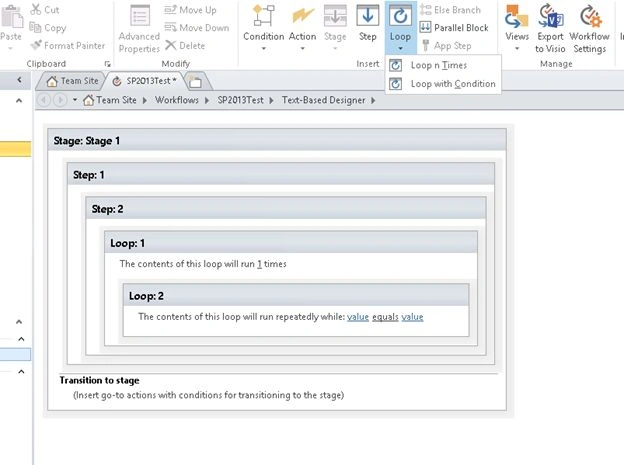
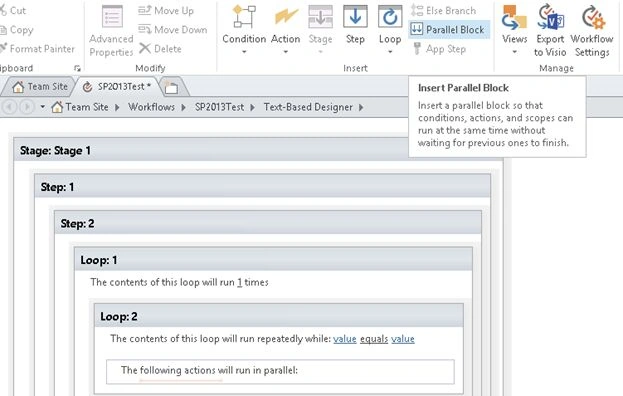
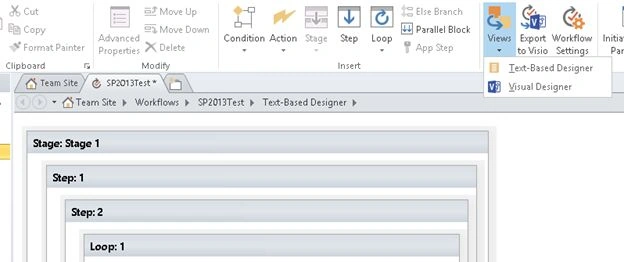
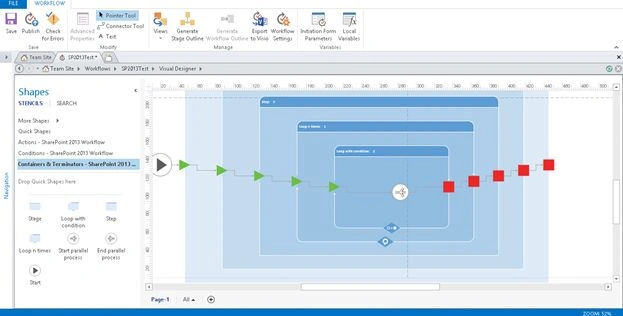
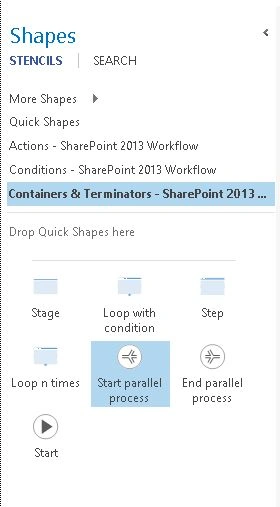
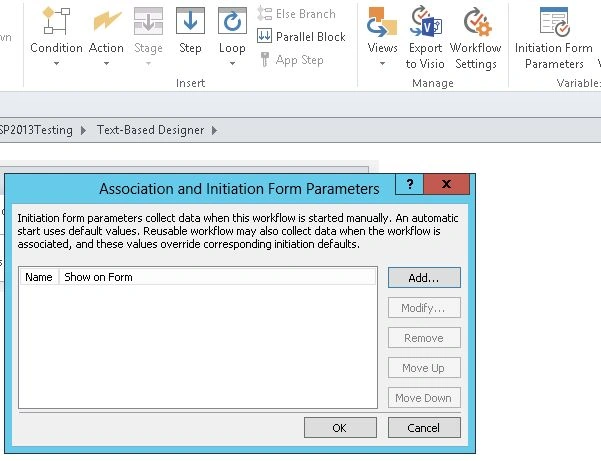
Let's come and see the new 2013 ribbon with functions like:

SharePoint Designer Workflow in SharePoint 2013
Join the conversation! Your thoughts help the community grow.
Sign in to leave a comment
It is the same account you read, post and publish with — and you will come straight back to this page.

YogeSh VPosted Feb 13, 2020, 11:22 PM
In case, the document is not authorized from Ops department for 10 days the same will be escalated to [email protected] for approval. -----------------------------------------basically i want to know that how to escalate task in sharepoint designer
Kiran Kumar TalikotiPosted Jul 22, 2014, 3:35 AM
Great article :)
Abhay ShankerPosted Jul 21, 2014, 11:26 PM
Nice article...
Lakshmanan Sethu SankaranarayanPosted Jul 21, 2014, 11:16 PM
Nice one.. Showing all the features in designer