

SharePoint Framework extensions extend the user experience toward the SharePoint Online Modern Framework List and Library to render custom components.
There are three types of SharePoint framework extensions:
- Application level customizer – basically used to render custom component to defined placeholder example Top Navigation, Footer, etc.
- Fields level customizer – basically used to render the field level modification within views.
- List View Command Set – basically used to render a new action at the list view level.
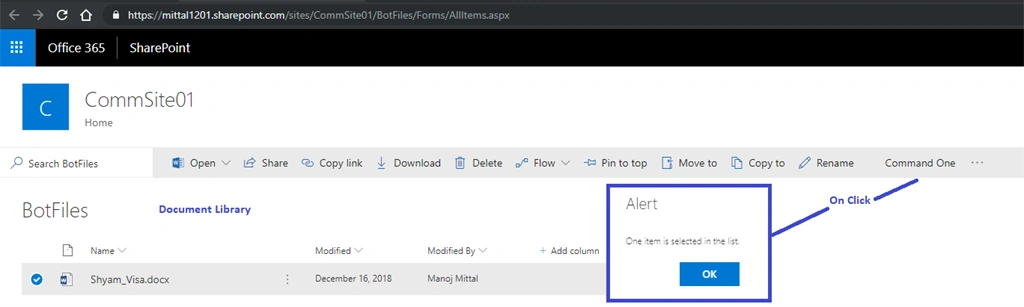
In this article, we are going to discuss how to enable List view command set to Generic List and Document library level.
Let’s get started.
Step 1 - Generate SharePoint Framework Extension
Open the command prompt and create a blank folder
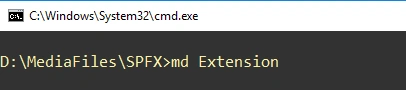
- md Extension
Navigate to the created directory.
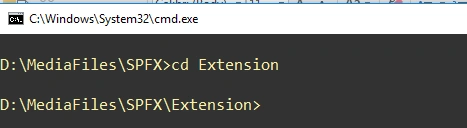
- cd Extension
Run the yeoman command,
- yo@microsoft/sharepoint
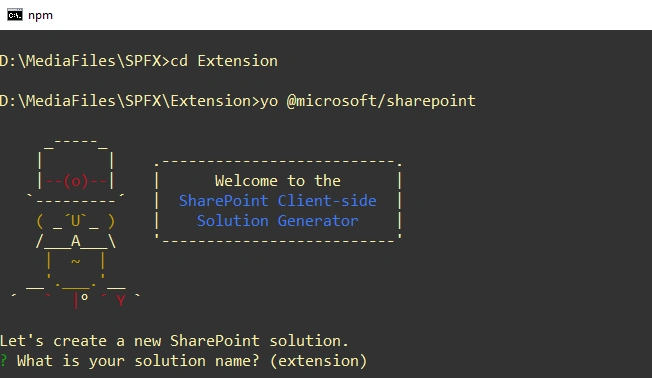
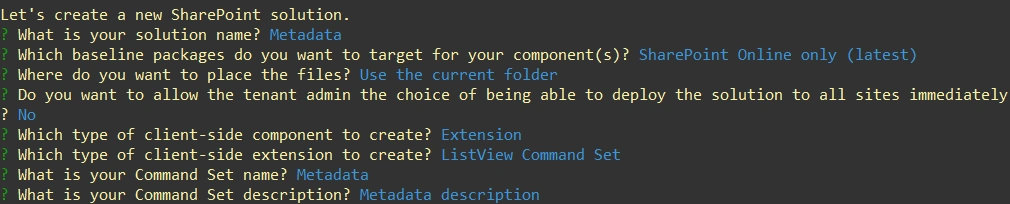
- Enter the name of Solution: Metadata
- Select “SharePoint Online” baseline package you want to target for your component(s).
- Select “Use the current folder” place the files.
- Select “Extensions” to the type of client-side component.
- Select “ListView Command Set” as a type of client-side extension
- Enter command Set name: Metadata
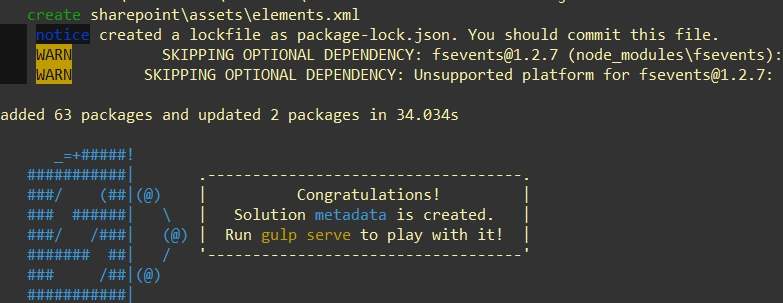
Yeomen will take a couple of minutes to install required dependencies and scaffolding the SPFX project. Finally, you will get the below “congratulations “ message.
Step 4
Navigate to Visual Studio Code to open the solution.
- Type Code .
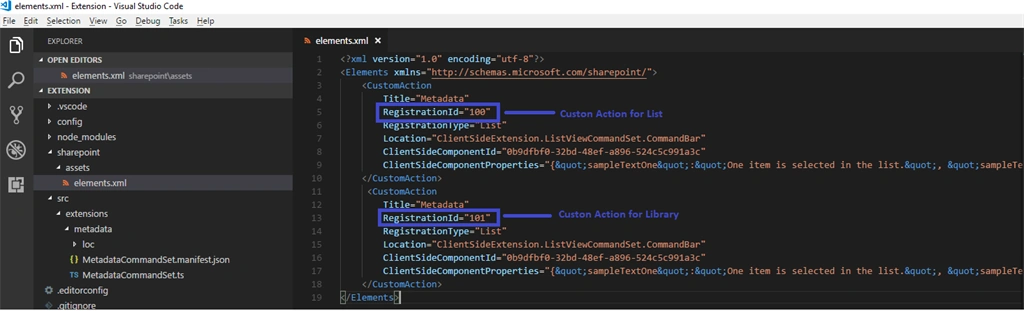
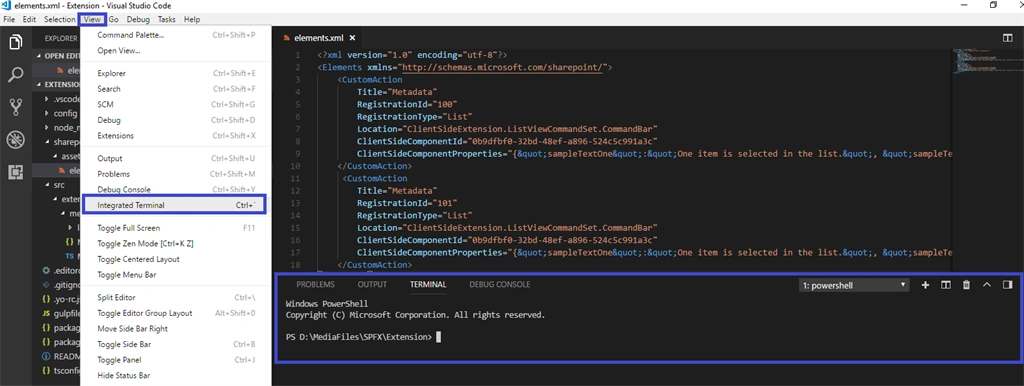
It will open the project into an open source IDE, i.e., Visual Studio Code (condition - Visual Studio Code needs to be installed). Navigate to SharePoint Folder Structure -> assets -> element.xml.
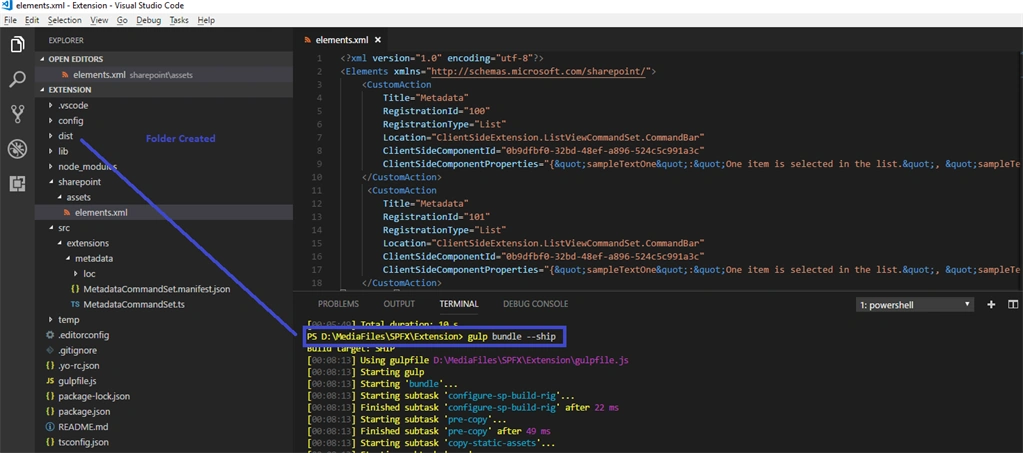
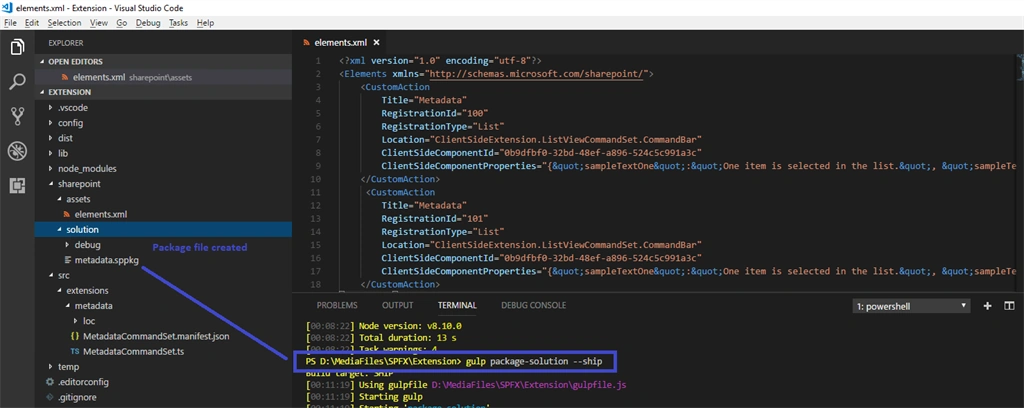
Custom Action tag has Registration Id of 100 which means it's associated with Generic List. We need to change the Registration Id from 100 to 101 which means it will associate the SPFX extension component to Generic Library.

Note
If you want to use the same custom SPFX extension to both list and library, copy and paste the same custom action and section one RegistrationId assign to 101.



Amul KumarPosted May 18, 2020, 9:01 AM
Hi, Is there a way we can update metadata for Library in SPFX extension?
SubratPosted Feb 27, 2020, 5:18 AM
Hi , how to add the command bad after the Flow ? my new button its coming after Export to excel button. Any help ?
Yogesh JagtapPosted Dec 5, 2019, 3:58 AM
How I can add multilevel Commands like : Command One have multiple child commands?