

SharePoint Server 2010 is the successor of MOSS 2007(Microsoft Office SharePoint Server).
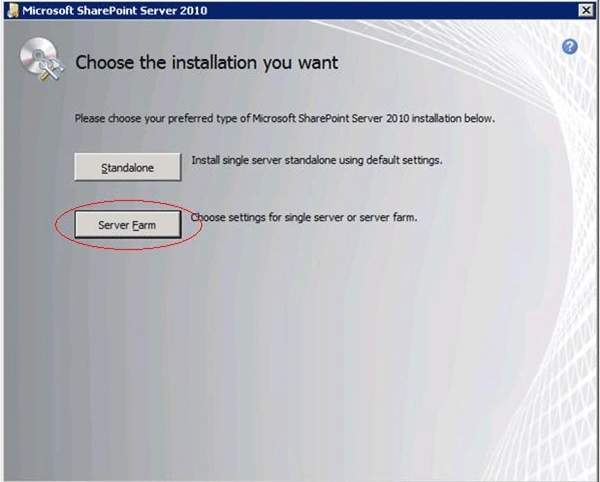
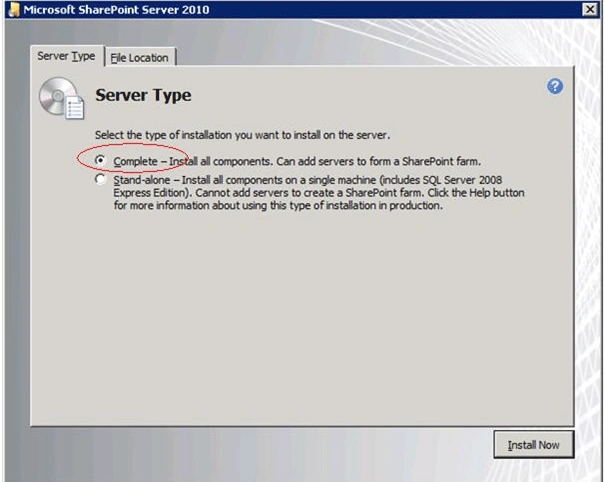
The Installation of SharePoint Server 2010 is quite the same as MOSS. This article will cover all the steps involved in Server Farm type installation of SharePoint Server 2010.
Have a look at the following which instructs all the prerequisites required before doing a SharePoint Server 2010 installation.
http://technet.microsoft.com/en-us/library/cc262485.aspx
Steps
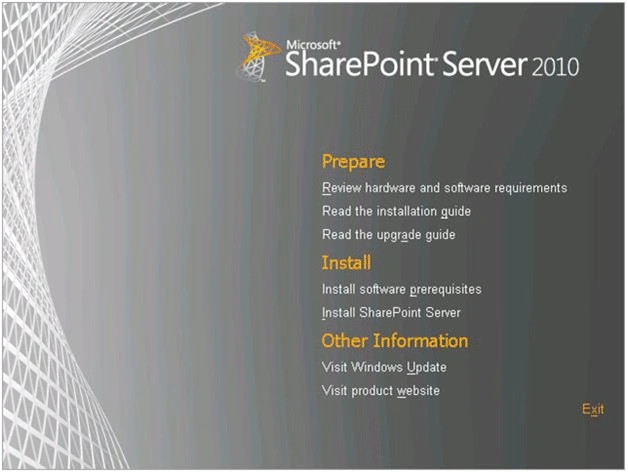
Following is the first window that will appear when Setup.exe is clicked
STEP:1
<formulas /></formulas />
STEP: 2
Click on "Install software prerequisites".
STEP: 3
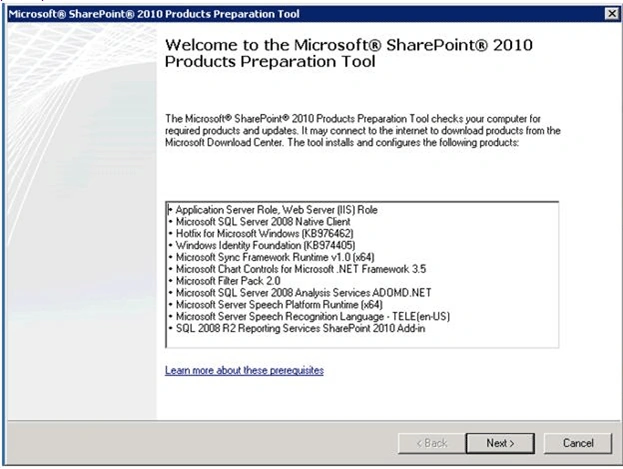
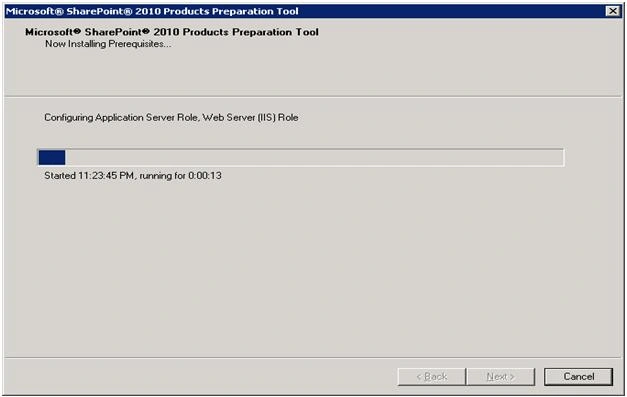
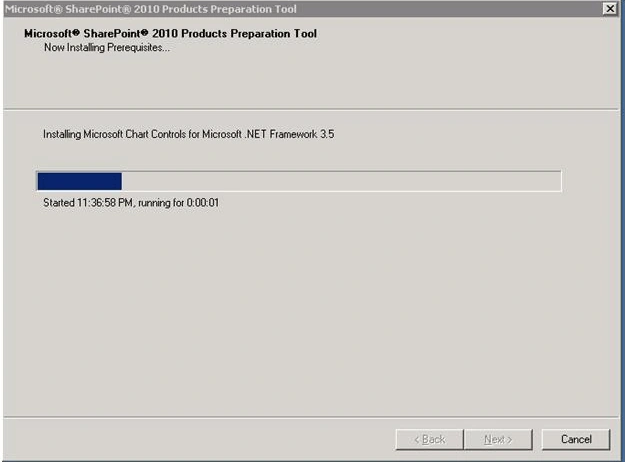
This requires internet connection to download the above software. If you do not have internet download these software manually through above link given in background section.
STEP: 4
STEP: 5
STEP: 6
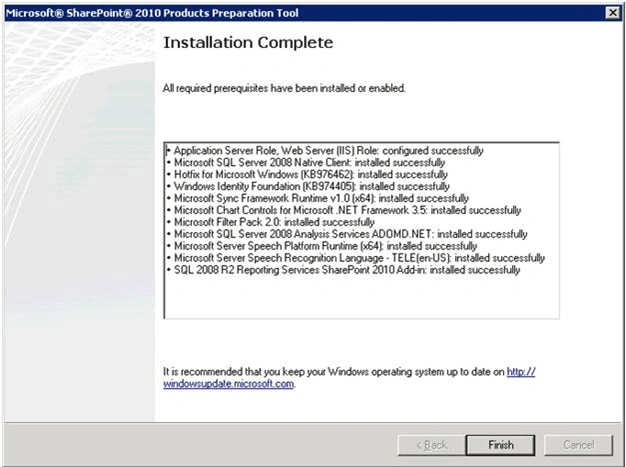
This finishes the installation of prerequisites. Please ensure all the above are installed properly.
STEP: 7
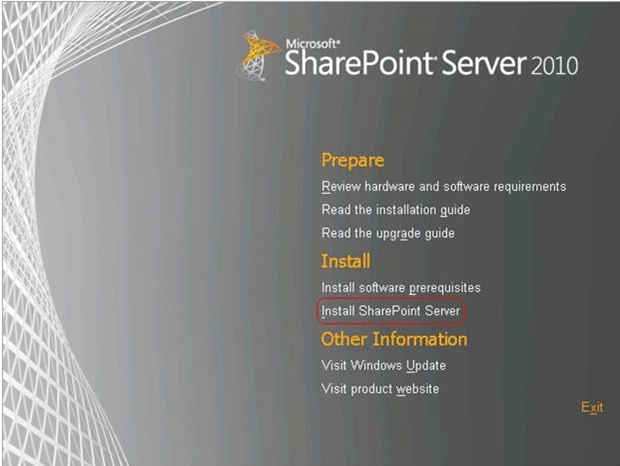
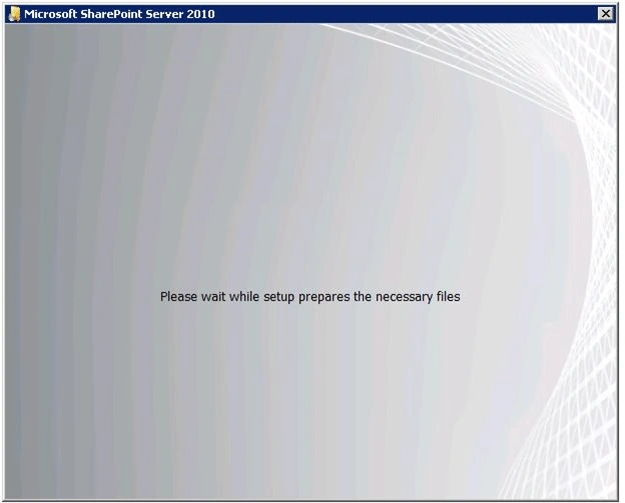
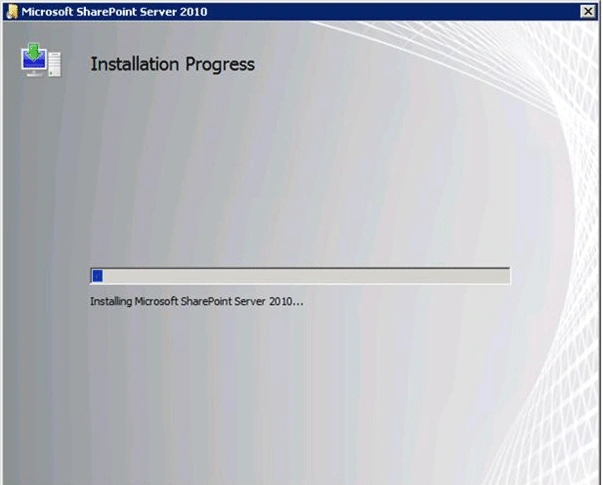
Click on Install SharePoint Server.
STEP: 8
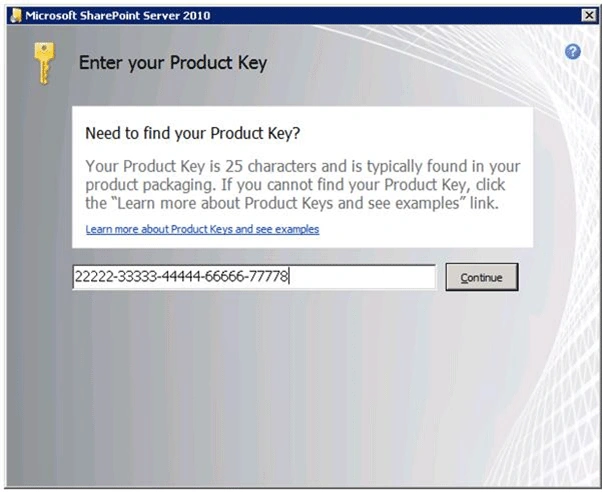
Please enter the Product Key
STEP: 9
STEP: 10
STEP: 11
Mahesh ChandPosted Dec 20, 2010, 11:10 PM
Good step by step screen shots.