
Introduction
In this article, I am going to demonstrate how you can create SOAP APIs in .NET Core, especially .NET 6.
Let's start by creating a project in Visual Studio.
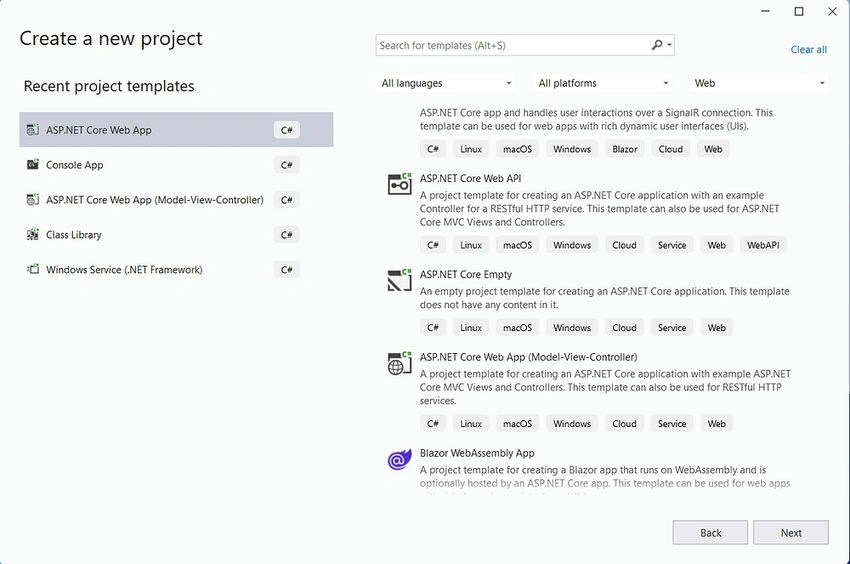
Choose one of the following ASP.NET Core Web App or ASP.NET Core Web App (Model-View-Controller).
2. Choose ASP.NET Core Web App and create a project.
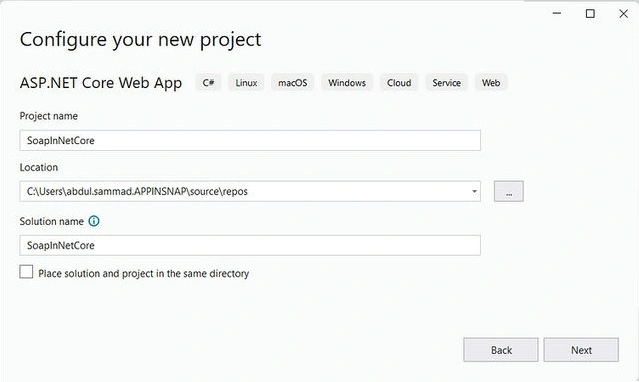
3. Create Business Logic Folder in Project.
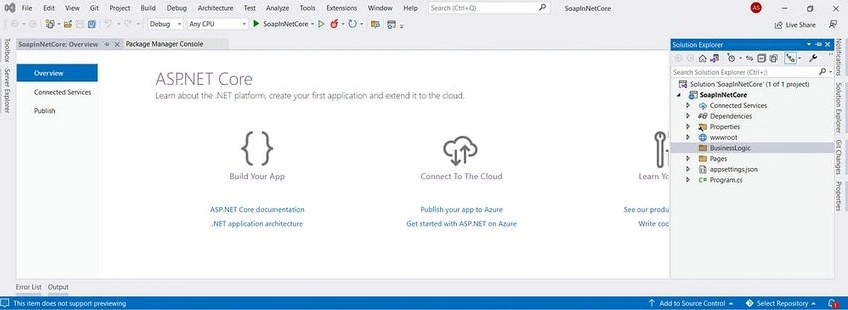
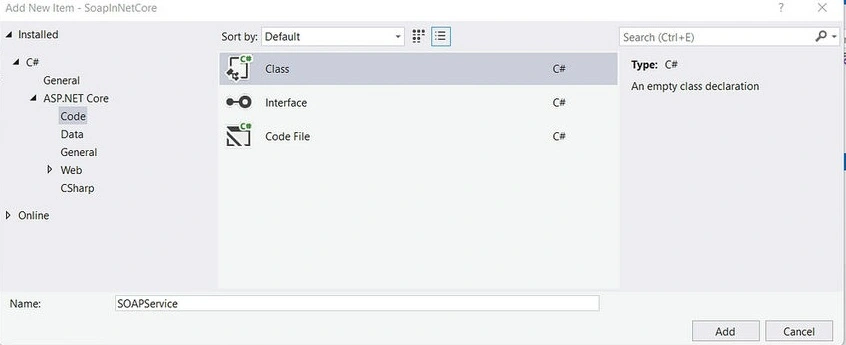
4. Create a Service/Interface in that folder for SOAP APIs.
5. Add/Install SoapCore NuGet package from NuGet Package Manager.
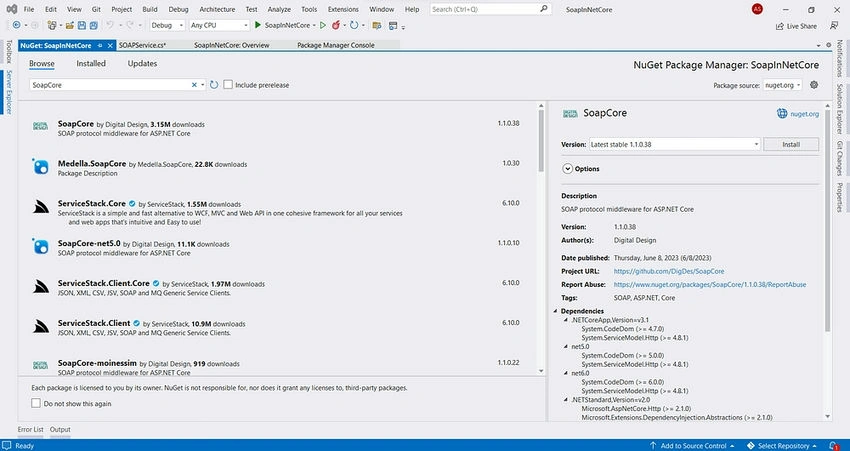
6. Add the below code in your SoapService.
using System.ServiceModel;

namespace SoapInNetCore.BusinessLogic
{
    [ServiceContract]
    public interface ISoapService
    {
        [OperationContract]
        string Sum(int num1,int num2);
    }

    public class SoapService : ISoapService
    {
        public string Sum(int num1, int num2)
        {
            return $"Sum of two number is: {num1+ num2}";
        }

    }
}
7. Now, we have to register the dependency and route of that service in the Program.cs class.
In the provided code snippet, I’ve registered the SoapService dependency and configured the endpoint for SoapService.
using SoapCore;
using SoapInNetCore.BusinessLogic;

var builder = WebApplication.CreateBuilder(args);

builder.Services.AddSoapCore();
builder.Services.AddScoped<ISoapService, SoapService>();

var app = builder.Build();

app.UseRouting();

app.UseEndpoints(endpoints =>
{
    endpoints.UseSoapEndpoint<ISoapService>("/Service.asmx", new SoapEncoderOptions(), SoapSerializer.XmlSerializer);
});

app.Run();
8. Now run the project and redirect to the endpoint /Service.asmx.
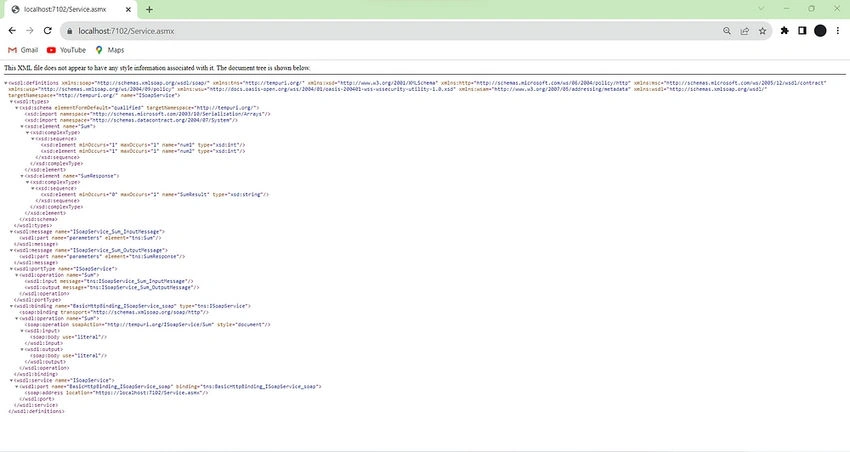
To consume SOAP service in .NET
1. Add service reference in Client Project and choose WCF Web Service.
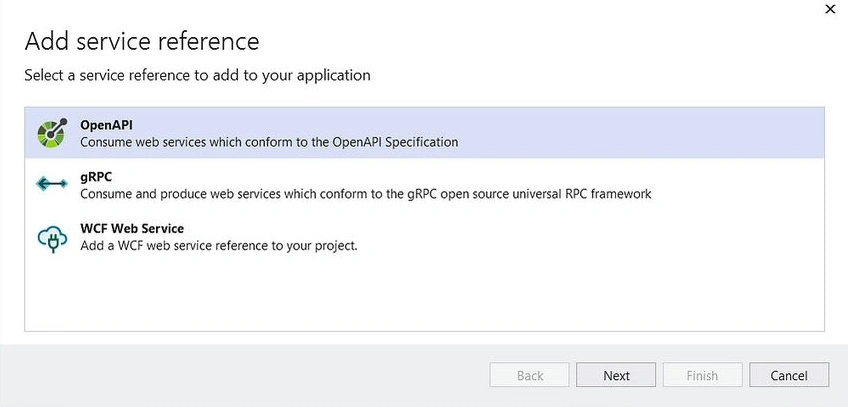
2. Now, in the URL, place your SOAP Service URL and click on the Go Button to check service has been exposed.
As we can see that we have one endpoint called Sum, which we can consume in our client project.
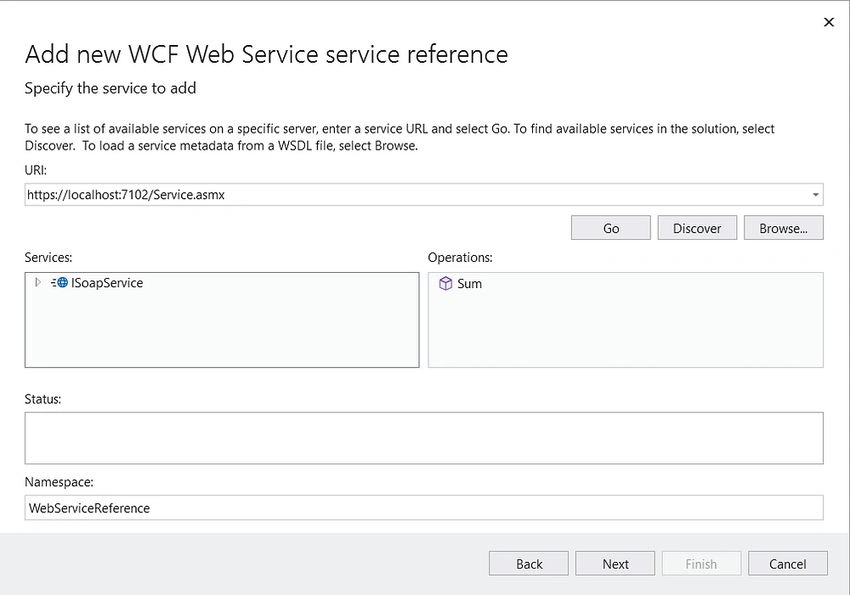
Click on the Next button, and finish the setup.
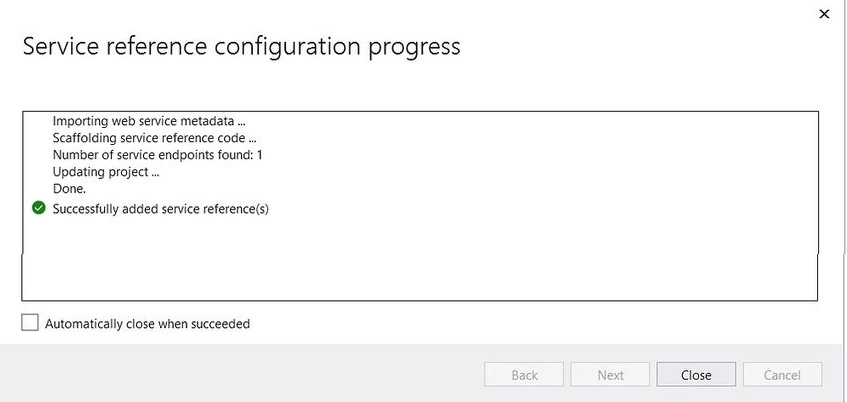
As you can see above, SS Service Reference has successfully been added.
Now, proceed to include the following line of code in the section where you want to consume this service.
ISoapService soapServiceChannel = new SoapServiceClient(SoapServiceClient.EndpointConfiguration.BasicHttpBinding_ISoapService_soap);
var sumResponse = await soapServiceChannel.SumAsync(new SumRequest()
{
    Body = new SumRequestBody()
    {
        num1 = 2,
        num2 = 3
    }
});
Console.WriteLine(sumResponse.Body.SumResult);
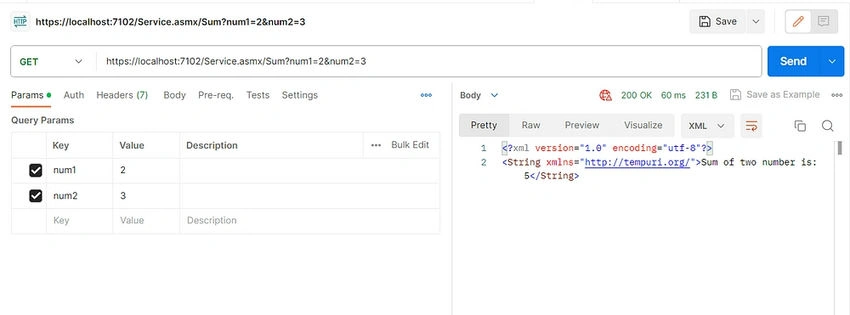
You can also consume this service from Postman.
Download the project from the following link.
gautamPosted Oct 26, 2023, 5:43 AM
Please help , I create service following above description but then tried to run the given path example.asmx After running the project and hitting the path I am being redirected to login page, and if I login into the project and then hit the path then getting 404 error, not able to get wsdl file
Abdul SammadPosted Aug 18, 2023, 9:05 PM
This plugin will going to create SOAP web service in .net core as you cannot create it in .net framework. In my knowledge you cannot create SOAP web service in .net core but this package/plugin do this for you in .net core. Also this will be useful when you have SOAP web service in .NET framework and you are going migrate your project from .NET framework to .NET core then this package will be useful for you to create SOAP web service, as you cannot tell all of your client to change consumption of that service at their end.
ilhan firePosted Aug 18, 2023, 2:20 PM
Okay, but what does this plugin do? You didn't tell me that.