

Introduction
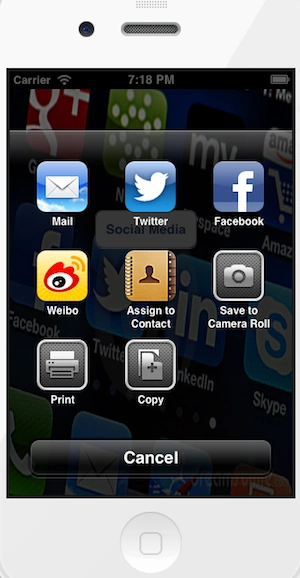
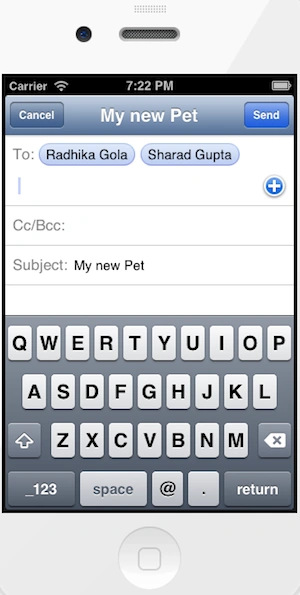
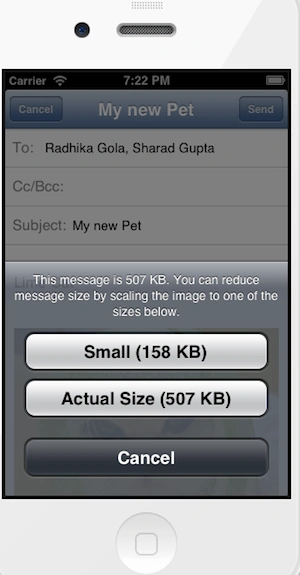
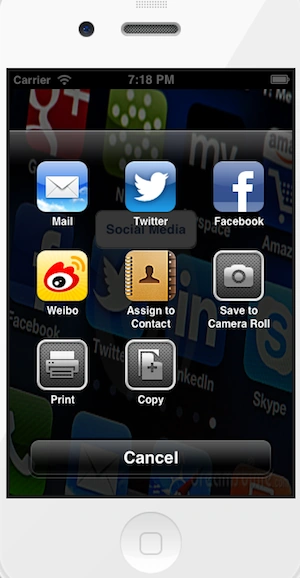
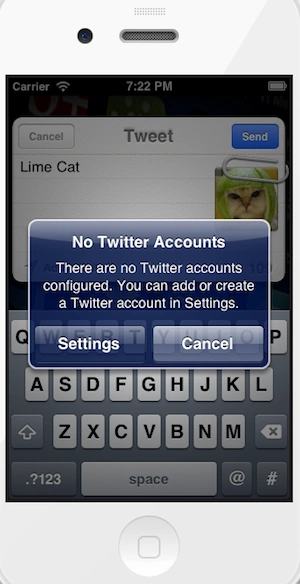
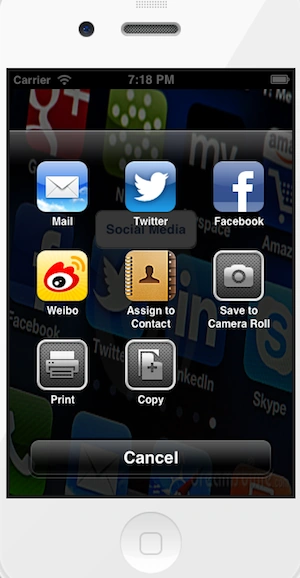
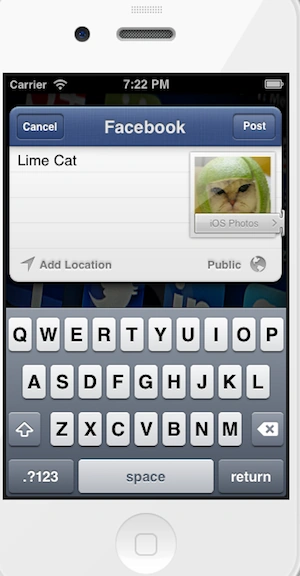
In this article I will create a Single View application. Here I use buttons from outlet. When we click on a button the Activity View Controller is called that is defined in a social framework. Using this we post an image or text in a single time multiple social site that is added in social framework.
To understand it we use the following.
Step 1
Here first we add the framework Social that is required to implement Facebook.
To import this framework we use the following.
Step 2
Click on the project and select Build Phase.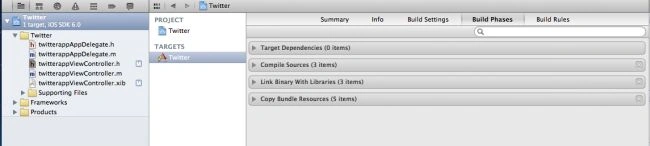
Step 3
Click on the "+" icon to add the framework.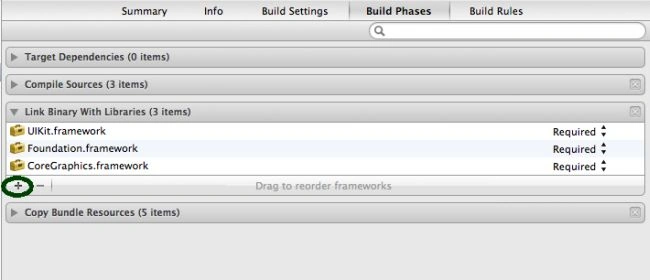
Step 4
Now select the Social framework and click on the add button.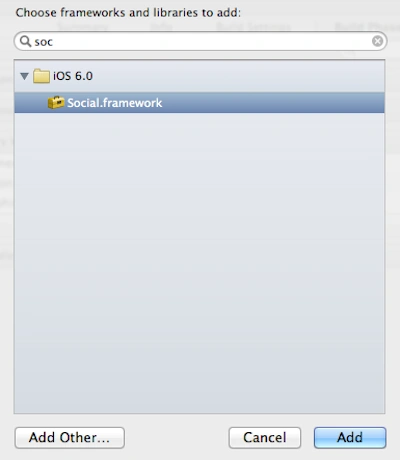
Step 5
Here we import an image in a bundle that was posted in multiple platforms.
Step 6
Now we write the code for each class.
SocialAppDelegate.h
#import <UIKit/UIKit.h>
@class SocialViewController;
@interface SocialAppDelegate : UIResponder <UIApplicationDelegate>
@property (strong, nonatomic) UIWindow *window;
@property (strong, nonatomic) SocialViewController *viewController;
@end
SocialAppDelegate.m
#import "SocialAppDelegate.h"
#import "SocialViewController.h"
@implementation SocialAppDelegate
- (void)dealloc
{
[_window release];
[_viewController release];
[super dealloc];
}
- (BOOL)application:(UIApplication *)application didFinishLaunchingWithOptions:(NSDictionary *)launchOptions
{
self.window = [[[UIWindow alloc] initWithFrame:[[UIScreen mainScreen] bounds]] autorelease];
// Override point for customization after application launch.
self.viewController = [[[SocialViewController alloc] initWithNibName:@"SocialViewController" bundle:nil] autorelease];
self.window.rootViewController = self.viewController;
[self.window makeKeyAndVisible];
return YES;
}
@end


Join the conversation! Your thoughts help the community grow.