

Introduction
While working on a SharePoint Framework (SPFx) project, it was required to upgrade to the latest SPFx version. We all know that the latest SPFx version is 1.9.1 and below are the main highlights of this version.
- Introduction of Library Component Type in General Availability
- Tooling move from WebPack 3 to WebPack 4
- Removal of GraphHttpClient from the API.
Explanation
In this article, I will explain the issues which I faced while upgrading the existing SPFx project (built with version 1.0.0) to the latest version. So, let’s get started!
NOTE
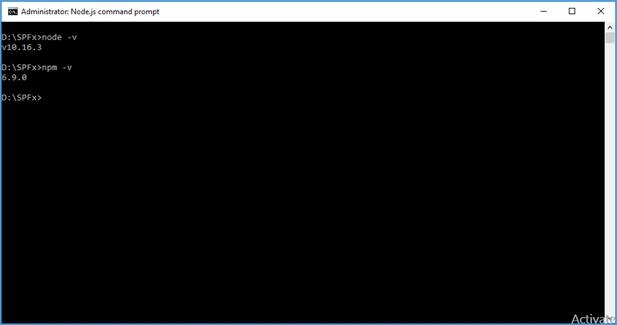
In my system, NodeJS version 10.16.3 is installed and the npm version is 6.9.0, as shown in the below image.
In my system, NodeJS version 10.16.3 is installed and the npm version is 6.9.0, as shown in the below image.
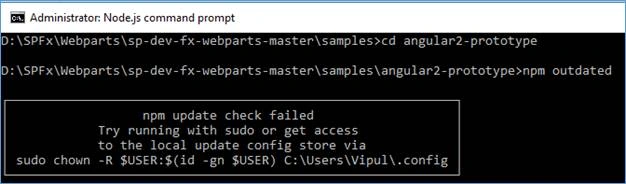
Issue 1 – npm update check failed
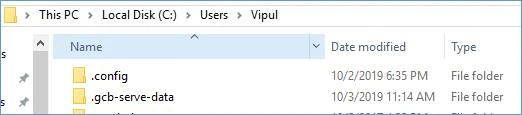
Solution – Delete the .config folder from the location in your system – C -> Users -> Username
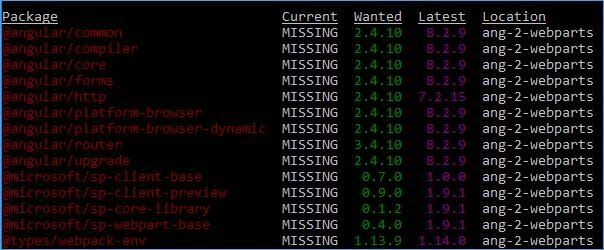
Issue 2 – JSON validation failed
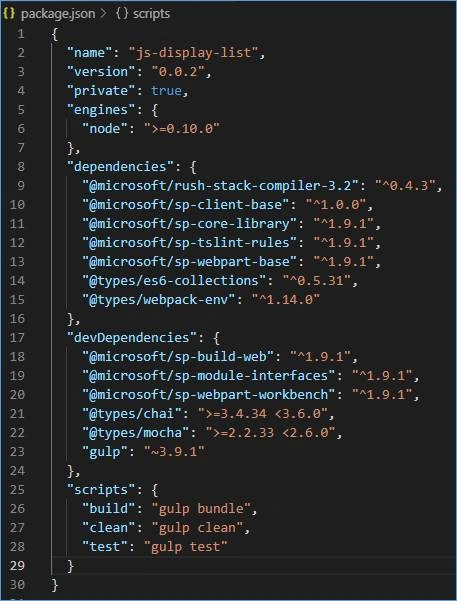
Solution – Check for outdated packages in your solution by running the command – npm outdated. This will list all the packages which are outdated in your current project and which need to be updated. Use the below command for upgradation.
npm install mypackage@newversion –save
E.g. - npm install @microsoft/[email protected] --save
NOTE
All the SharePoint Framework packages start with @microsoft/sp-
All the SharePoint Framework packages start with @microsoft/sp-
Issue 3 – rush-stack compiler error
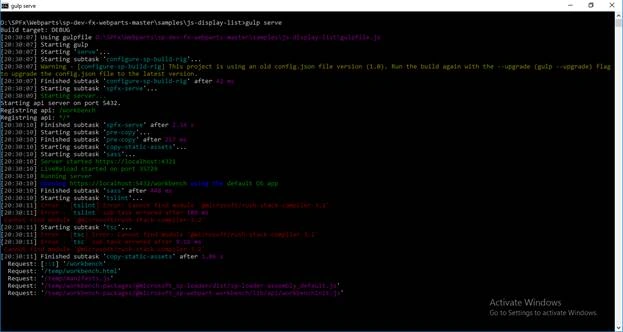
Solution – Update rush stack compiler using the command npm i @microsoft/rush-stack-compiler-3.2
Issue 4 - config upgrade, you are using an old version of config.json file
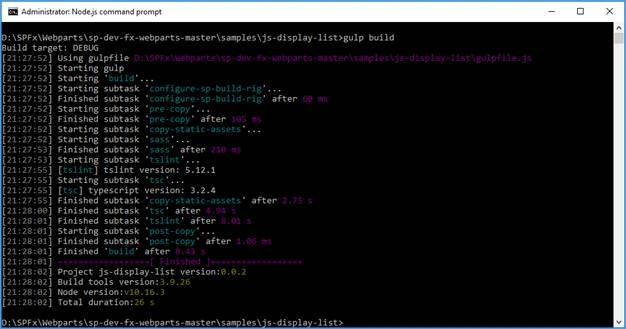
Solution – Run the command – gulp build --upgrade
Issue 5 – Issues with the contents of tsconfig.json and tslint.json files
Solution – To solve this issue, please refer to the contents which need to be added to these two files. In other words, replace the content of these two files with the below content.
tsconfig.json
- {
- "extends": "./node_modules/@microsoft/rush-stack-compiler-3.2/includes/tsconfig-web.json",
- "compilerOptions": {
- "target": "es5",
- "forceConsistentCasingInFileNames": true,
- "module": "esnext",
- "moduleResolution": "node",
- "jsx": "react",
- "declaration": true,
- "sourceMap": true,
- "experimentalDecorators": true,
- "skipLibCheck": true,
- "outDir": "lib",
- "inlineSources": false,
- "strictNullChecks": false,
- "noUnusedLocals": false,
- "typeRoots": [
- "./node_modules/@types",
- "./node_modules/@microsoft"
- ],
- "types": [
- "es6-promise",
- "webpack-env"
- ],
- "lib": [
- "es5",
- "dom",
- "es2015.collection"
- ]
- },
- "include": [
- "src/**/*.ts"
- ],
- "exclude": [
- "node_modules",
- "lib"
- ]
- }

Join the conversation! Your thoughts help the community grow.