

SplitContainer is a combination of panels and a splitter control. Two panels are separated by the splitter control. The default SplitContainer is shown in Figure 1.
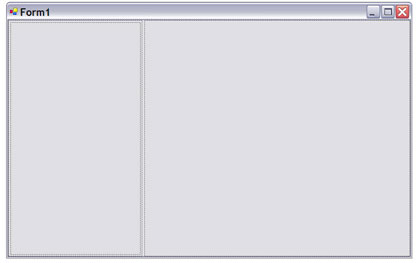
Figure 1. SplitContainer control
In Figure 1, you can see there is a left panel (Panel1) and there is a right panel (Panel2) separated by a splitter. Now to create an Outlook type application, I drop one more SplitContainer on the right panel of SplitContainer1. By default the orientation of SplitContainer is vertical. I set it to Horizontal. See Figure 2.
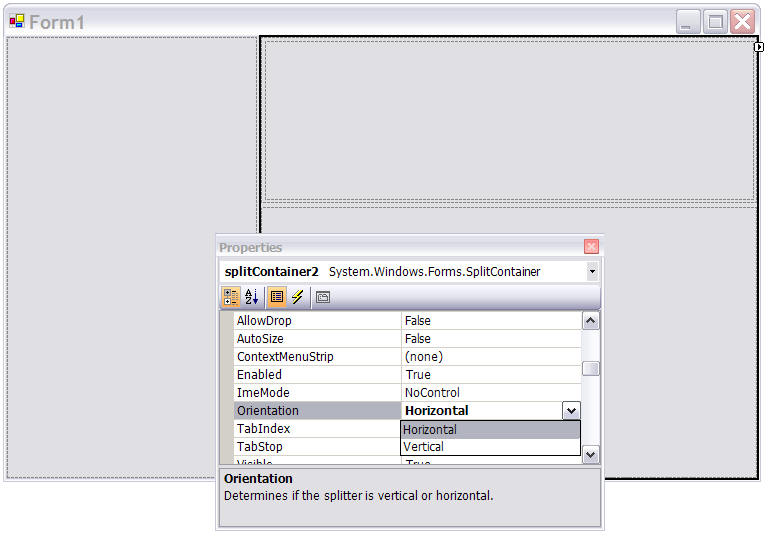
Figure 2. Adding second SplitContainer with Orientation = Horizontal.
Now I change the color of various panels so they can be easily identified. Now the final form looks like Figure 3. You can resize the panels by using the splitter.
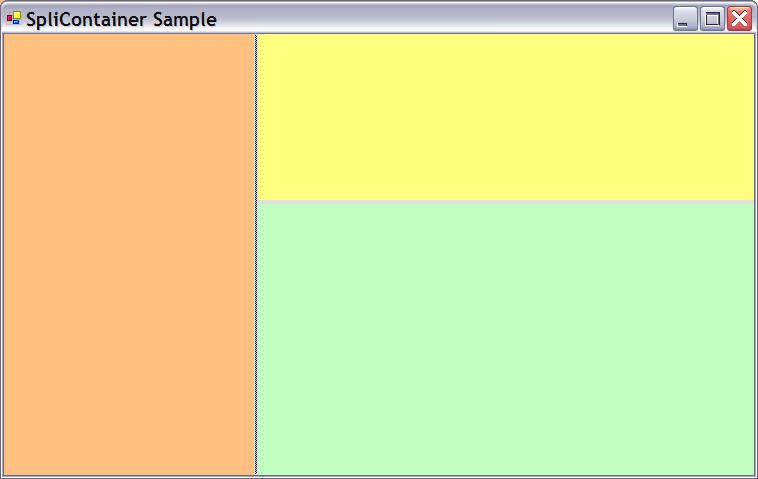
Figure 3. Outlook style application.
Now you can drop TreeView, ListBox, DataGrid and other controls on these various panels and create the application whatever way you want.
ManuelPosted Nov 8, 2010, 11:18 AM
hola tengo un problema, tengo un MDI con un splitContainer y este con 2 paneles en el primer panel tengo un menu y en el segundo es donde abro los formularios, cuando un formulario desde el menu que esta en el panel1 si funciona pero cuando de este formulario del hijo quiero abrir un tercer formulario no dentro del panel no funciona me podrian ayudar
JellePosted Mar 7, 2006, 1:02 PM
i was looking at your article and now my question is can i open a form in one of those panels?