

Squadron is a Free Administrative Tool for SharePoint. You can download it from:
http://www.sharepointcto.com/Squadron/Default.aspx
What is inside the Permissions Add-in?
Permission Add-in helps with the following tasks:
- Find permissions at the site, list, or item level
- Distinguish between Unique & Inherited permissions
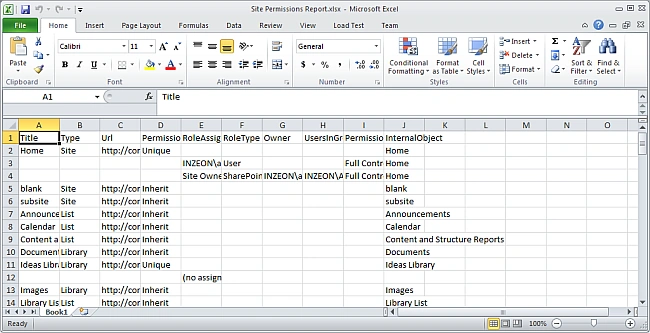
- Save Reports
- Provides wizards to Find, Copy, Delete, Backup and Restore permissions
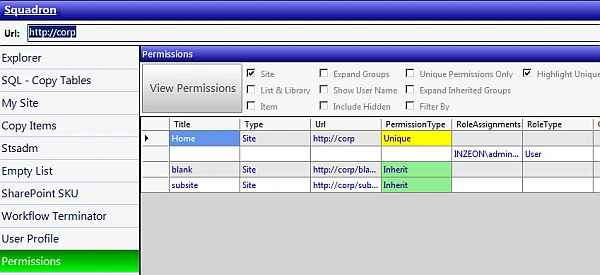
Types of Permissions
In a quick overview of Permissions, there are basically 2 types:
- Unique Permissions: where we assign unique users/groups & permission levels.
- Inherited Permissions: where the securable object (site, list, item) inherits permissions from its parent.
How to Generate the Report?
Let us examine the procedure to generate a report for a site collection.
Step 1: Enter URL
Run Squadron & in the screen that appears, enter the URL of the site. Please note that you should run this in the SharePoint Farm Account context.
Step 2: Open Permissions
From the left hand side click the Permissions link. 
Step 3: Set Options
You can set the options in the screen that appears.




Join the conversation! Your thoughts help the community grow.