

Introduction
In this article, I will explain strings in Python.
Definition
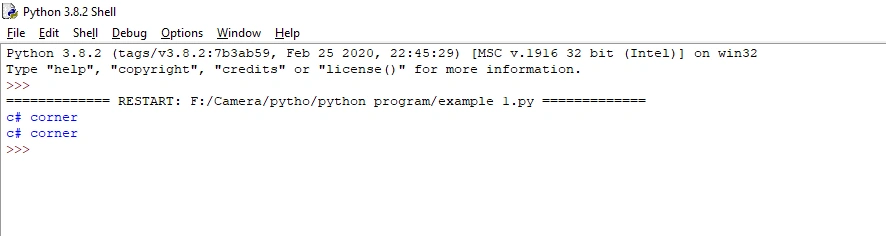
In Python, string data type is used to print a string statement in the output screen. We use symbol single quotations (or) double quotations to give the same result.
(“c# corner” is the same as ‘c# corner’).
Example
- print("c# corner")#double quotation
- print('c# corner')#single quotation
Output
Assign String Variables
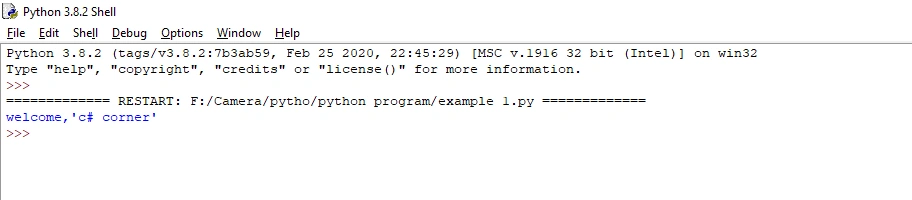
In Python, to assign string variables, we use any alphabetic sentence(or) alphabet. The variable name is followed by an equal symbol and the string. (a=” welcome”)
Example
- a=("welcome,'c# corner'")#double quotation and single quotation
- print(a)#To print the output screen (a) assigned string variables.
Output
Multiline strings
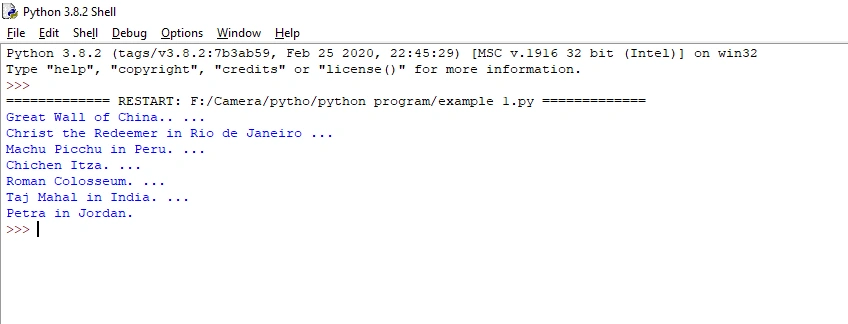
In Python, we can assign one more lines to a variable. We use three quotes as the symbol. (“”’ some statement “””)
Example
- a = '''''Great Wall of China.. ...
- Christ the Redeemer in Rio de Janeiro ...
- Machu Picchu in Peru. ...
- Chichen Itza. ...
- Roman Colosseum. ...
- Taj Mahal in India. ...
- Petra in Jordan.'''
- print(a)
Output
String in array
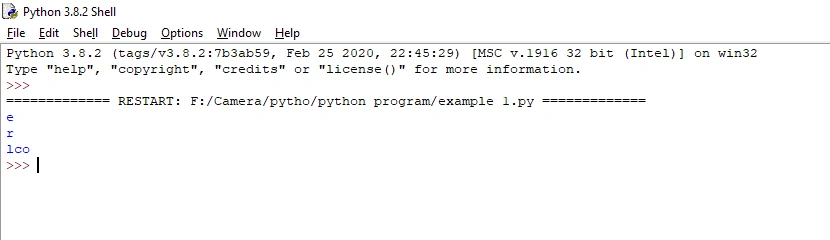
Arrays are popular in most programming languages, such as Java or C/C++. An array is a separate string value, one by one. The first array is in the “0” position, the last array position is the negative value keyword (-1).
Example
- a = "welcome,c# corner" #First array is the “0” position
- print(a[1])# "1" array position is the second position.
- print(a[-1])#last position
- print(a[2:5])#position 2 to position 5.
Output
String length method
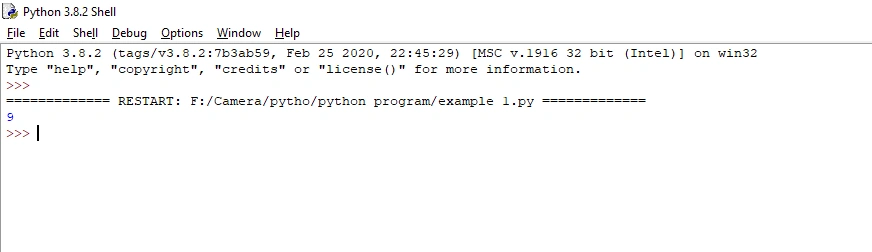
In python, the len () keyword is used to find many letters present in a string.
Example
- a = "c# corner"
- print(len(a))# find many letters present in string
Output
String lower method
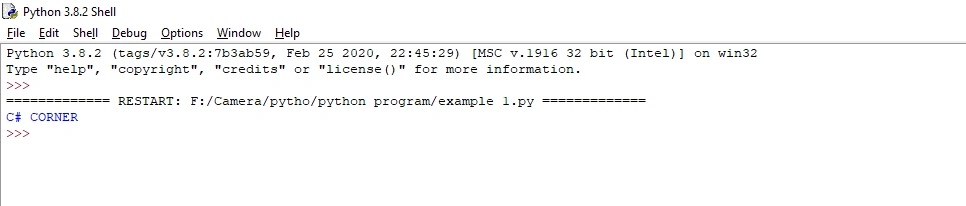
In Python, the lower () keyword is used to change the string to lowercase.
Example
- a = "c# corner"
- print(a.upper())#change the string in upper case
Output
String Upper Method
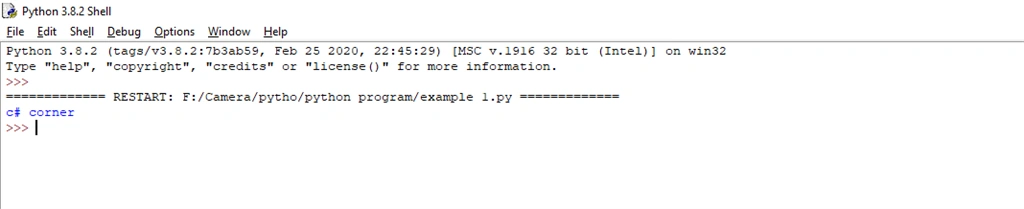
In Python, the upper () keyword is used to change the string to upper case.
Example
- a = "C# CORNER"
- print(a.lower())#change the string in lower case
Output
Conclusion
In this article, we have seen strings in Python. I hope this article was useful to you. Thanks for reading!
Join the conversation! Your thoughts help the community grow.