

Introduction:
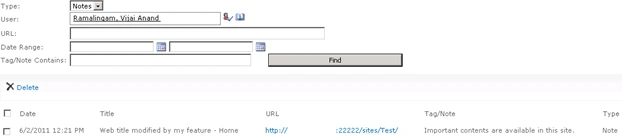
In this article we will be seeing about the Tags and Notes feature available in
SharePoint 2010. Social Tags which are used to enable users to save items of
interest, organize all information for a project and connect to others who share
their interests. Note Board which is used to enable users to add comments about
web pages, documents and library items to be tracked in a central location.
Activate SocialRibbonControl feature in SharePoint 2010:
To add the tags and notes we need to enable a farm level feature called "Social
Tags and Note Board Ribbon Controls".
Through UI:
Steps Involved:
- Go to Central Administration => System
Settings => Farm Management => Manage farm features.

- Activate the feature "Social Tags and Note
Board Ribbon Controls".

Using Powershell:
Steps Involved:
- Go to Start => All Programs => Microsoft SharePoint 2010 products => SharePoint 2010 Management Shell.
- Run as an administrator.
- Run the following script.
$SocialRibbonFeatureStatus= Get-SPFeature -Farm | ?{$_.DisplayName -eq "SocialRibbonControl"}
if($SocialRibbonFeatureStatus -eq $null)
{
write-host -f white "Social Ribbon Control Feature is Enabling"
Enable-SPFeature -Identity "SocialRibbonControl"
write-host -f green "Social Ribbon Control Feature is enabled successfully"
}
else
{
write-host -f yellow "Social Ribbon Control Feature is already enabled"
}
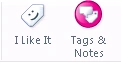
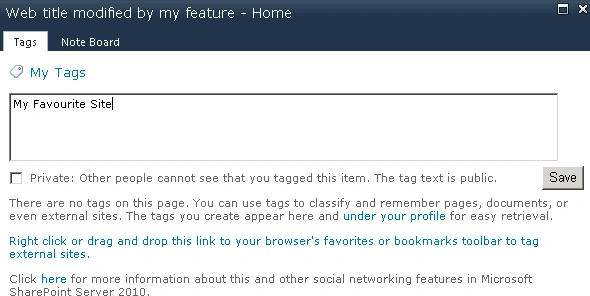
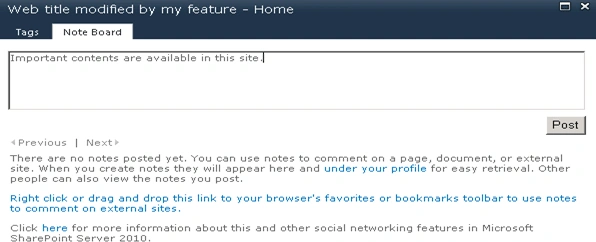
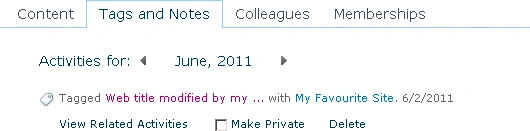
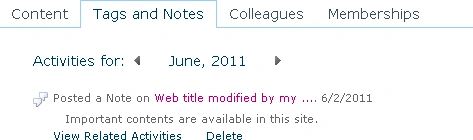
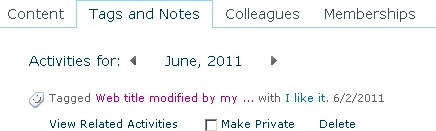
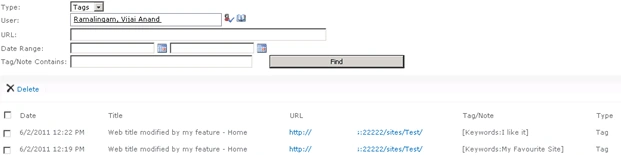
Add Tags, Notes, I like it:

Patti RothPosted Mar 16, 2012, 4:10 PM
I've been asked to add a disclaimer on the tag/notes form, but have no idea what the name of the form is or where it resides. Any suggestions? Thanks!