

Abstract. I decided to test the speed of the latest technology in external SSD devices practically and compare it to previously available technologies of external USB-based backup devices. Tests are done with real-life file sets and real commercial laptops used in typical company environments.
1. Need for External USB backup in the modern business environment
The need for safe, offline backup is driven by ransomware attacks, which I actually experienced in my company. However, there are also other kinds of needs to move files between workstations, home, and office computers, and there is a need to have backup in case of system crashes or accidental deletions.
For such situations, External USB memory/disk devices are irreplaceable. I like them because I can attach them to make a backup, detach them later, and physically move them to a safe place, where they are definitely offline.
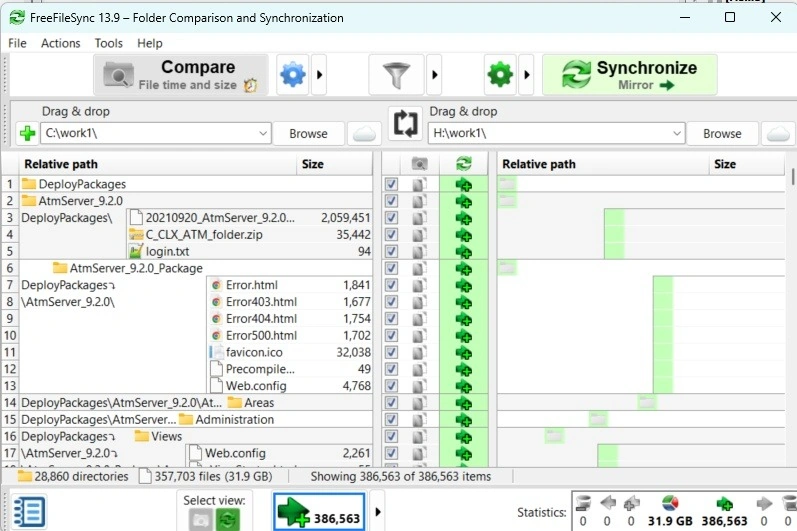
My favorite backup method is a very simple one: the usage of the FreeFileSync app (high-quality freeware) that synchronizes directories. I keep all my work files on my work laptop in one root folder and sync periodically to an External USB device.
In compliance with company rules, I keep all my External USB devices BitLocker encrypted and secured with the password needed to access the device. There are many sensitive company and personal documents I have there, so I definitely want them safe in case memory/disk device is lost, for example during commuting to/from the office.
Over the years, technology for External USB memory/disk backup changed, always bringing greater transfer speeds. I bought some latest External SSD-s, so I wanted to test them.
2. Test scenario setup
Here are the basic testing conditions.
- I will use a new Lenovo laptop with the newest USB A and USB C ports.
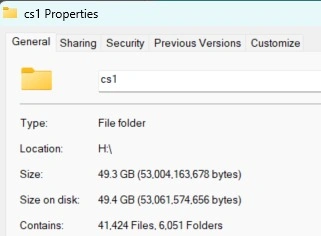
- I will back up real-life work files, around 49.4GB.
- I will backup them to the External USB memory/disk device of choice.
- External USB memory/disk devices will be BitLocker encrypted.
- I will use the FreeFileSync app (high-quality freeware) that synchronizes directories as a backup solution.
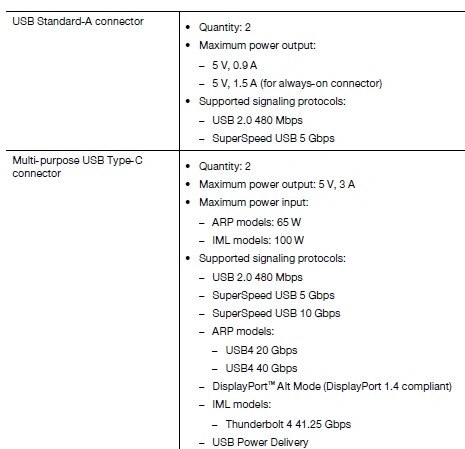
Here are the specs for the ports of my laptop.
Here is the folder with real-life docs that I will back up.
3. Testing External 64GB USB Flash drive
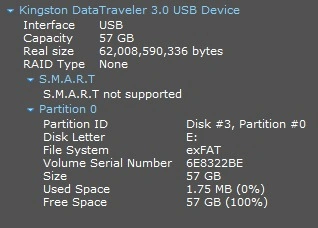
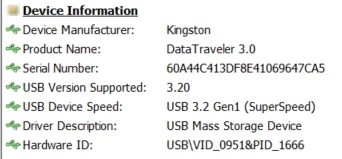
Device info
- 64GB USB Flash drive
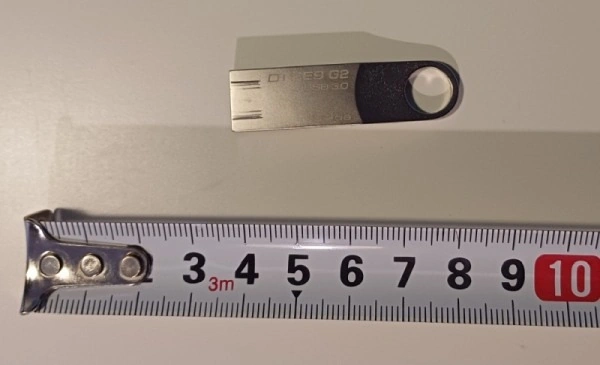
- Kinston DataTraveler 3.0 USB
- USB-A, 3.0 (5Gbps)
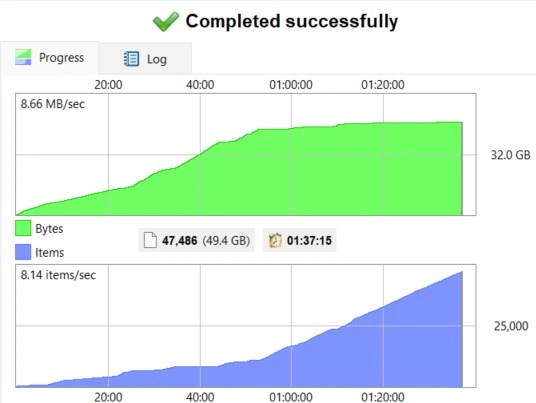
- 49.4GB transferred in 97min 15sec
- The average speed of backup 8.66MBps=69.26Mbps
4. Testing External 1 TB USB HDD
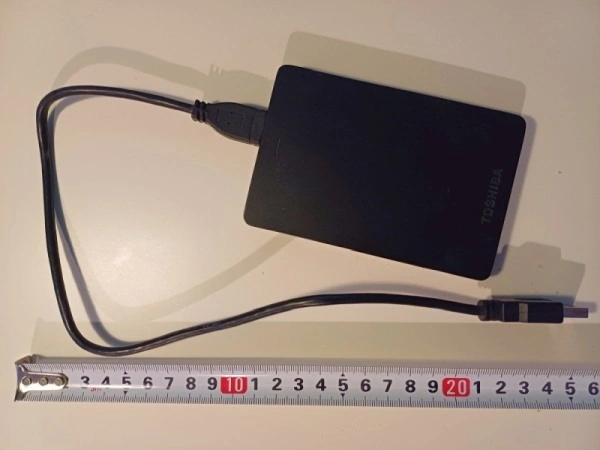
Device info
- External 1 TB USB HDD
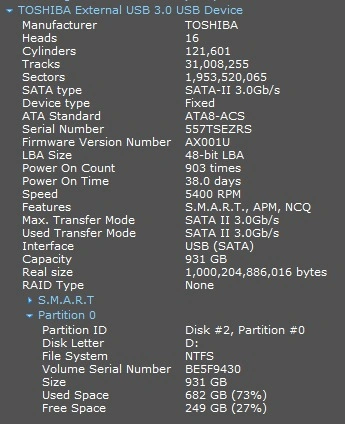
- Toshiba 1 TB HDD
- USB-A, 3.0 (5Gbps)
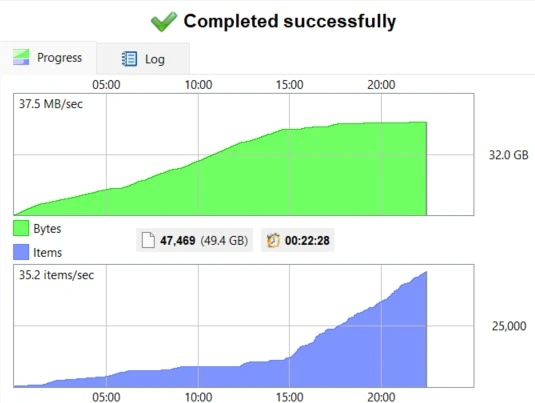
- 49.4GB transferred in 22min 28sec
- The average speed of backup is 37.5 MBps=300 Mbps

5. Testing External SSD 1 TB, USB 3.2 Gen2
Device info
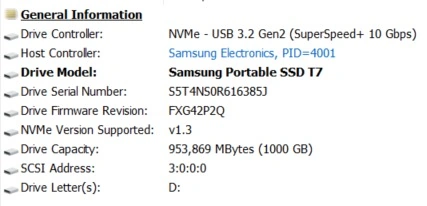
- External 1 TB SSD
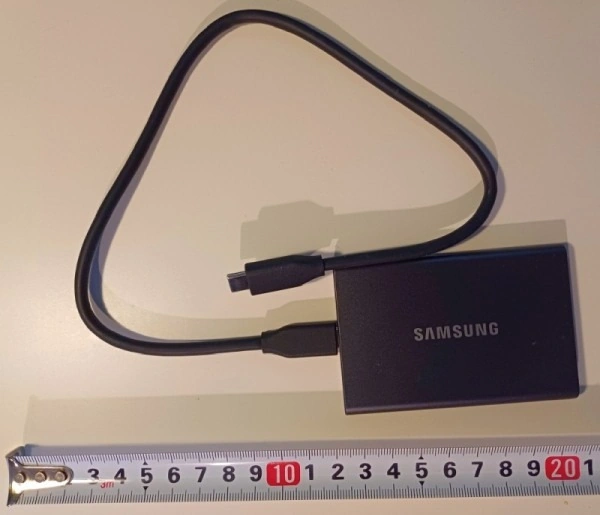
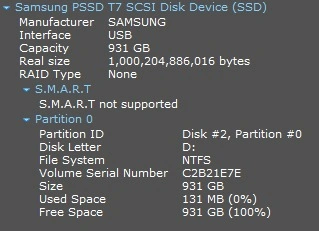
- Samsung PSSD T7 1TB
- USB-C 3.2 Gen 2 (10Gbps)
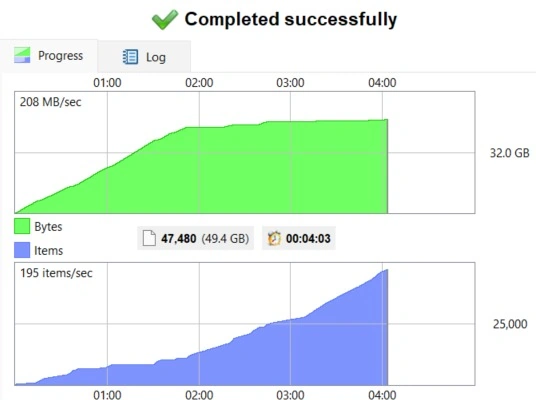
- 49.4GB transferred in 4min 3sec
- The average speed of backup was 208 MBps=1664 Mbps
6. Testing External SSD 2 TB, USB 3.2 Gen2x2
Device info
- External 2 TB SSD
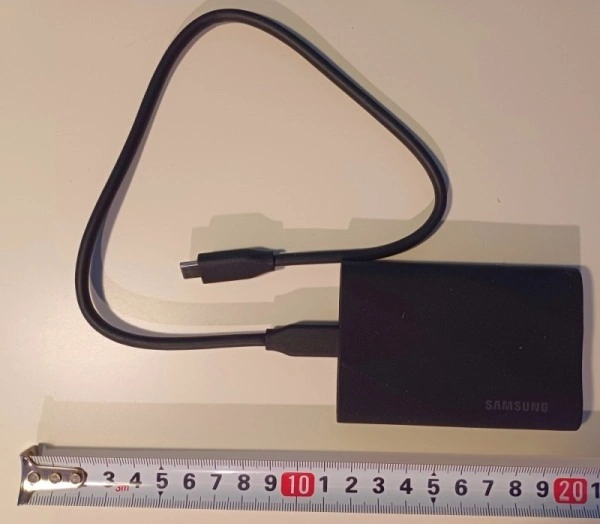
- Samsung PSSD T9 2TB
- USB-C 3.2 Gen 2x2 (20Gbps)
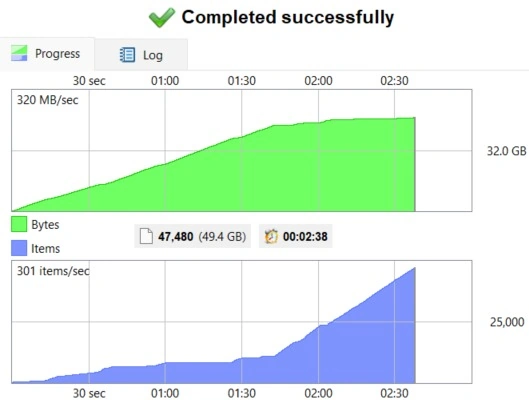
- 49.4GB transferred in 2min 38sec
- The average speed of backup is 320 MBps=2560 Mbps


7. Conclusion
So, here are actual practical speeds of backup in real-world situations.
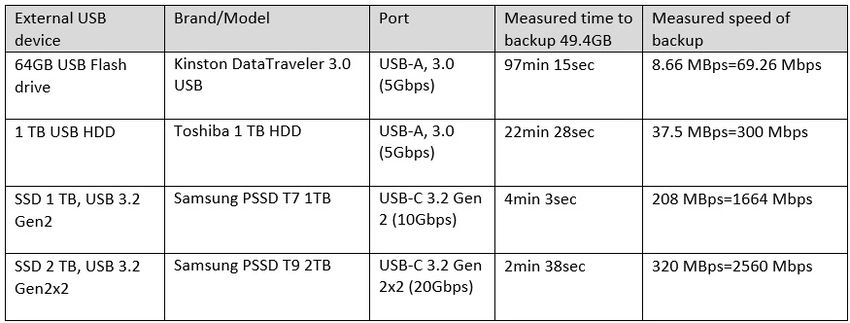
These values are measured in these conditions.
- Used a new Lenovo laptop (December 2024) with the newest USB A and USB C ports
- Backup real-life work files, around 49.4GB, 41.000 files, 6.000 folders
- External device BitLocker encrypted
- Used FreeFileSync app (high-quality freeware) that synchronizes directories as a backup solution
Join the conversation! Your thoughts help the community grow.