

Problem
I have a SharePoint Team Site http://serverName:5520/sites/MMS-CTH/. In the Shared Documents I tried creating a metadata column which should have a custom term set (local term sets which is site collection specific). When I click on the "Customize your term set" option in the Term Set Settings, as in:
I was getting the following error: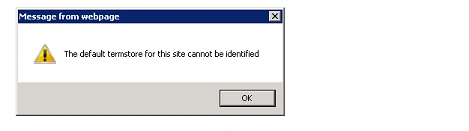
How to resolve:
- Go to Central Administration.
- Click on Application Management in the quick launch.
- Click on Manage Service Applications under Service Application section.
- Select Managed Metadata Service Connection and then click on Properties in the ribbon interface.
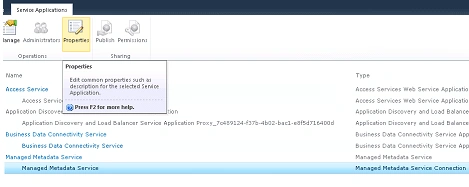
- Select "This service application is the default storage location for column specific term sets." option in the Edit Managed Metadata Service Connection page.
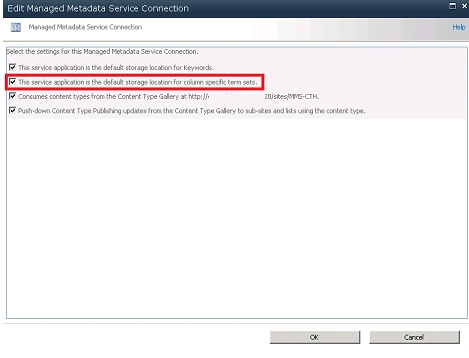
- Click on Ok.
- Now I was successfully able to create the custom term sets (local term sets which are site collection specific).
Join the conversation! Your thoughts help the community grow.