
For decades, the .sln file has been the backbone of .NET development. It defined how projects were grouped, built, and loaded inside Visual Studio. However, the modern .NET ecosystem is evolving—and with it, the way solutions are represented.
Microsoft is gradually moving toward a more flexible, scalable, and tooling-friendly approach to solution management, signaling a clear shift away from the traditional .sln format.
Understanding the Traditional .sln File
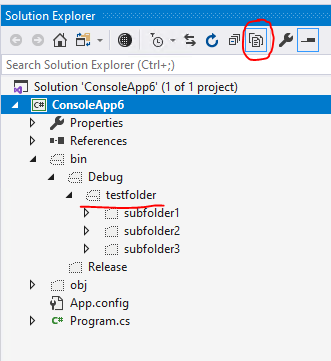
The .sln (Solution) file is a text-based format primarily designed for Visual Studio. It contains:
Project references and GUIDs
Build configurations (Debug, Release)
Platform mappings (Any CPU, x64)
IDE-specific metadata
Project("{FAE04EC0-301F-11D3-BF4B-00C04F79EFBC}") =
"MyApp", "MyApp.csproj", "{GUID}"
EndProject
The problem: .sln files were designed for IDEs, not for modern automation or cloud-native workflows.
Why .sln Files Are Becoming a Bottleneck
1. IDE-Centric Design
The .sln format is tightly coupled with Visual Studio. Other tools (CLI, CI/CD pipelines, lightweight editors) treat it as a secondary artifact.
2. Poor Merge Experience
Because .sln files rely heavily on GUIDs and ordering, Git merge conflicts are frequent and painful.
3. Redundant Metadata
Modern SDK-style .csproj files already contain most of the build and dependency information. The solution file often duplicates this data.
The Rise of the New Solution Model (.slnx)
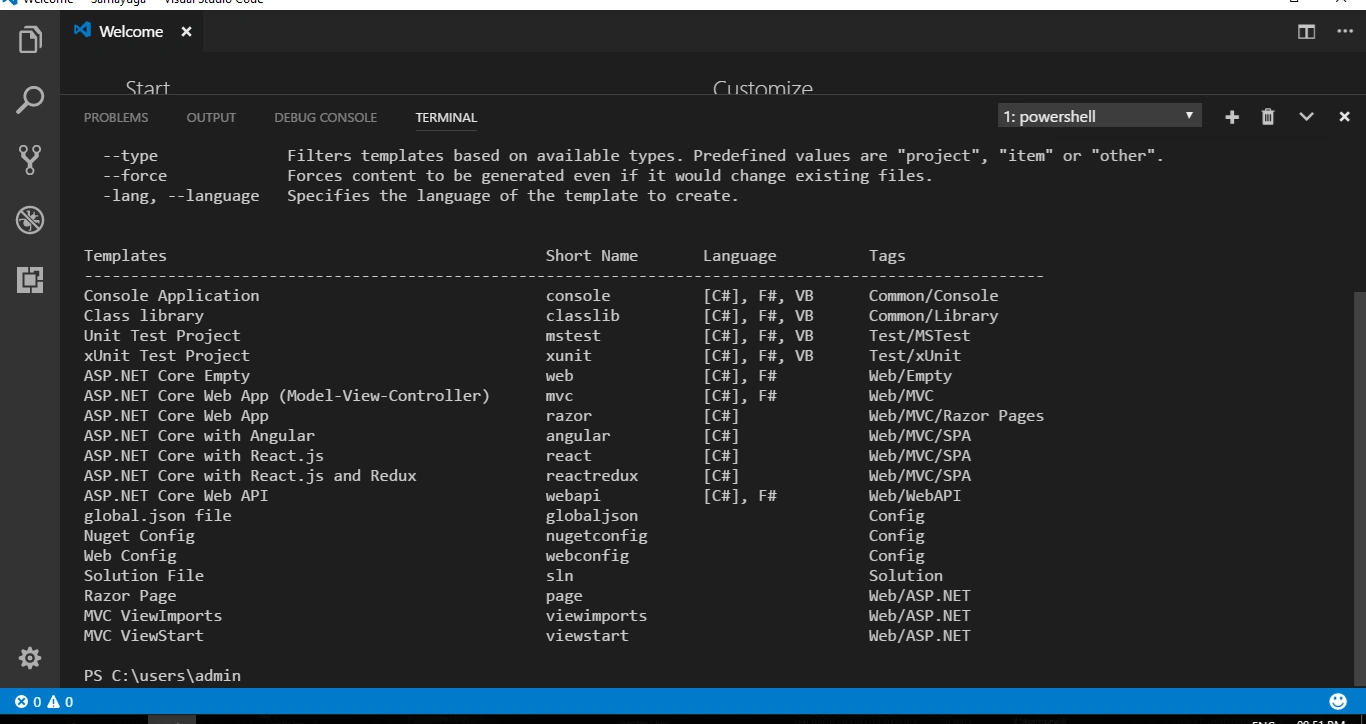
Microsoft has introduced a next-generation solution format (commonly referred to as .slnx) as part of ongoing tooling evolution. This new format focuses on:
Declarative and readable structure
Better source control compatibility
Reduced IDE-specific noise
Improved performance for large repositories
Key Differences at a Glance
| Aspect | .sln | .slnx |
|---|---|---|
| Primary Audience | Visual Studio | Tooling & Automation |
| Merge Friendly | No | Yes |
| Human Readability | Low | High |
| Future Ready | Legacy | Modern |
What This Means for .NET Developers
The shift away from .sln does not mean immediate removal. Microsoft is known for long transition periods. However, it does mean:
New tooling will prioritize modern formats
CLI-first workflows will become standard
Solutions will be more repository-centric
CI/CD pipelines will simplify
Important: Existing .sln files will continue to work, but future investments will focus elsewhere.
Best Practices Going Forward
Adopt SDK-style project files everywhere
Minimize dependency on solution-level configuration
Use CLI tools (
dotnet build,dotnet test)Prepare repositories for solution-less workflows
Conclusion
The traditional .sln file is not dead—but it is no longer the future. Microsoft’s direction is clear: simplify, modernize, and decouple tooling from the IDE.
Developers who adapt early will benefit from cleaner repositories, fewer merge conflicts, and faster automation pipelines.
Join the conversation! Your thoughts help the community grow.