

Introduction
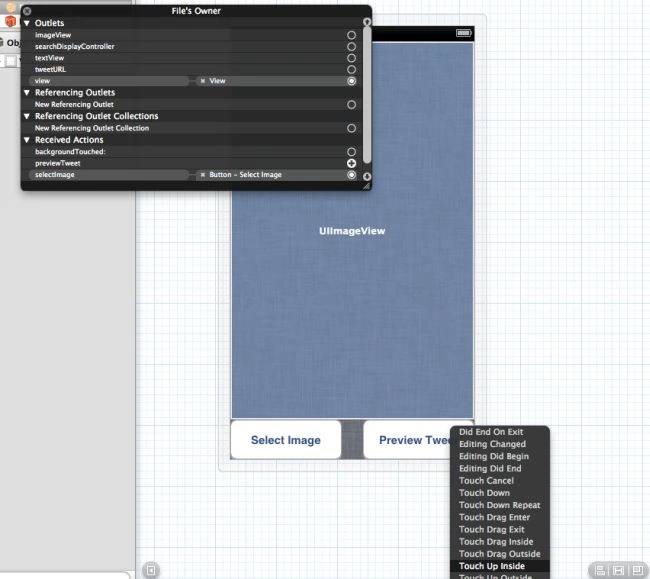
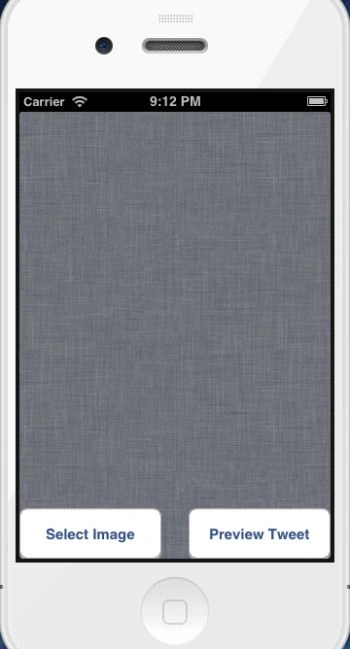
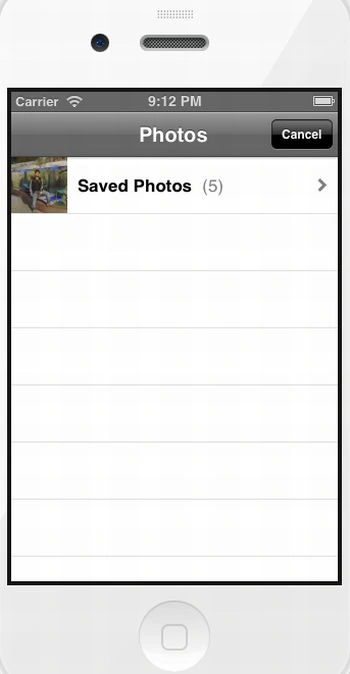
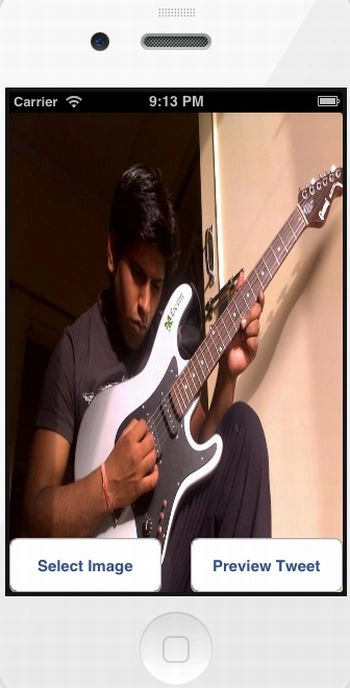
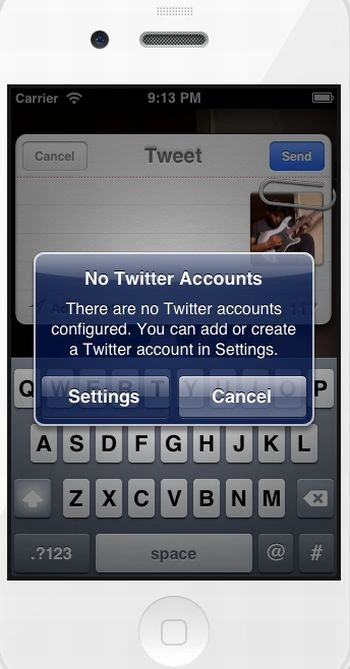
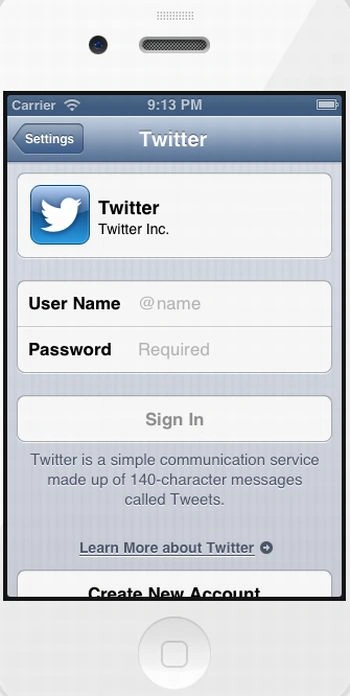
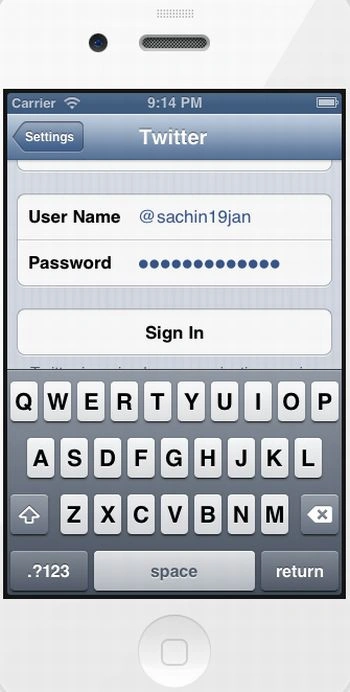
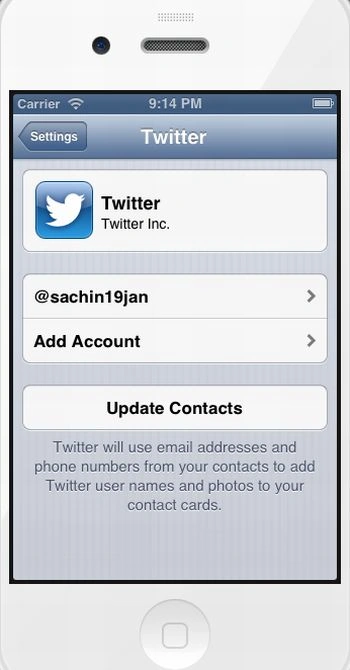
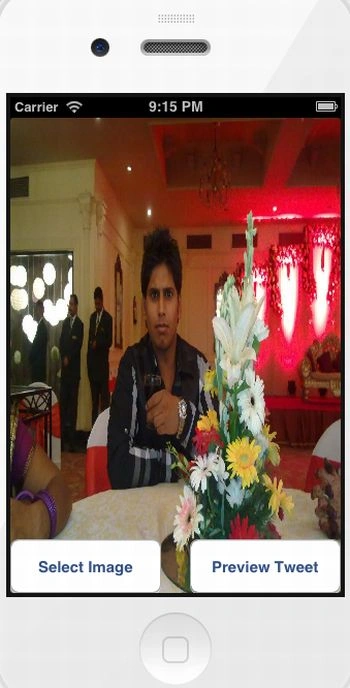
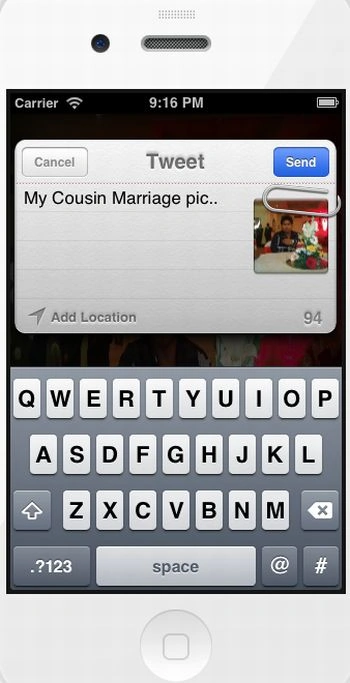
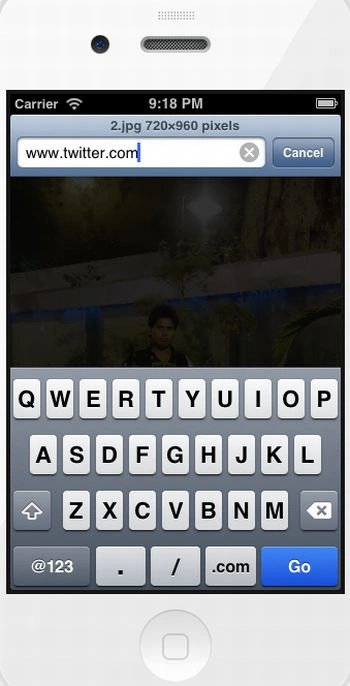
In this article I will create a Single View application. Here I use an image view and two buttons from outlet. In this app I will implement uploading an image to Twitter. For this we implement an image gallery path from which we pick an image and upload it to Twitter. Finally we test this app in a device. It was successfully uploaded to Twitter.
To understand it we use the following.
Step 1
Here first we add framework Twitter which is required to implement the Twitter class.
To import this framework we use the following.
Step 2
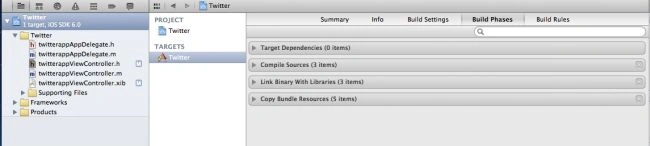
Click on the project and select Build Phase.
Step 3
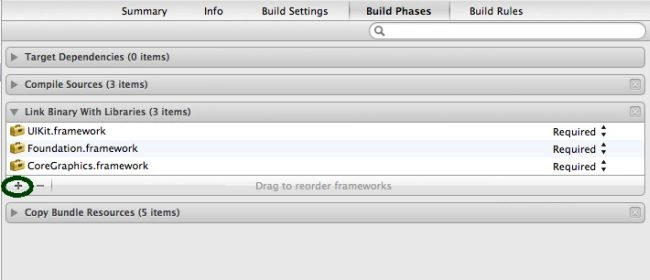
Click on the "+" icon to add the framework.
Step 4
Now select the Twitter framework and click on the add button.

Step 5
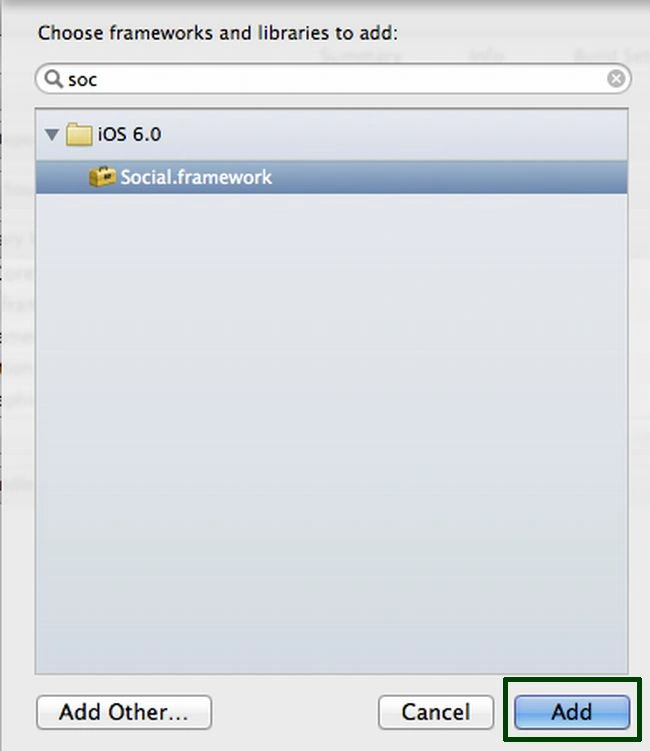
But TWTweetComposeViewController is deprecated from iOS 6; now in iOS 6 we use SLComposeViewController instead of TWTweetComposeViewController.
So here we add the Social framework framework which is required to implement the Twitter class.
Step 6
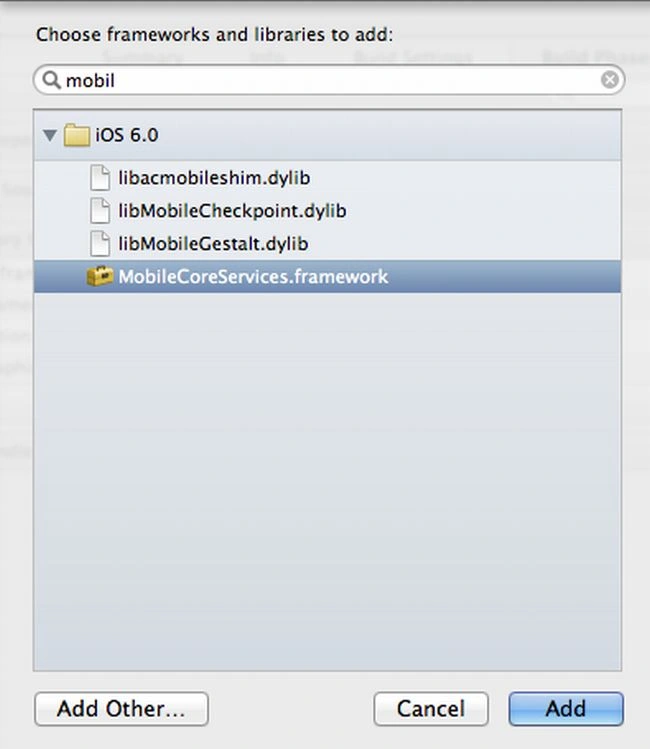
To pick an image from the image gallery we need one more framework; MobileCoreService.
Step 7
Now we write the code for each class.
twitterappAppDelegate.h
#import <UIKit/UIKit.h>
@class twitterappViewController;
@interface twitterappAppDelegate : UIResponder <UIApplicationDelegate>
@property (strong, nonatomic) UIWindow *window;
@property (strong, nonatomic) twitterappViewController *viewController;
@end
twitterappAppDelegate.m
#import "twitterappAppDelegate.h"
#import "twitterappViewController.h"
@implementation twitterappAppDelegate
- (BOOL)application:(UIApplication *)application didFinishLaunchingWithOptions:(NSDictionary *)launchOptions
{
self.window = [[UIWindow alloc] initWithFrame:[[UIScreen mainScreen] bounds]];
// Override point for customization after application launch.
self.viewController = [[twitterappViewController alloc] initWithNibName:@"twitterappViewController" bundle:nil];
self.window.rootViewController = self.viewController;
[self.window makeKeyAndVisible];
return YES;
}
- (void)applicationWillResignActive:(UIApplication *)application
{
// Sent when the application is about to move from active to inactive state. This can occur for certain types of temporary interruptions (such as an incoming phone call or SMS message) or when the user quits the application and it begins the transition to the background state.
// Use this method to pause ongoing tasks, disable timers, and throttle down OpenGL ES frame rates. Games should use this method to pause the game.
}
- (void)applicationDidEnterBackground:(UIApplication *)application
{
// Use this method to release shared resources, save user data, invalidate timers, and store enough application state information to restore your application to its current state in case it is terminated later.
// If your application supports background execution, this method is called instead of applicationWillTerminate: when the user quits.
}
- (void)applicationWillEnterForeground:(UIApplication *)application
{
// Called as part of the transition from the background to the inactive state; here you can undo many of the changes made on entering the background.
}
- (void)applicationDidBecomeActive:(UIApplication *)application
{
// Restart any tasks that were paused (or not yet started) while the application was inactive. If the application was previously in the background, optionally refresh the user interface.
}
- (void)applicationWillTerminate:(UIApplication *)application
{
// Called when the application is about to terminate. Save data if appropriate. See also applicationDidEnterBackground:.
}
@end
twitterappViewController.h
#import <UIKit/UIKit.h>
#import <Twitter/Twitter.h>
#import <MobileCoreServices/MobileCoreServices.h>
@interface twitterappViewController : UIViewController
<UIImagePickerControllerDelegate, UINavigationControllerDelegate>
@property (strong, nonatomic) IBOutlet UIImageView *imageView;
@property (strong, nonatomic) SLComposeViewController *tweetView;
-(IBAction)previewTweet;
-(IBAction)selectImage;
@end
twitterappViewController.m

Sachin BhardwajPosted Dec 10, 2012, 7:43 AM
Thanks for comment monish sir, it's my pleasure..
Monish BansalPosted Dec 10, 2012, 2:35 AM
Good Article Sachin...
Sachin BhardwajPosted Dec 6, 2012, 6:16 AM
Thanks Mahesh Sir... and Mr. Sharad
Sharad GuptaPosted Dec 6, 2012, 5:52 AM
nice article
Mahesh ChandPosted Dec 5, 2012, 10:35 PM
Good detailed article Sachin.