

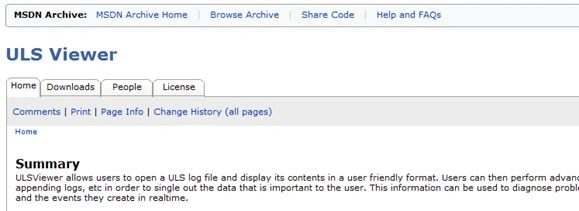
In this article we can explore the SharePoint 2010 free tool ULS Log Viewer. This is a tool from Microsoft and we are free to use it, but there is no customer support for any issues or queries.
What is Logging?
Eventually in the life cycle of a SharePoint deployment the Administrator and Developer need to look into the SharePoint log information. There are basically 3 kinds of log information to look for; they are:
- SharePoint 14 hive LOGS folder where the SharePoint log information is kept.
- IIS web application log files inside INETPUB LOGS folder.
- Windows Event log where the Service Application log information are kept.
What is ULS?
The ULS represents Unified Logging Service and it captures the following:
- Exceptions of SharePoint
- Logs by Applications
The unified logging is stored in .log files in 14 HIVE > LOGS folder. The unified view helps in understanding the problem in the order of activities.
Note: the SPDiagnosticsBase class in the Microsoft.SharePoint.Administration namespace enables writing a Trace Log in SharePoint 2010. This is the preferred way for SharePoint 2010 and it includes WriteTrace() and WriteEvent() methods to be overridden.
Who is the Intended Audience?
This tool can be used by the following type of audience:
- SharePoint Administrators
- Developers
- Architects
Download
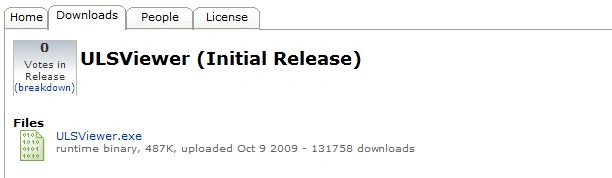
You can download the tool from the following location:
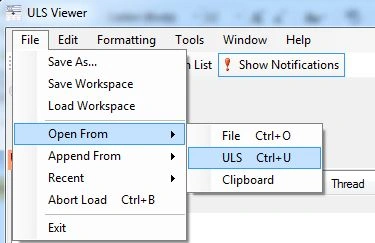
http://archive.msdn.microsoft.com/ULSViewer
How to view the LOGS files?
We are actually interested in the first option of looking into the SharePoint 14 hive LOGS folder. You can open the folder and see that there are a number of log files as shown below.
- C:\Program Files\Common Files\Microsoft Shared\Web Server Extensions\14\LOGS
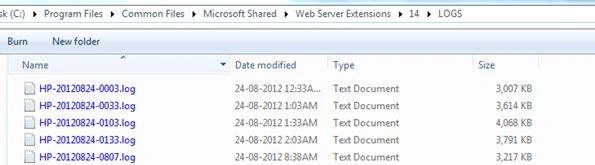
The latest log file (sorted by date) should contain the latest log information as shown below:
So there involves a bit of clumsy tasks to view the log information of SharePoint.
What are the Advantages of this Tool?
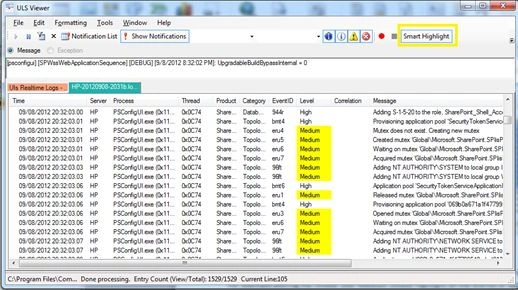
The ULS Log Viewer tool provides the following advantage:
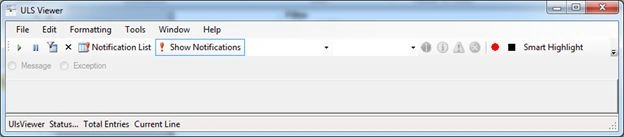
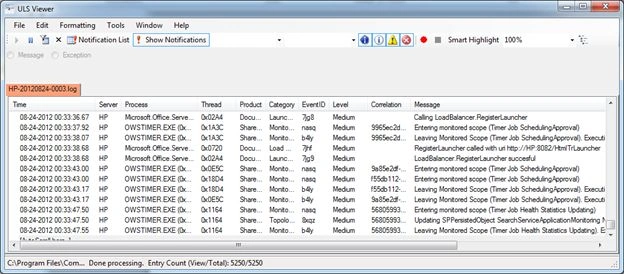
- A better user interface to view the Log Information
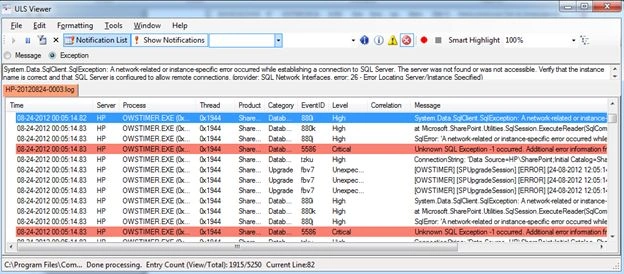
- Filtering of log levels based on Basic, High, Verbose etc.
- Formatting of log information
- Real time Log Information Viewing
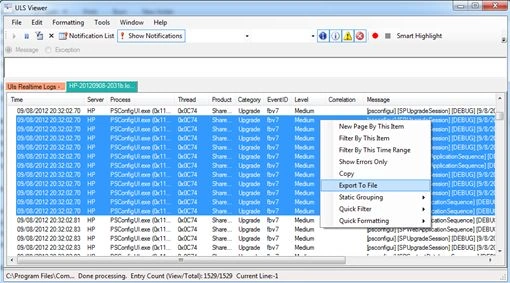
- Exporting of Log Information to CSV files
- Multiple Machine Log viewing
- It is Free

Join the conversation! Your thoughts help the community grow.