
Introduction
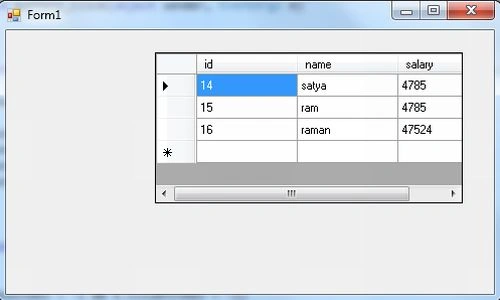
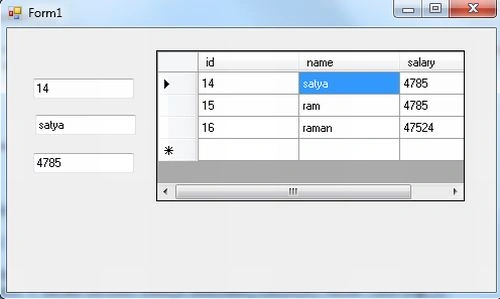
Today I will explain the CellDoubleClick Event of DataGridView. So let us understand the situation. In this article the DataGridView contains some records and I need to fetch a record's value when I double-click on the record within the DataGridView control. In this situation you can use the CellDoubleClick Event of the DataGridView Control.
Use the following procedure to implement it.
Step 1
Open a Windows Forms application and insert three TextBoxes and one DataGridView control on form1.
Step 2
Write the following simple code to show the table's record in the DataGridView control in the form load event.
SqlConnection con = new SqlConnection("Data Source=MCNDESKTOP03;Initial Catalog=pulkit;User ID=sa;Password=wintellect@123");
SqlCommandBuilder cmd;
SqlDataAdapter da;
DataSet ds;
private void Form1_Load(object sender, EventArgs e)
{
con.Open();
da = new SqlDataAdapter("select *from emp5", con);
cmd = new SqlCommandBuilder(da);
Join the conversation! Your thoughts help the community grow.