

Overview
In earlier parts, we learned about ViewBag and ViewData. In this article, we will learn about models. I will explain how model works, with a simple example showing employee details. Here, we will be passing those details in the controller and pass those values to views. Let's start.
Introduction
Before starting, we will just give an idea of how models work in MVC.
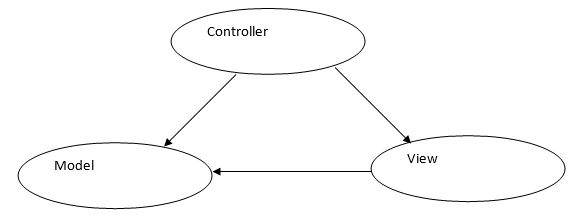
NOTE
Controller responds to URL request, gets data from model and pass it on to View. The View renders data. Here Models can be entities or Business Objects.
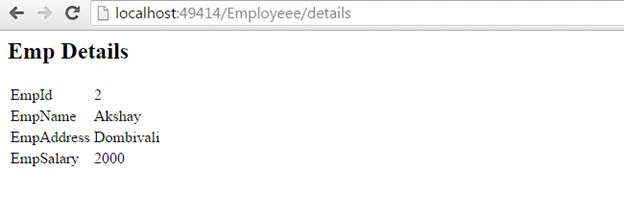
I have data which has EmpId, EmpName, EmpAddress and their salaries. All I want is to display that data.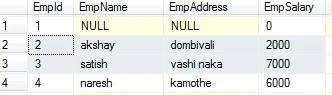
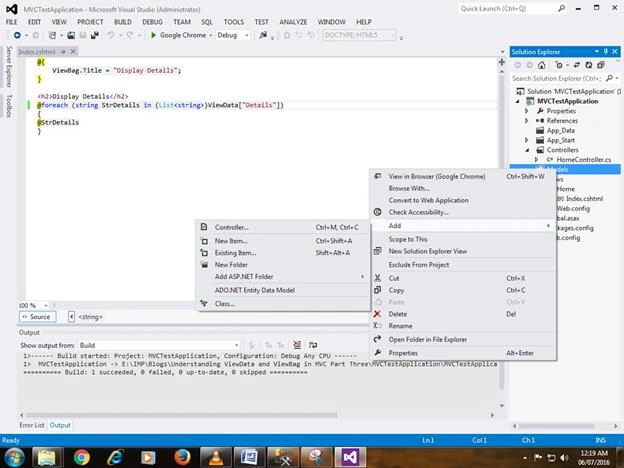
We will add a Model Class as Employee.cs in Model Folder.
Just right click on The Model Folder->Add->Class.
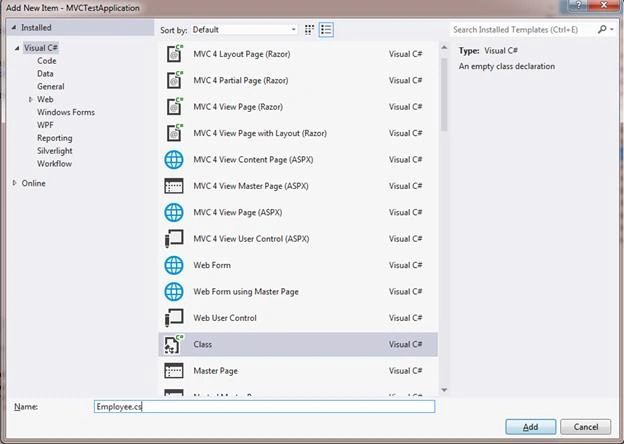
Name it as Employee.cs.
When a cs file gets opened, write the following code. As we want to display various details of Employee, we will be using get set method to access those.
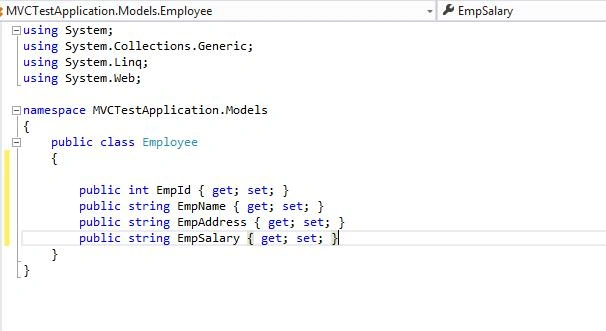
Now, let's add a Controller called EmployeeeController.
So, right click on Controller Folder ->Add->Controller->Employee Controller
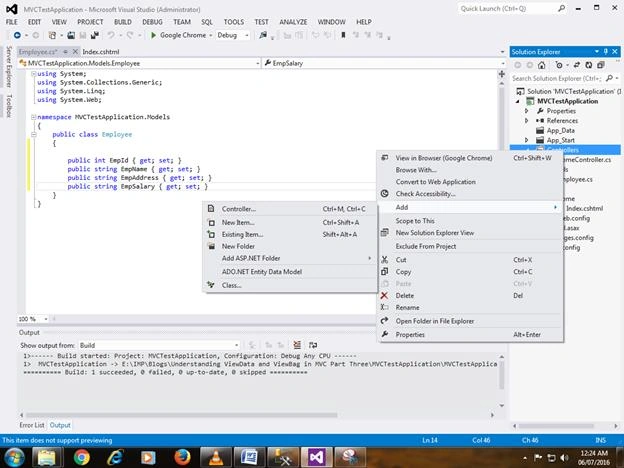
Name it as EmployeeController.
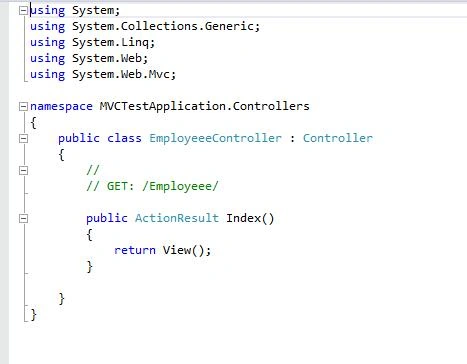
Now, look at the code. It creates a class called EmployeeController and Action by default is set to Index.
Rename it to details.
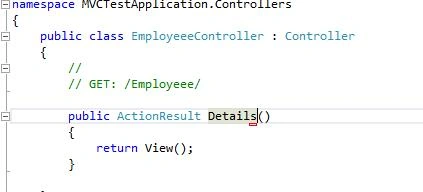
Now, we need to use employee class; so, add name space in the controller file. Now, where is our Employee class located? It's in Model Folder, and we want to use that in our controller, so we need to add namespace.

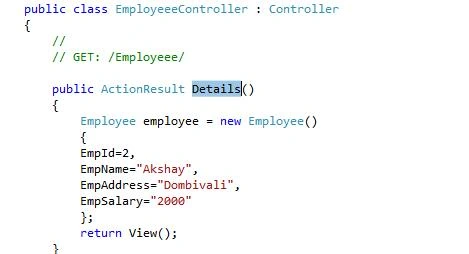
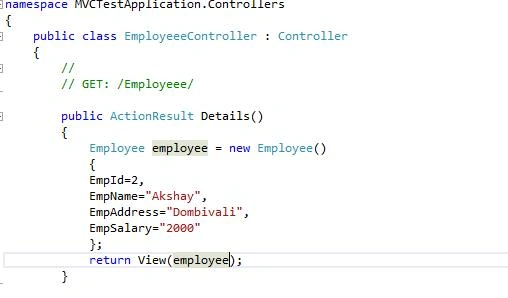
By this, we will be able to use employee class. Now, we will hard code the details,
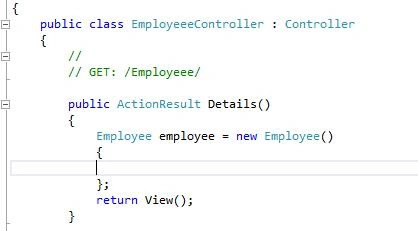
As you can see, we are now able to use Employee Class. So, let's hard code the values
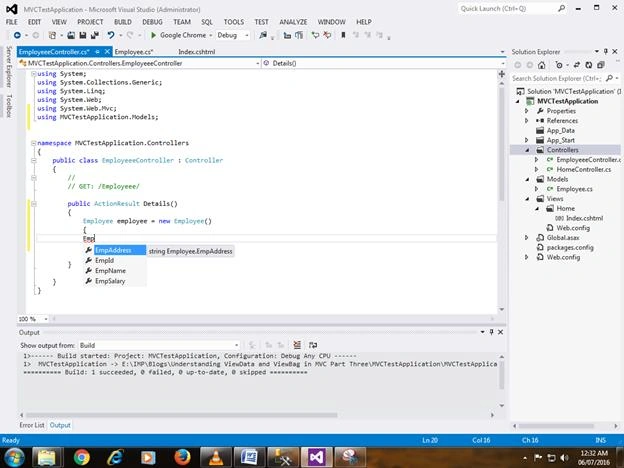
As you can see, as soon as I started typing Emp it got shown.
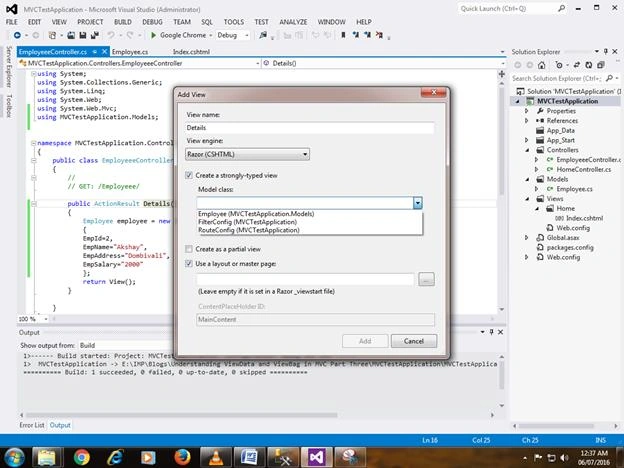
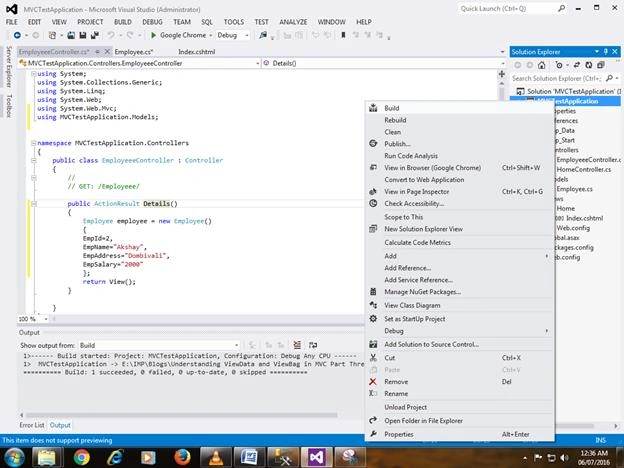
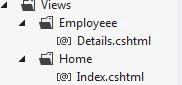
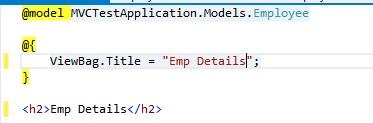
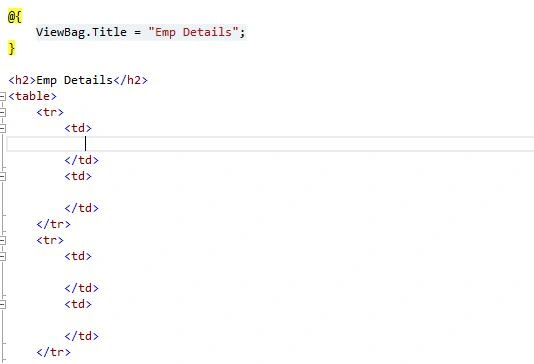
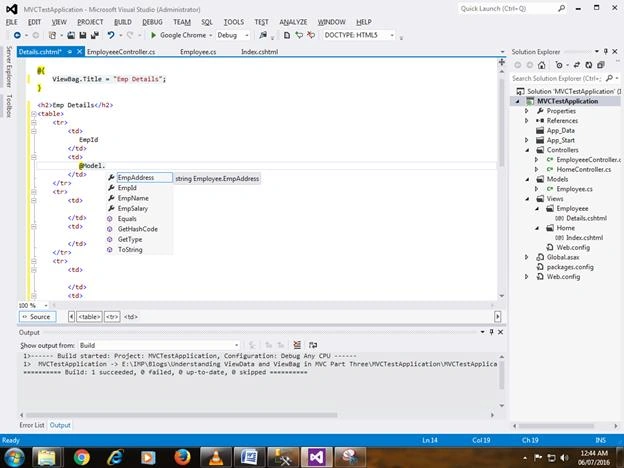
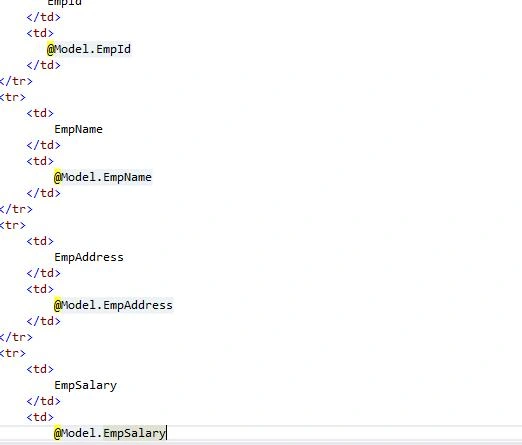
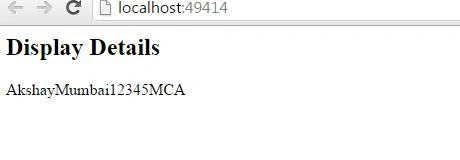
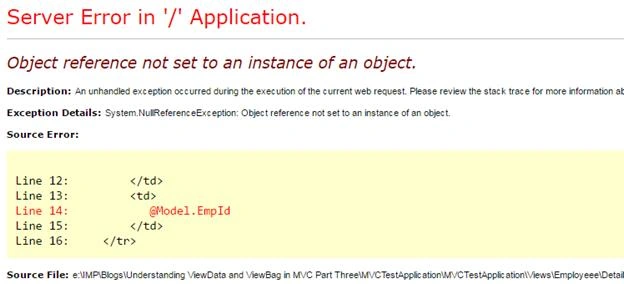
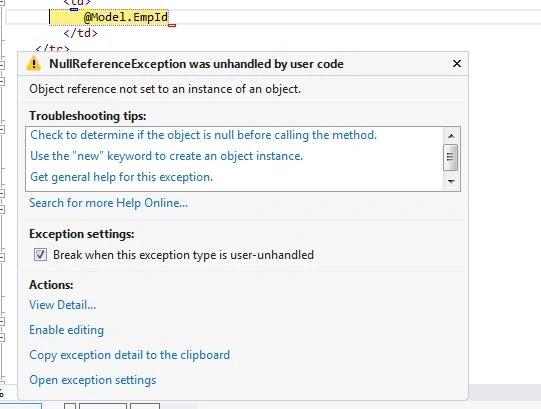
Now, I need to pass these data values to View and View will render this data and will display it. So, let's add View.
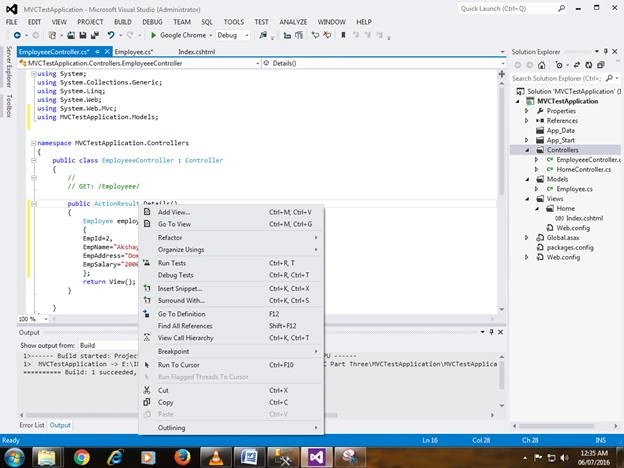
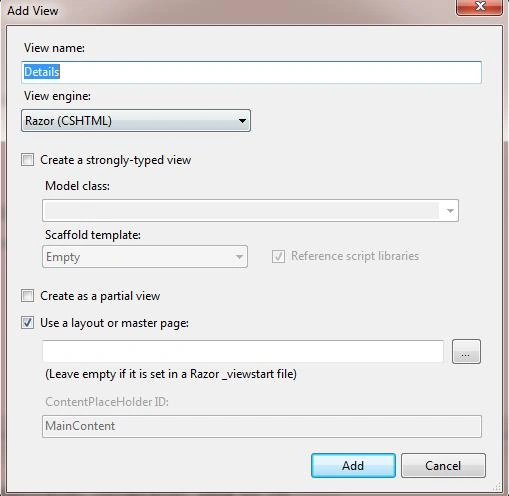

kalu singh raoPosted Jul 9, 2016, 10:22 AM
Nice...
Vignesh ManiPosted Jul 8, 2016, 8:23 AM
Nice