

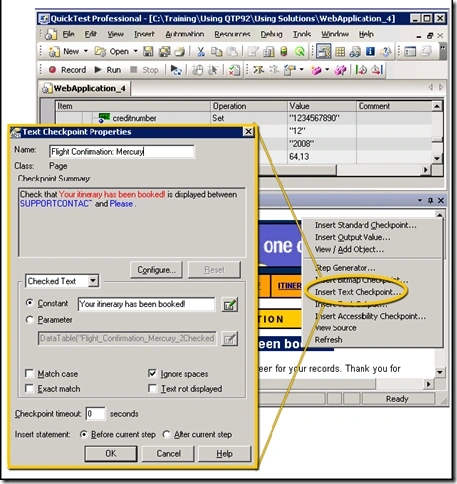
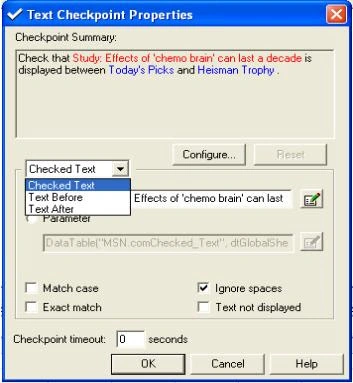
For example, suppose you want to check the third occurrence of a particular text string in a page or defined text area. To check for this string, you can specify which text precedes and/or follows it and to which occurrence of the specified text string you are referring.
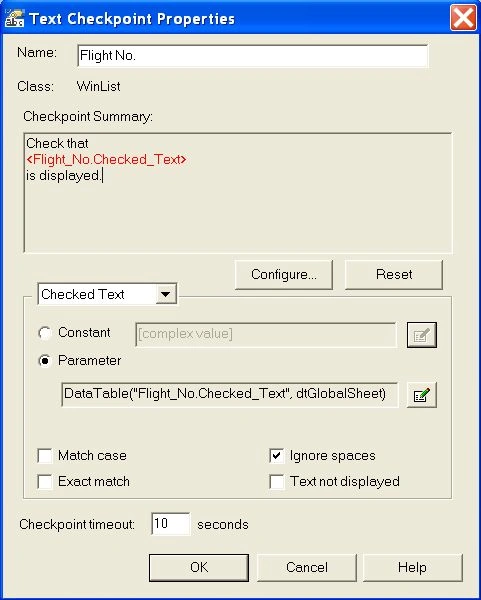
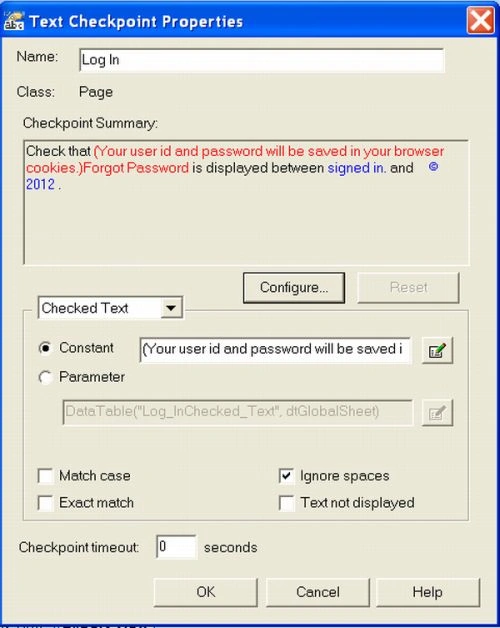
The Checkpoint summary pane at the top of the dialog box summarizes the selected text for the checkpoint. For text checkpoints in web-based environments, it displays the text you selected when creating the checkpoint, plus some text before and after it.
For text and text area checkpoints in Windows-based environments, it displays the text you selected when creating the checkpoint.
Join the conversation! Your thoughts help the community grow.