

Introduction
Currently I am working on migrating a SharePoint 2010 custom application to a SharePoint 2013 on-premise environment. I want to upgrade the SharePoint 2010 Farm solutions to SharePoint 2013. In this article we will see how to upgrade the SharePoint 2010 solution to SharePoint 2013.
SharePoint 2010 Solution
I have created a SharePoint 2010 custom Farm solution using Visual Studio 2010. This solution contains the following items.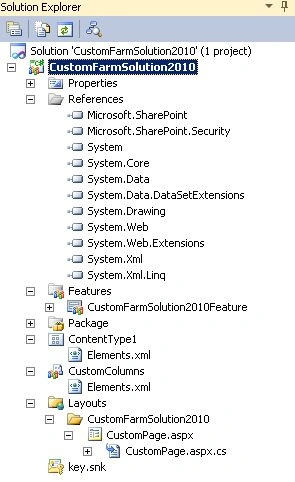
SharePoint 2013 Environment
I am using a Cloudshare environment that has the following configuration.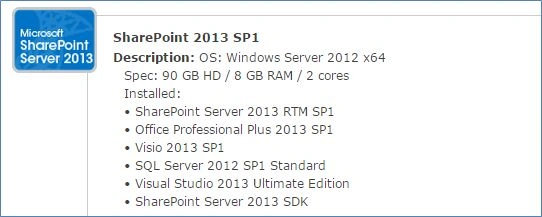
Upgrade SharePoint 2010 solution to SharePoint 2013
Use the following procedure to upgrade the solution:
- The first step is to move the complete solution from the SharePoint 2010 environment to a 2013 environment.
- Open the solution in Visual Studio 2013.
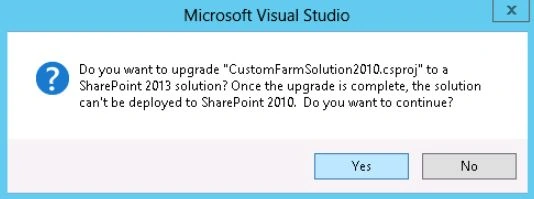
- You will be getting the following dialog message, click on the Yes button.
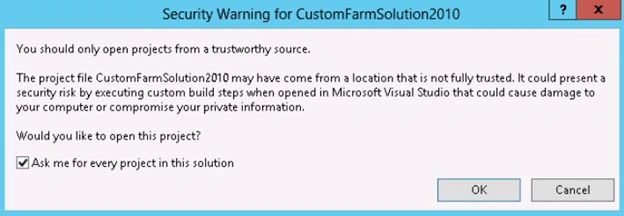
- Next a security warning dialog will open up, click on the Ok button.
- The project will be loaded as shown below.
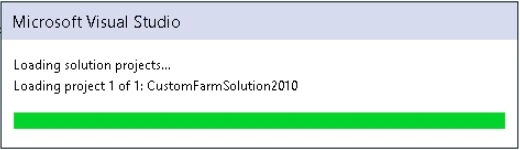
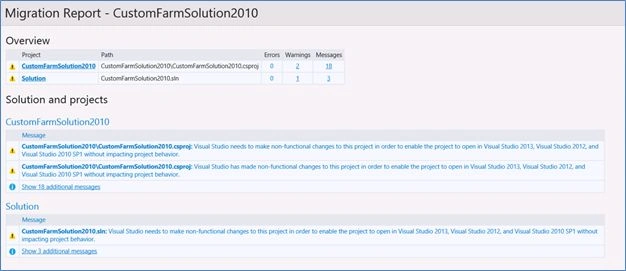
- Once the project is loaded, all the necessary changes to the project files are upgraded automatically and a migration report is generated as shown below.
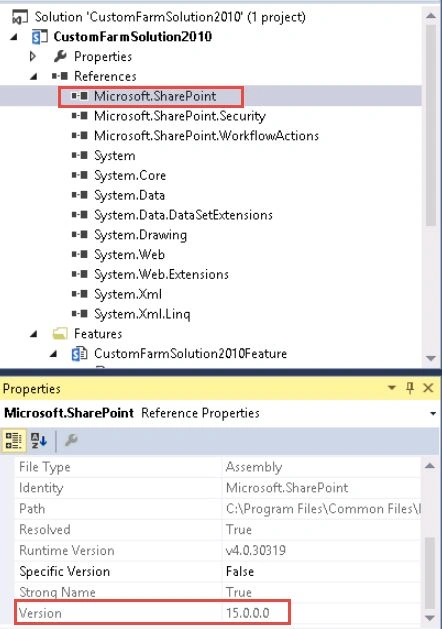
- All the references are mapped to the SharePoint 2013 version automatically as shown below.

- Now we are all set to deploy the solution. Right-click on the solution and then click on Deploy.
- The solution is deployed successfully in the SharePoint 2013 site.
Summary
Thus in this article you have seen how to upgrade a SharePoint 2010 Farm solution to 2013 using Visual Studio 2013.
Join the conversation! Your thoughts help the community grow.