

How to use a GroupBox Control in LightSwitch using Visual Studio 2012
This article describes how to use a GroupBox Control in LightSwitch using Visual Studio 2012.
The following is the procedure for using a GroupBox Control in LightSwitch 2012.
Step 1
Open the Solution Explorer.
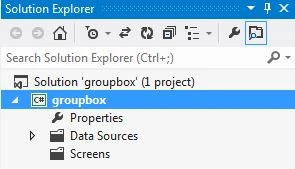
Step 2
In the Solution Explorer, right-click on the data source and choose "Add Table".
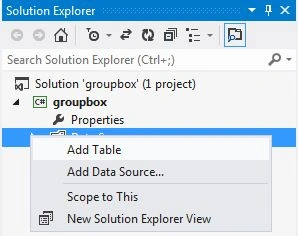
Step 3
The table appears.
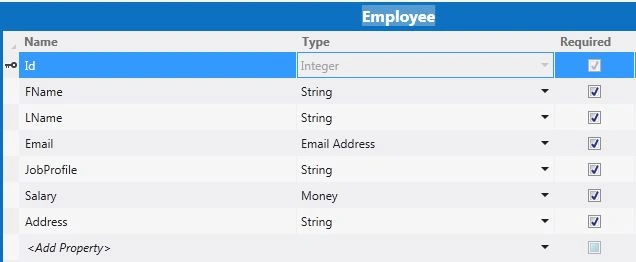
Step 4
In the Solution Explorer, right-click on the Screens and choose "Add Screen".
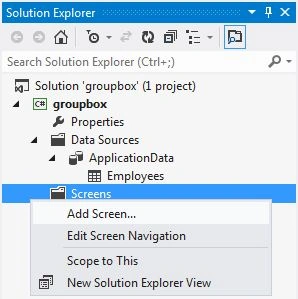
Step 5
Select the Add New Screen from the Screen Template. Under the Screen Information we provide the Screen Name and Screen Data and then click "OK".

Step 6
The Screen Designer appears.
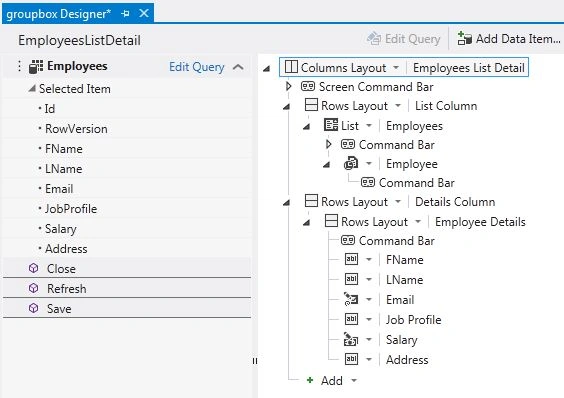
Step 7
In the Screen Designer, click on the Add Button. From the drop down list select "New Group".
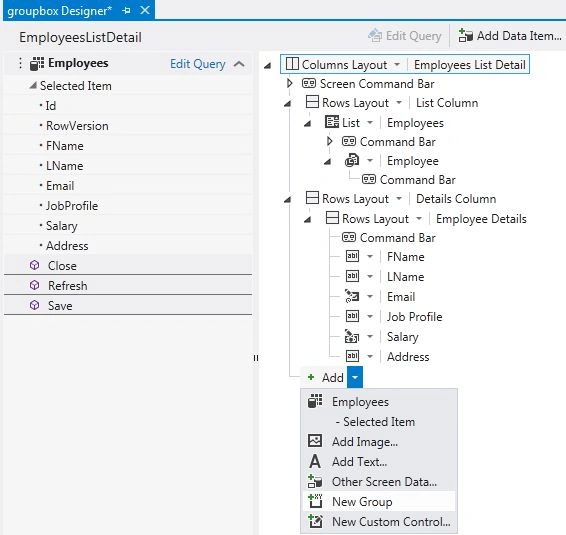
Step 8
The new Row Layout is added to the designer.
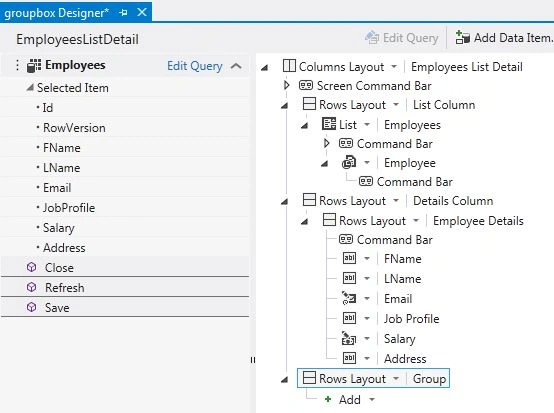
Step 9
Click on "Row Layout", a Drop Down List will appear, select the GroupBox option.
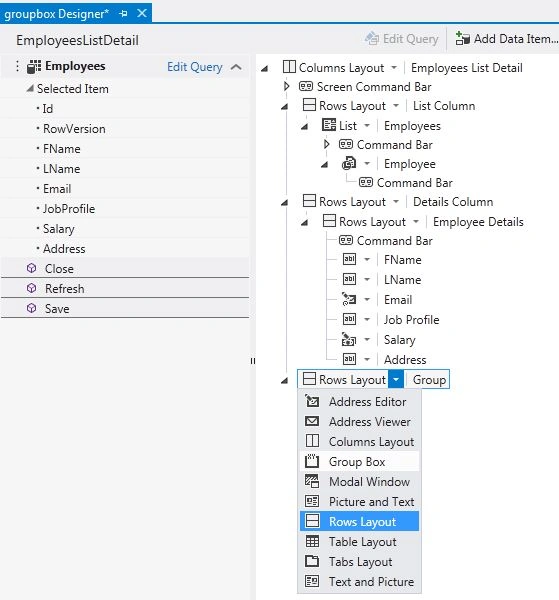
Step 10
Adding elements under it creates new row elements within the Group Box.
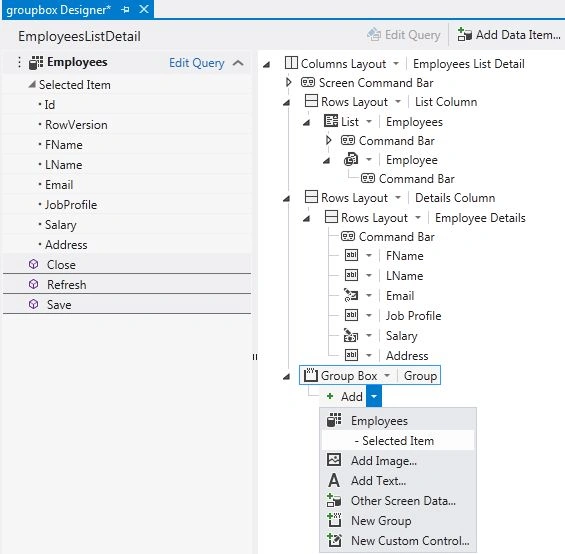
Now we can add elements.

Step 11
Go to the properties window.
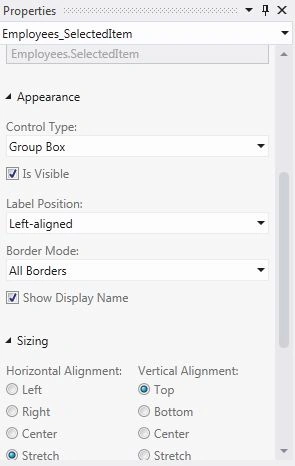
A GroupBox Control can be displayed in two ways, with "All Border" and just with one Border (Top Border).
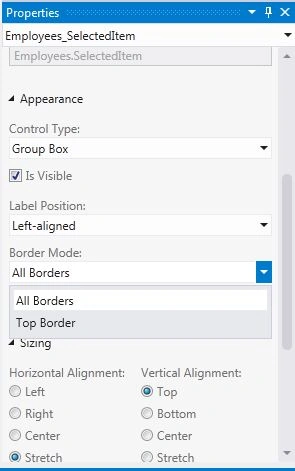
Step 12
First, choosing the display "All Border" option in the property window, And then press F5 to run the application.
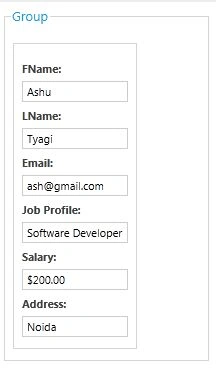
Step 13
Next, by selecting display "Top Border" in the properties window, and then pressing F5 to run the application.

Tuyen QuangPosted Nov 5, 2013, 8:28 PM
How to custom Groupbox control