

What is a C# Code Snippet?
The code block, which is wrapped inside a CDATA section of a XML file and the Microsoft IDE provides a mechanism to explore this code block, which is written in the XML data to insert into a page we are working on. On a large project, this is common usage some senior level people does the common code block which reusable is shared across the project will make available in the Code Snippet form. While we create module you can put you patterns and practices in code snippets and do an easy development. Remember the code Snippet always gives a base template hides in XML CDATA Section Where As you need to change this according to your need.
Background
It is a developer's tendency to achieve functionality and forget the basic structure required in the project. Later we need to add region, try blocks and copyright information to make it professional. I myself have done many of these reworks, so my current project inspired me to think of different directions to implement an Auto Intelligence to avoid such situations.
Using the code
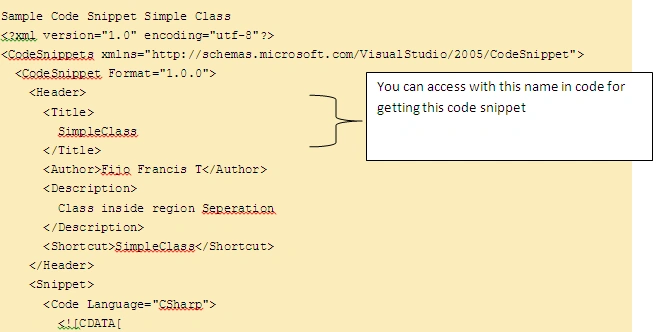
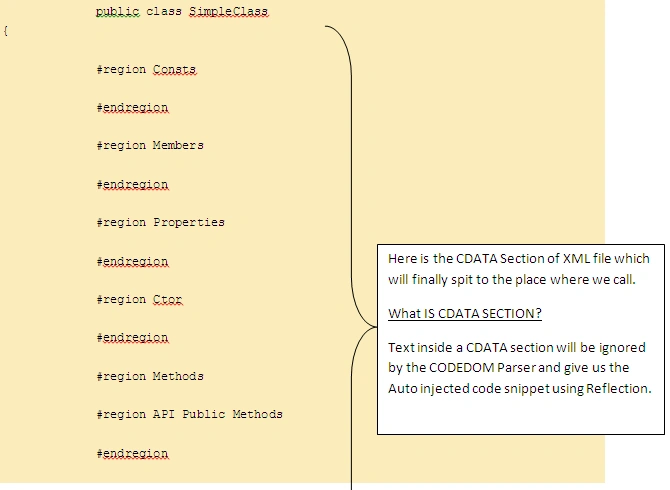
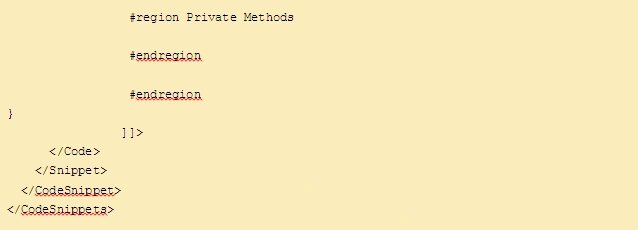
Example With Scenario.
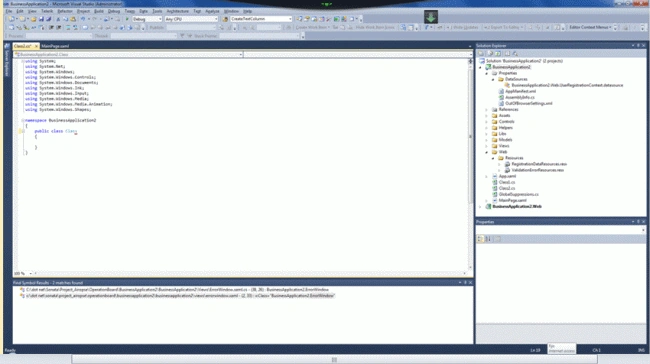
I have created A Silverlight business application like this and added a Class file in the Project like this:
Step 1: Adding the Copyright Info
When I press 'co', I got my code snippet like this.
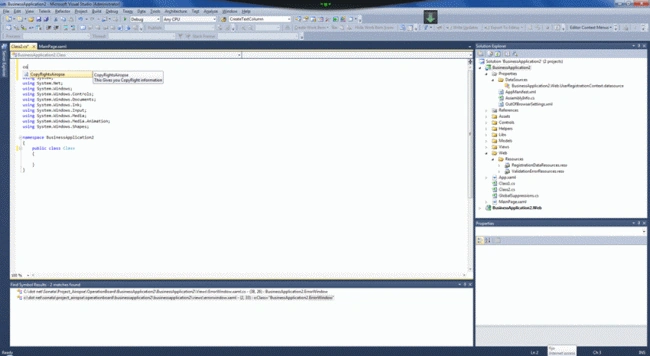
In addition, when I press the tab key 3 times I got all copyright information like this:
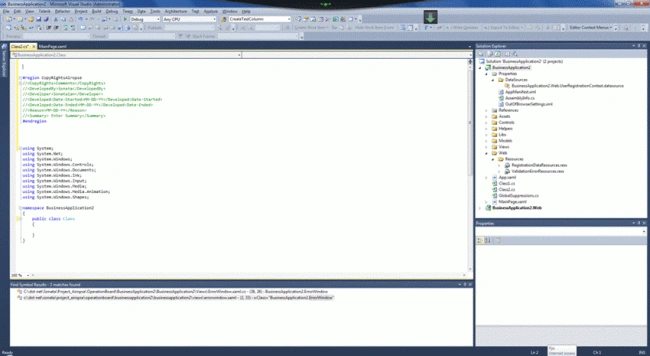
Step 2: Adding the Class Structure
I have revoked auto class template come then it look like this.
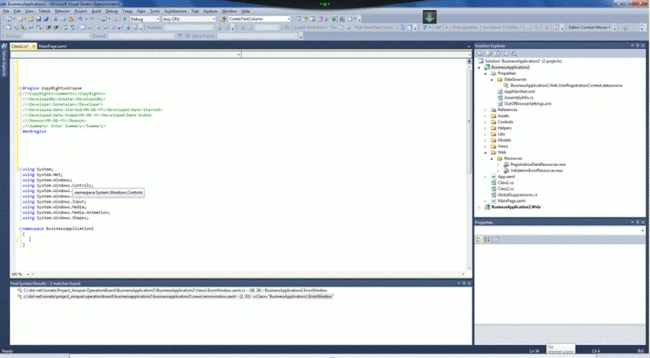
When I type "Simpleclass", then I press the tab key 3 times then I get all Class information like this:
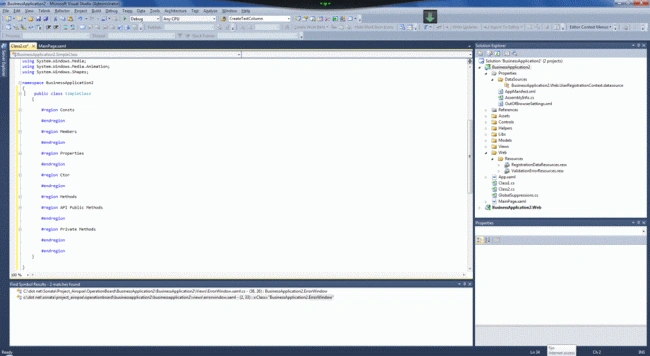
Step 3: Adding the private and public class
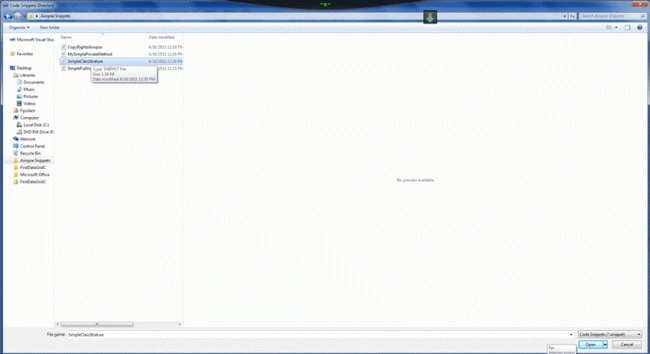
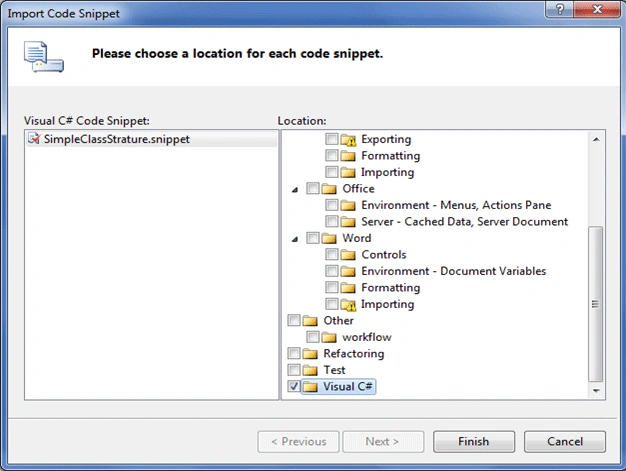
Go to API Public Methods or Private Methods
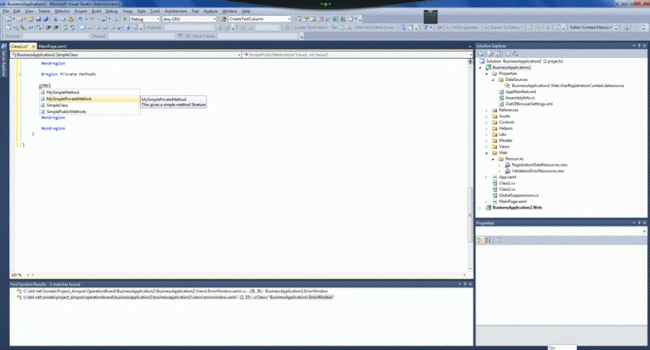
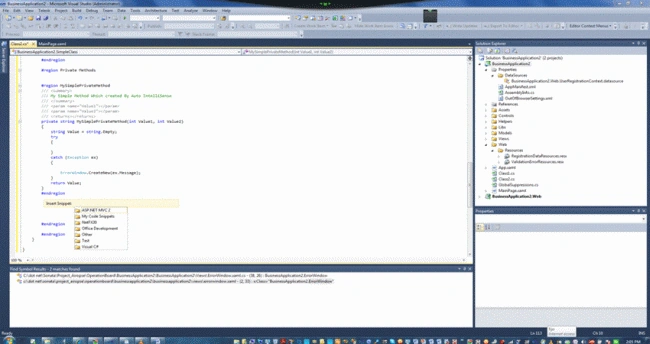
The type "SimplePublicMethods" or "MySimplePrivateMethod" ", then I press the tab key 3 times and I get all Method information like this:
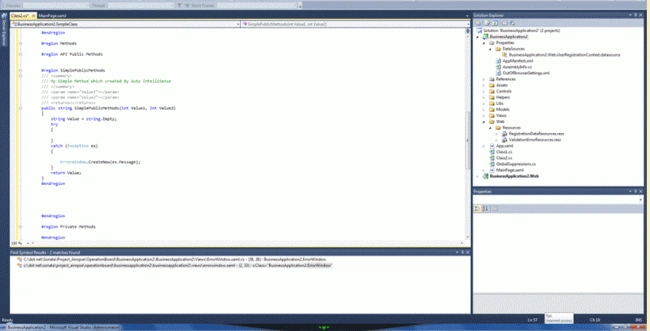
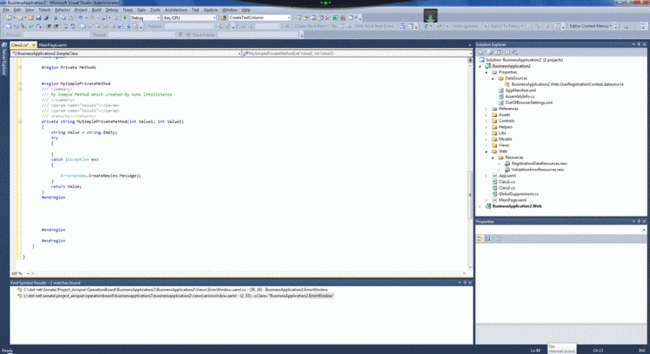
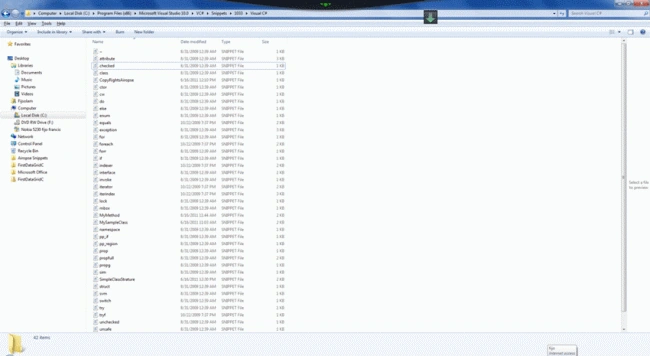
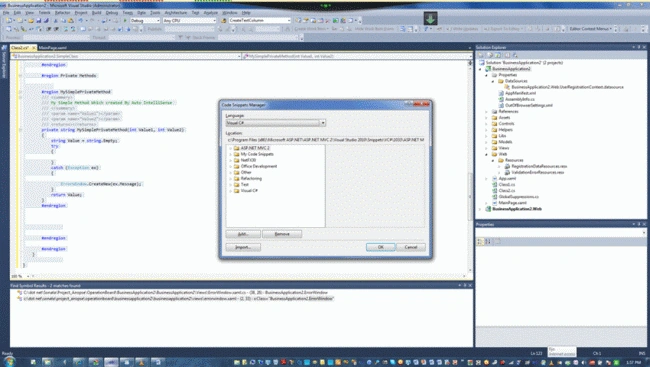
Finally, your page looks like this:
#region CopyRightsAiropse
//<CopyRights>Comments</CopyRights>
//<DevelopedBy>Sonata</DevelopedBy>
//<Developer>Sonataian</Developer>
//<Developed:Date-Started>MM-DD-YY</Developed:Date-Started>
//<Developed:Date-Ended>MM-DD-YY</Developed:Date-Ended>
//<Reason>MM-DD-YY</Reason>
//<Summary> Enter Summary</Summary>
#endregion
using System;
using System.Net;
using System.Windows;
using System.Windows.Controls;
using System.Windows.Documents;
using System.Windows.Ink;
using System.Windows.Input;
using System.Windows.Media;
using System.Windows.Media.Animation;
using System.Windows.Shapes;
namespace BusinessApplication2
{
public class SimpleClass
{
#region Consts
#endregion
#region Members
#endregion
#region Properties
#endregion
#region Ctor
#endregion
#region Methods
#region API Public Methods
#region SimplePublicMethods
/// <summary>
/// My Simple Method Which created By Auto IntelliSense
/// </summary>
/// <param name="Value1"></param>
/// <param name="Value2"></param>
/// <returns></returns>
public string SimplePublicMethods(int Value1, int Value2)
{
string Value = string.Empty;
try
{
}
catch (Exception ex)
{
ErrorWindow.CreateNew(ex.Message);
}
return Value;
}
#endregion
#endregion
#region Private Methods
#region MySimplePrivateMethod
/// <summary>
/// My Simple Method Which created By Auto IntelliSense
/// </summary>
/// <param name="Value1"></param>
/// <param name="Value2"></param>
/// <returns></returns>
private string MySimplePrivateMethod(int Value1, int Value2)
{
string Value = string.Empty;
try
{
}
catch (Exception ex)
{
ErrorWindow.CreateNew(ex.Message);
}
return Value;
}
#endregion
Dinesh BeniwalPosted Jun 16, 2011, 7:59 AM
Very useful article, thanks for sharing