

Introduction
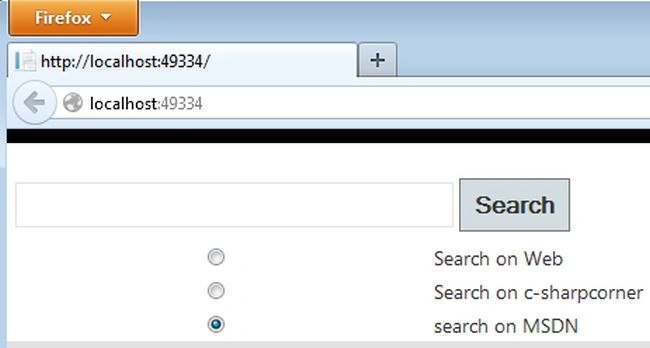
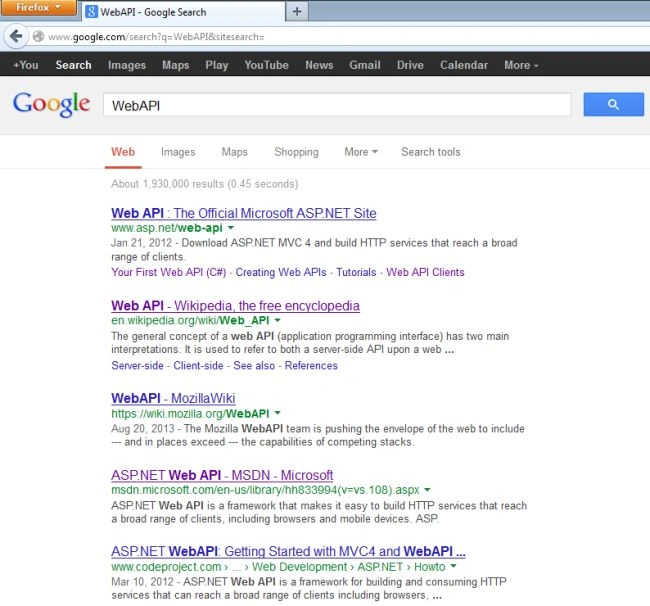
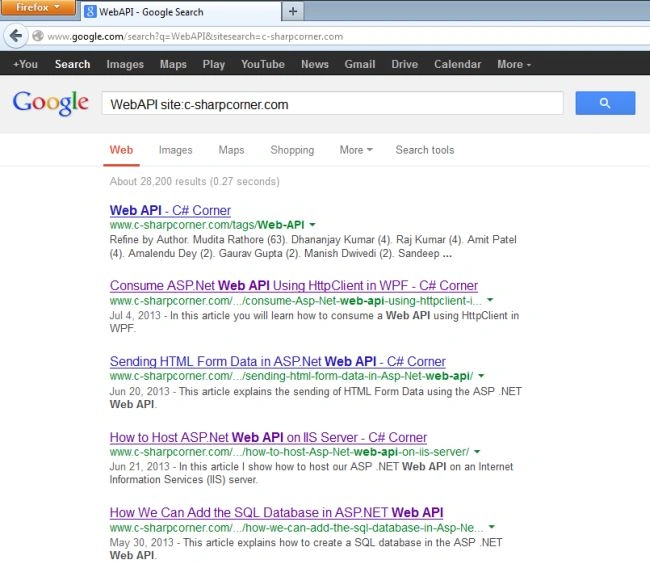
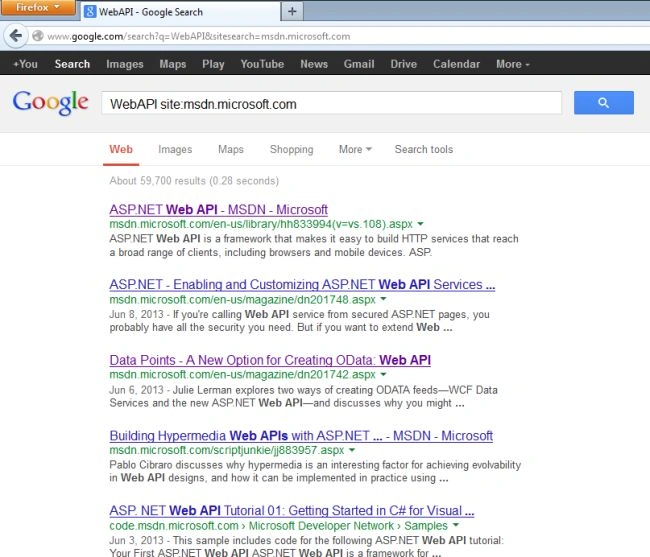
This article explains you how to use the Google Search API in the ASP.NET Web API. Here we use a variable "sitesearch" that handles the Google Search engine. If we have the null value of the variable "sitesearch" then it searches the entire web and if we mention any site as the value of "sitesearch" then it searches only that site.
Google API
- The Google API service is a beta web program that allows programmers to easily search and manage the information on the web.
- The Google API is used by developers and researchers only for finding information but it cannot be use as a resource in any application.
- It uses the SOAP (Simple Object Access Protocol) and WSDL (Web Services Description Language) to provide the interface between the program's user and the Google API.
- Different programming environment that are suitable for the Google API that are Visual Studio.NET, Java and so on.
- Developers and the researcher use the Google API to examine the request; it can be more than 3 billion web pages that are allowed by the Google API.
Let us see the procedure to use the Google API in the Web API.
- First we create a Web API Application.
- Start Visual Studio 2012.
- From the start window Select "Installed" -> "Visual C#" -> "Web".
- Select "ASP.NET MVC4 Web Application" and click the "OK" button.
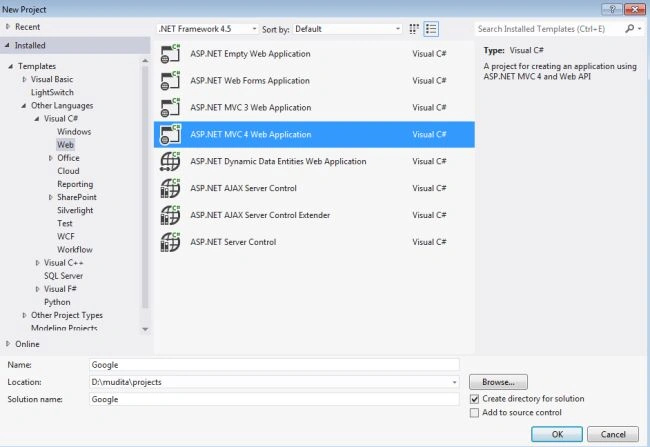
- From the "MVC4 Project" window select "Web API".
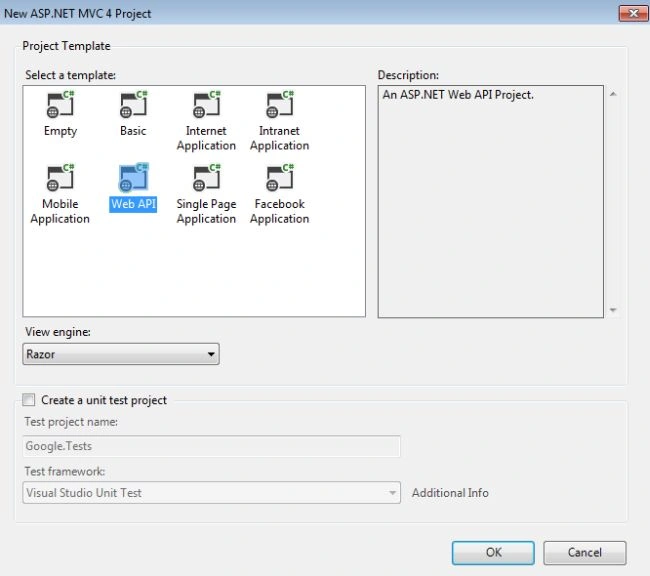
- Click the "OK" button.
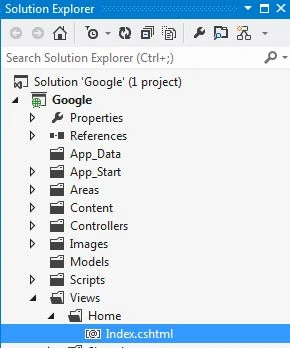
- Now we add some code in the "Index.cshtml" file for using the Google API. This file exists:
Join the conversation! Your thoughts help the community grow.