

Introduction
This article helps to show how to design a
simple payment form using HTML 5 tools. We know that HTML is an acronym for
"HyperText Markup Language" that is used to display data in a browser. HTML 5
is the advanced version of HTML for developing 3D or animated applications. In this application, we have implemented some designing tools and developed a simple payment form. HTML5 is the latest version of HTML (Hypertext
Markup Language). It is an ongoing process that took place by the combined efforts
of World Wide Web Consortium (W3C) and the Web Hypertext Application Technology
Working Group. The initial phase for the development of HTML5 started in 2004 by
Web Hypertext Application Technology Working Group that has been developed and edited by David Hyatt of Apple and Ian Hickson of Google. The extension for HTML
is ".html".
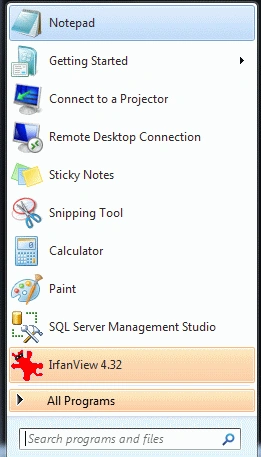
Step 1: Open Notepad.
- Click->Start button->Notepad
- Give the file a name of your choice
- Click New button->save
- There the name is "Tom.html"
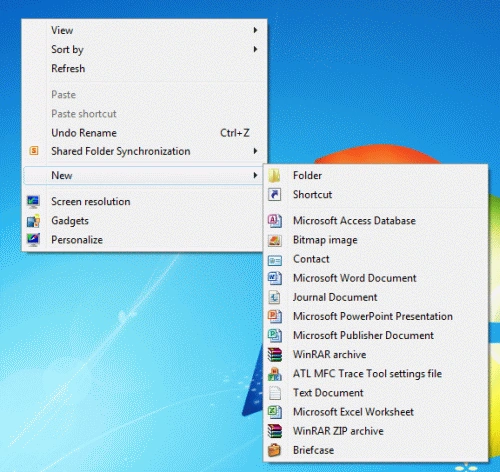
Step 2: Create a Folder.
- Right click of Desktop Screen-> New-> Folder
- Name of Folder is "Manish"
- Finally, all HTML files and related sources are saved in that folder
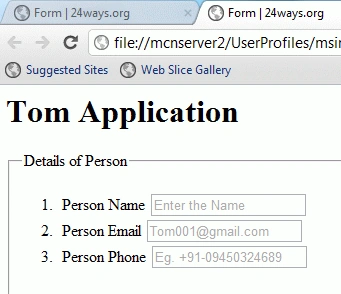
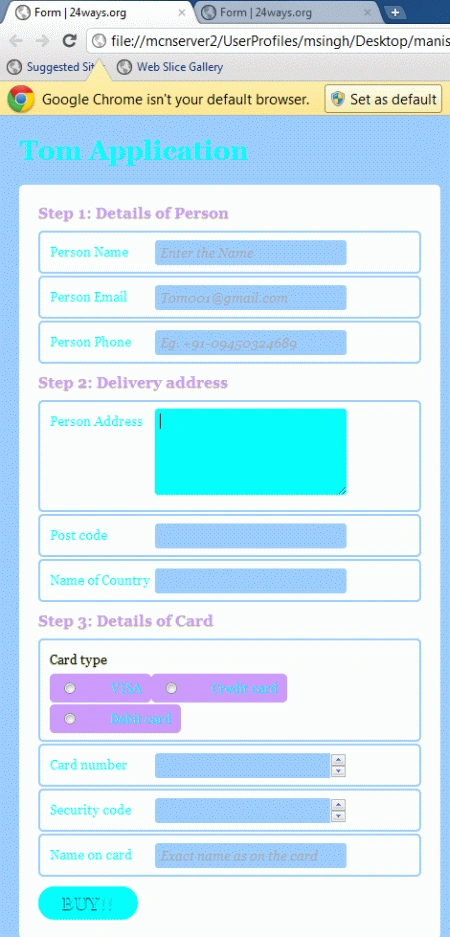
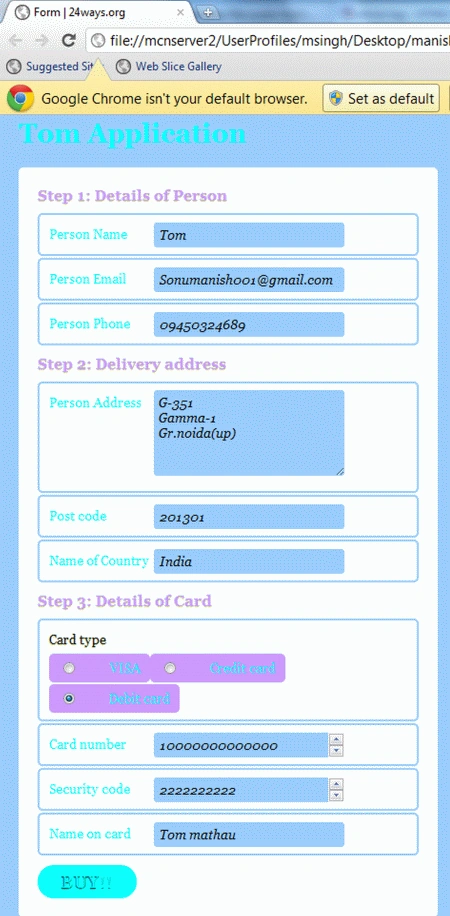
Step 3: Design the first phase of the form
name is person details and also apply the style sheet.
Code
- <form id=payment>
- <fieldset>
- <legend>Details of Person</legend>
- <ol>
- <li>
- <label for=name>Person Name</label>
- <input id=name namename=name type=text placeholder="Enter the Name" required autofocus>
- </li>
- <li>
- <label for=email>Person Email</label>
- <input id=email name=email type=email placeholder="[email protected]" required>
- </li>
- <li>
- <label for=phone>Person Phone</label>
- <input id=phone name=phone type=tel placeholder="Eg. +91-09450324689" required>
- </li>
- </ol>
- </fieldset>
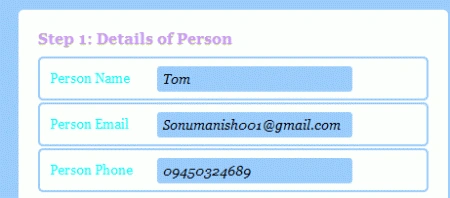
Step 4: Apply the style sheet of the
form.
Code
- form#payment {
- background: #FFFFFF;
- -moz-border-radius: 5px;
- -webkit-border-radius: 5px;
- -khtml-border-radius: 5px;
- border-radius: 5px;
- counter-reset: fieldsets;
- padding: 20px;
- width: 400px;
- }
- form#payment fieldset {
- border: none;
- margin-bottom: 10px;
- }
- form#payment fieldset:last-of-type {
- margin-bottom: 0;
- }
- form#payment legend {
- color: #CC99FF;
- font-size: 16px;
- font-weight: bold;
- padding-bottom: 10px;
- text-shadow: 0 1px 1px #c0d576;
- }
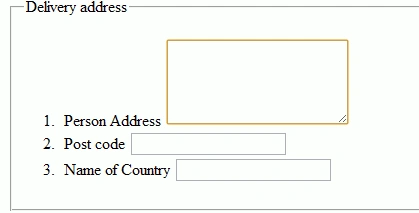
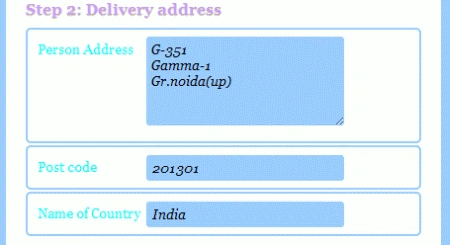
Step 5: Design the Second phase of form
name is Delivery address and also apply the style sheet.
Code:
- <fieldset>
- <legend>Delivery address</legend>
- <ol>
- <li>
- <label for=address>Person Address</label>
- <textarea id=address name=address rows=5 required></textarea>
- </li>
- <li>
- <label for=postcode>Post code</label>
- <input id=postcode name=postcode type=text required>
- </li>
- <li>
- <label for=country>Name of Country</label>
- <input id=country name=country type=text required>
- </li>
- </ol>
- </fieldset>
Join the conversation! Your thoughts help the community grow.