
There is an alternative way to do Import/Export of share point site using
SharePoint designer 2007.I am showing you how to use designer for share point
site backup/Restore.
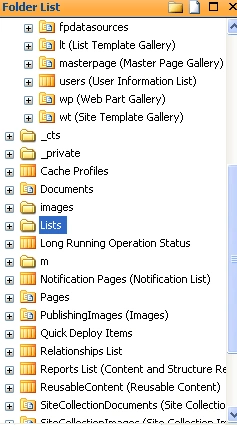
1. First step is to open your source site in Share point designer.
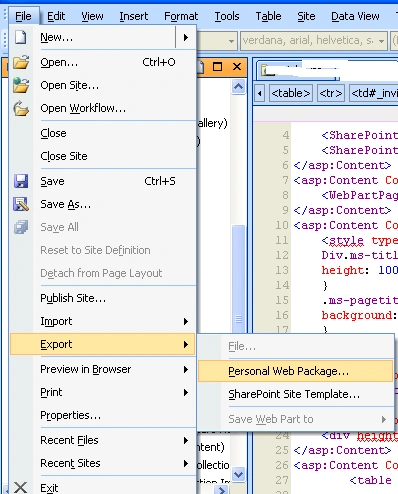
2. Go to File Export -> Then select Personal web package from the menu.
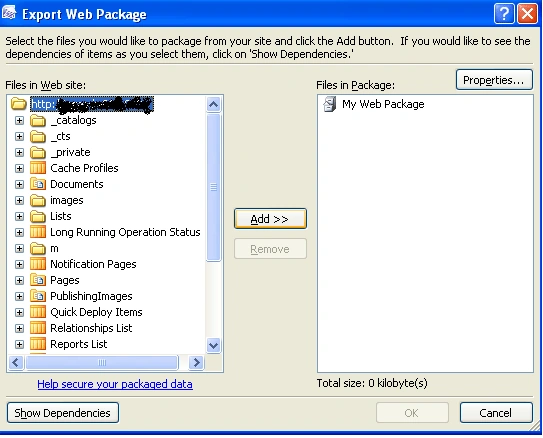
3. You will get a popup as shown below.
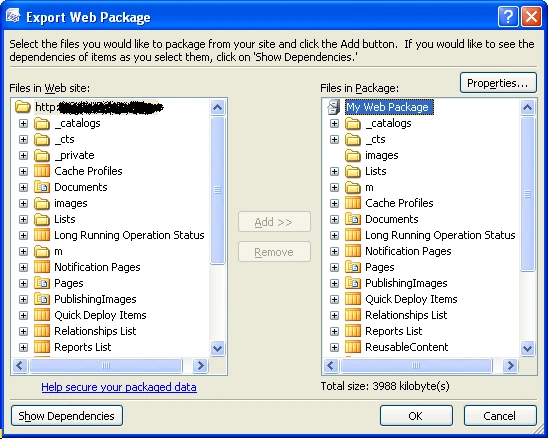
4. Select your web application and Click on Add Button wait for some time
for the export to happen.
5. Once the completed you will get a screen like below.
6. Click OK.
7. One window will prompt you to save the web package.
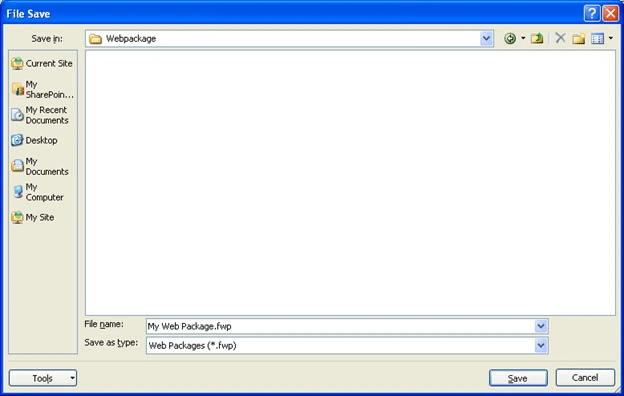
8. Give Filename and click save.
9. To import web package click file Import then select.
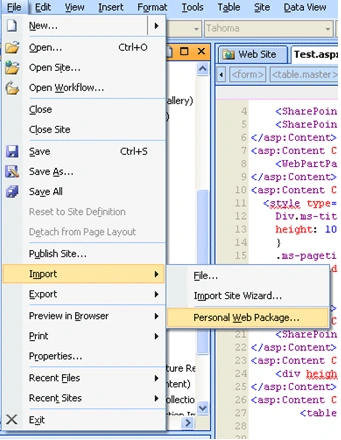
10. Select the web package to import.
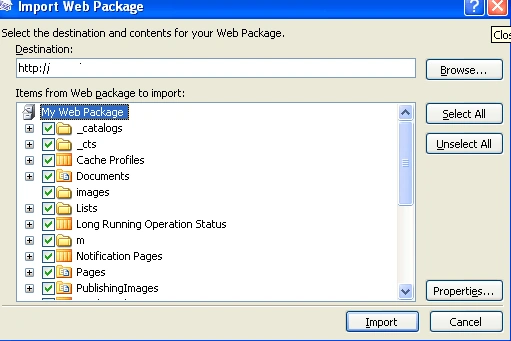
11. Click Import.

Using Share point designer 2007 for import/Export Share point site
Join the conversation! Your thoughts help the community grow.
Sign in to leave a comment
It is the same account you read, post and publish with — and you will come straight back to this page.
Shriram PophaliPosted Dec 29, 2016, 11:08 PM
Nice article Destin! Can we do this in SharePoint 2010?