

Hello everyone, welcome to an article on the Versioning Settings in SharePoint 2013 and Office 365. Let's see in this article what versioning offers to us as a user or developer.
Versioning is very important for our document libraries. It not only helps in knowing the number of times an item has been modified but also helps when we actually loose data in our files.
Let's see what it has for us.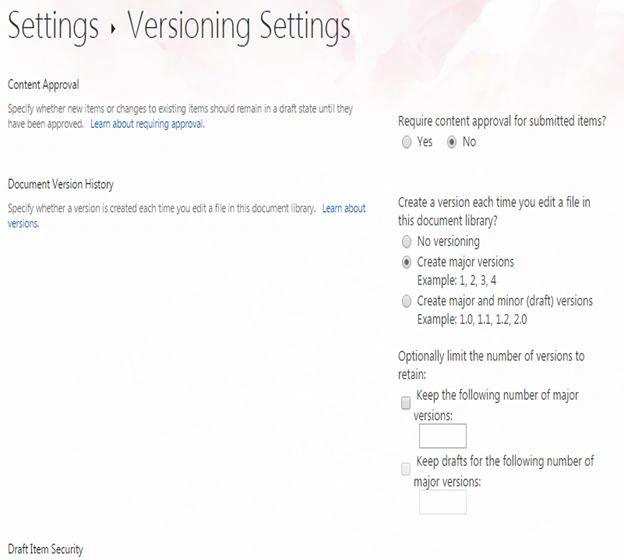
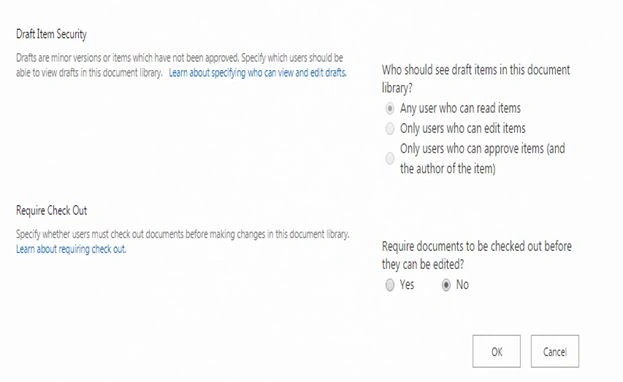
Content Approval
Here we have an option for specifying whether you want to require a content approval for a submitted item. Some libraries contain sensitive information that needs to be protected. We will not always want all the documents uploaded to the library to be visible to all users. For that we have an option where, when you select this option for the library, when a user uploads a document it goes to the moderator that can review and approve the items or files before the content becomes visible to most site users. The moderators can apply a significant level of quality and security to the content in the lists and libraries.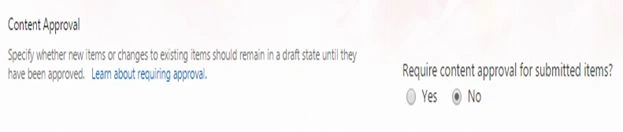
- Document Version History
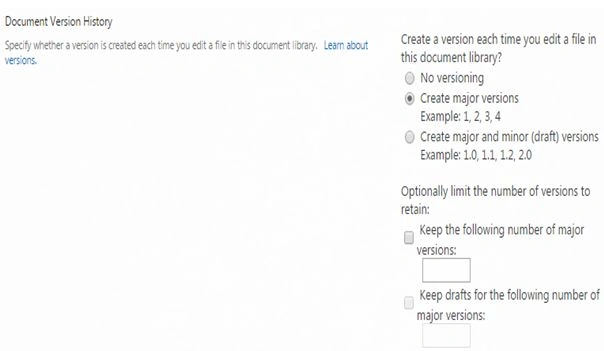
Here we have an option for assigning versions to whenever our documents are uploaded and modified thereafter.
We have:
- No Versioning: Option if you don't want versioning.
- Create Major Versions: If you select this option, the versions will be created on whole numbers, for example version 1.0, 2.0, 3.0 and so on.
- Create Major and minor(draft) versions: If you select this option, the versions will be created as major versions for published documents and minor versions for draft versions as 1.1 and 1.2 and so on.
Next we have an option to control the number of versions as in the following:
- Keep the following number of versions: Here you can assign a number as to until what number of versions the documents should be stored for that specific item.
- Keep drafts for the following number of major versions: Here you can assign a number to limit the number of versions of draft items in the library.
- No Versioning: Option if you don't want versioning.
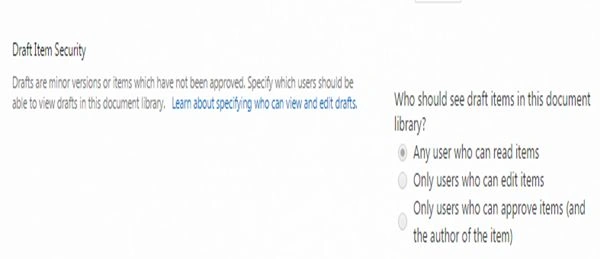
- Draft Item Security
Drafts versions are items that have not been approved so here you can control the view of those items in your library, in other words who should see them. So, we have options like:
- Any user who can read items: users who will have read access also.
- Only users who can edit items: users who will have contribute access.
- Only users who can approve items (and the author of the item).
- Any user who can read items: users who will have read access also.
- Require Check Out
This option, when selected, will make it mandatory for the users to check out the item before they edit the item.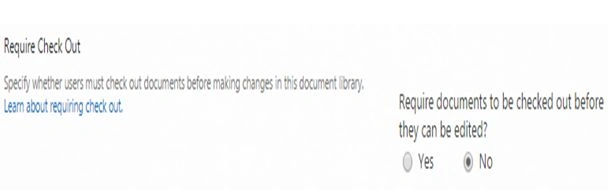
We can see how important the Versioning Settings are in SharePoint Office 365 and SharePoint 2013.
Cheers!
Gowtham RajamanickamPosted Apr 5, 2015, 1:40 AM
good one..