

Web User Control
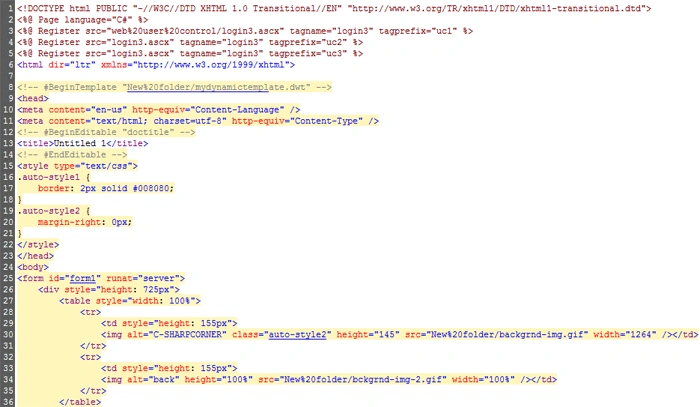
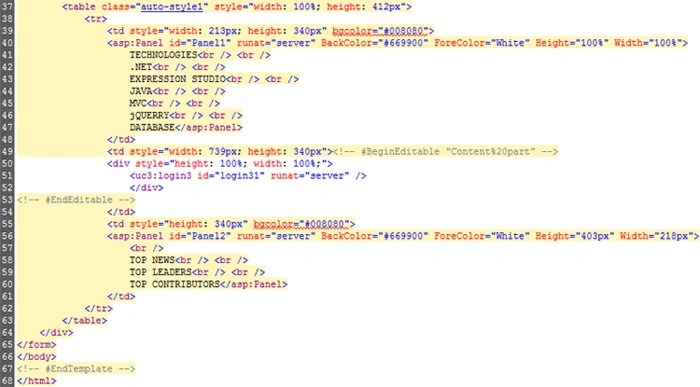
Hi guys, You would be glad to know that in this article you'll learn how to create a web user control in Expression Web 4. In this application I have used a web user control in an aspx page thereby you can make database connectivity or page to page navigation using this user control. This user control is time savvy and easy to use, by just dragging and dropping the control on the spot where it is required. Also in this application I have used the user control on a previously created template although it can be used in any aspx page you create.
So let's begin with :
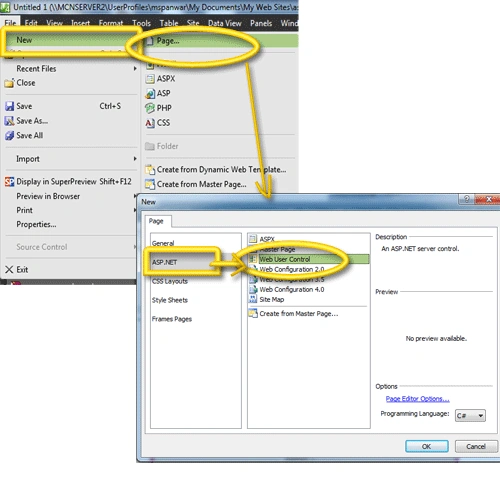
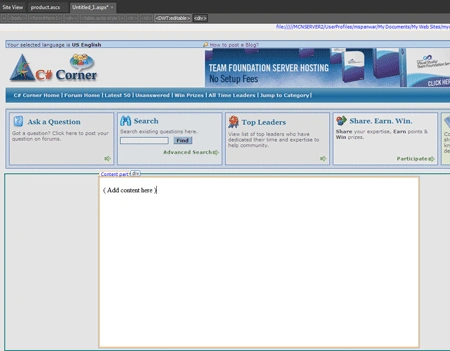
Step 1 : First and foremost task is to add a web user control. For this go to -->new--> page--> asp.net--> web user control. see figure to get a clear view:
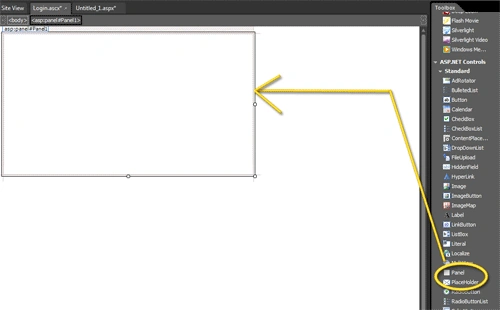
Step 2 : Now if you notice, this page is created with the name "untitled.ascx", .ascx is the extension for a web user control in asp.net. Now I want to create a login user control so for this I'll add a panel to the page :
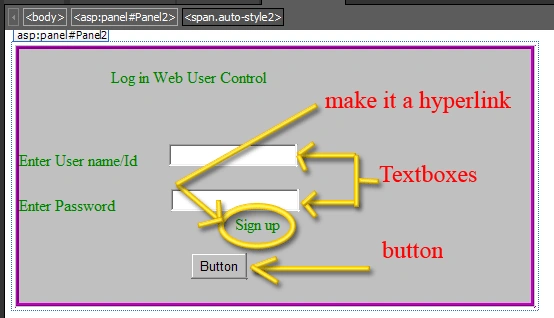
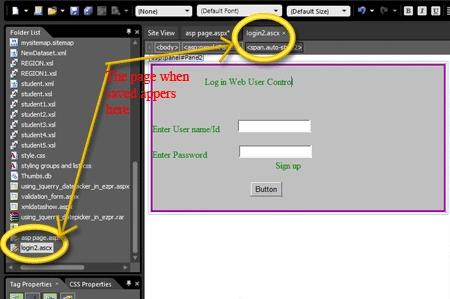
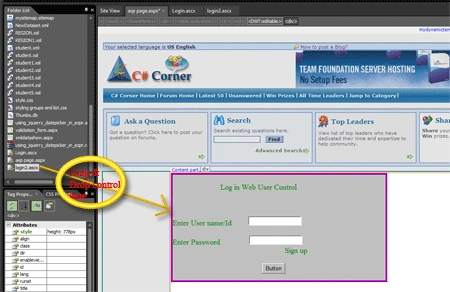
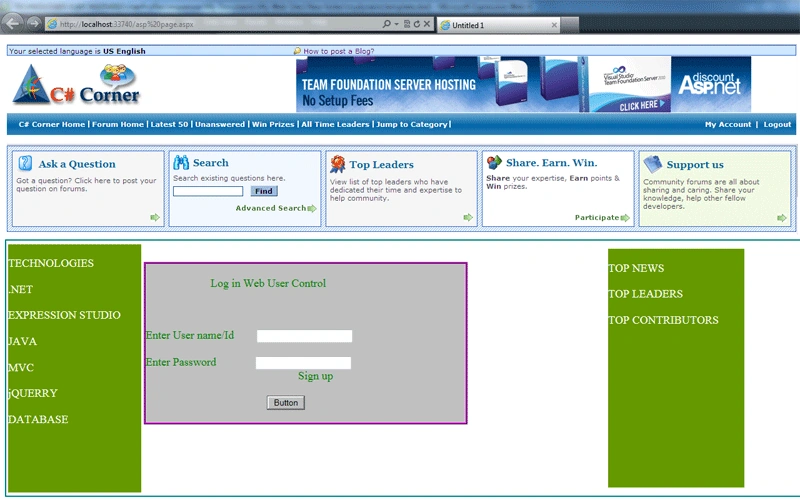
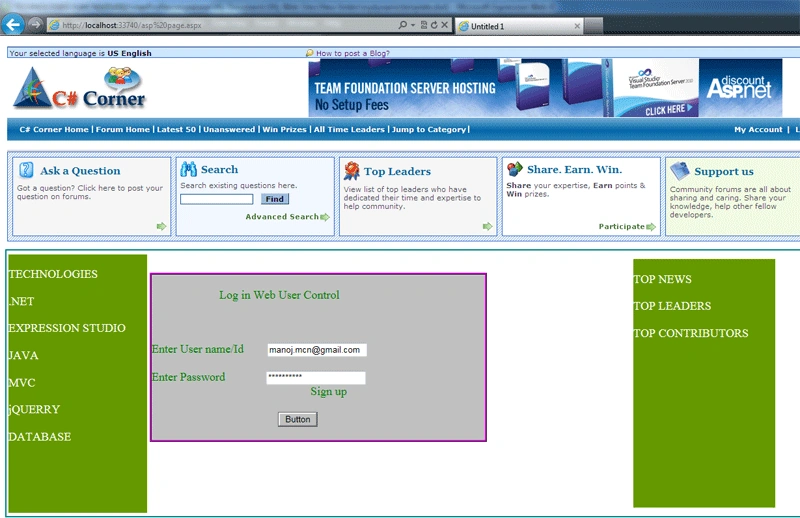
Step 3 : In the panel type the content you would like it to hold and add text boxes, hyperlinks and button as per the requirement, here am using following tools in my user control :
1. Two text boxes to hold the User name/Id and Password of the user
2. A button to allow navigation to other pages or to start a database query
3. A hyperlink named " sign up" to allow user to navigate to the register page
Join the conversation! Your thoughts help the community grow.