
Here are the steps:
- Open your visual studio and create a universal window application project.
- Name that project of your choice.
- Click on Main Page.xmal and start your work.
Step 1: Add 2 rows and 2 columns in your design and code as shown below:
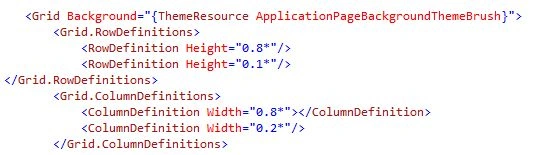
And design is shown below:

Step 2: Add a text box in row2 column1.
Add button in row2 column 2.
A code of it is shown below:

Design of it is shown below:
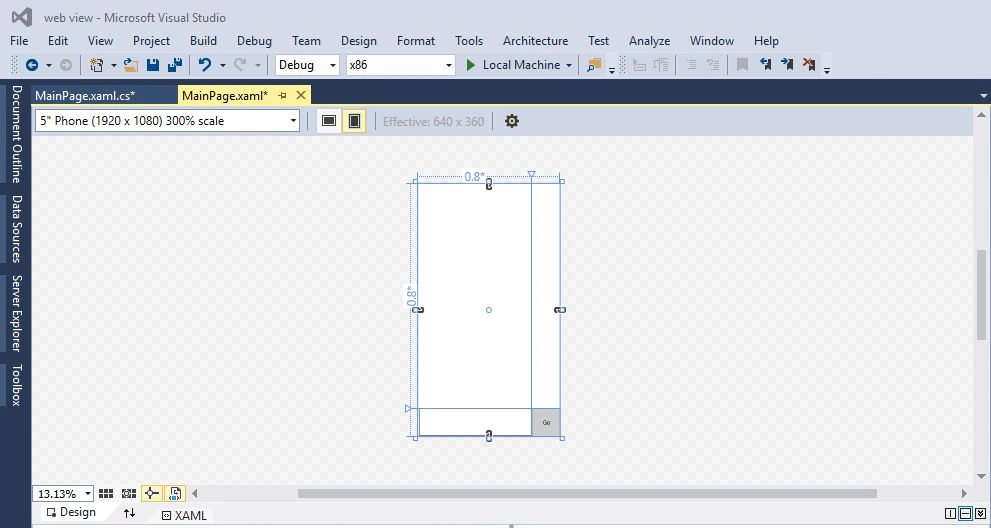
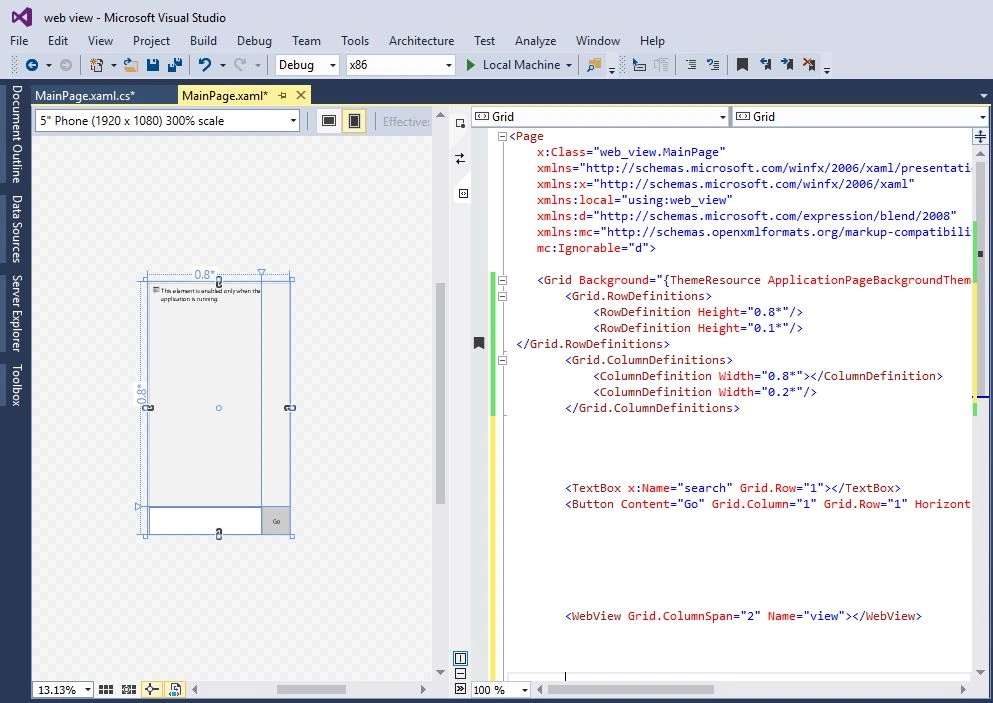
Step 3: Add web view control in UWP.
There code is shown below:

And there design is shown below:
Step 4: Open Main page.xmal.cs and the function call of button. Code shown below:

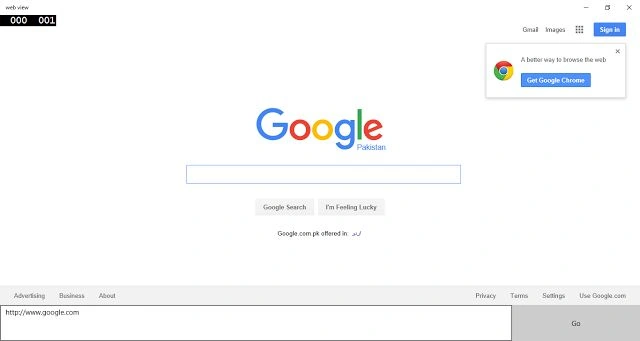
Step 5: After execution add url in textbox and click the button like that:
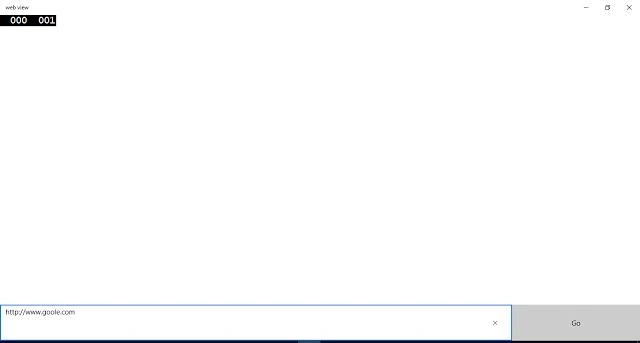
After the click you get your desired search
Kuppurasu NagarajPosted Feb 11, 2016, 12:18 PM
nice
Vivek KumarPosted Feb 4, 2016, 2:35 PM
Nice one
Sibeesh VenuPosted Feb 4, 2016, 12:46 AM
Nice Share
Santhakumar MunuswamyPosted Feb 3, 2016, 2:44 PM
Good initiate start writing article. but i have suggestion improve the contents better looks your article
Ankit SaxenaPosted Feb 3, 2016, 11:29 AM
Thanks for sharing. Usefull info.