

Android is a software stack for mobile devices that includes an operating system, middleware and key applications. This operating system is basically used for for phones, and most recently, tablets. Android is a unique operating system because Google is actively developing the Android platform, but giving it away for free to hardware manufacturers and phone carriers who want to use Android on their devices. It is mostly run on smartphons powered by ARM chips, though it is being ported to various platforms and architectures, including X86.
Key features of the Android Market
- Android Market is open to any developer.
- Developer's can join the market in 3 easy steps: register, upload, and publish.
- Applications can be either free or paid.
Lets Start Installing Android
Welcome; here is a quick start installation guide - if you are new to the Android SDK, follow the steps to install the Android SDK and set up your development environment for the first time.
Before getting started with the Android SDK installation let's check the System Requirements.
System Requirements
- Operating System
- Windows XP (32-bit), Vista (32-bit or 64-bit), or Windows 7 (32-bit or 64-bit)
- Mac OS X 10.5.8 or later (x86 only)
- Linux (tested on Ubuntu Linux, Lucid Lynx)
- You will also need to install a suitable development environment and tools such as:
- JDK 5 or JDK 6 (JRE alone is not sufficient).
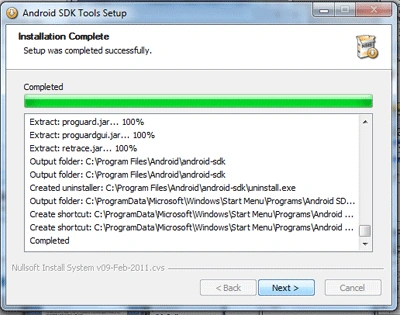
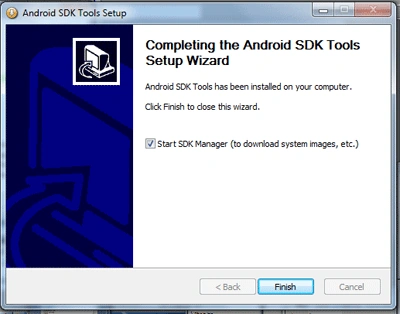
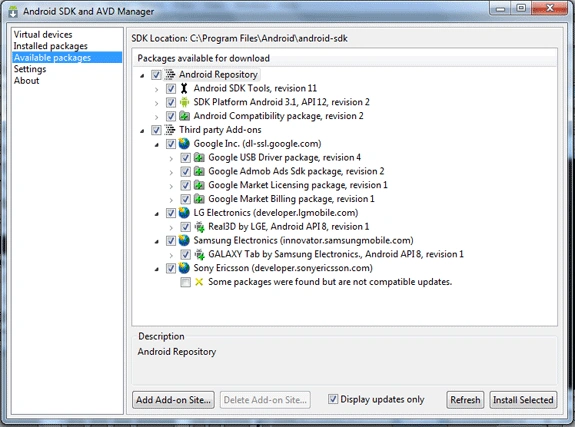
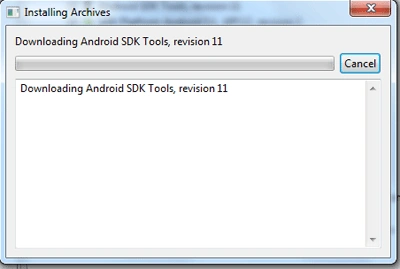
- Android_SDK.
- Mono for Android Visual Studio 2010 Plugin (optional).
- Eclipse JDT plugin (optional).
Eclipse IDE is used as your Android development environment; you will have the opportunity to install and run a plug-in called Android Development Tools and develop an application using the Java language. - Apache Ant 1.8 or later (optional).
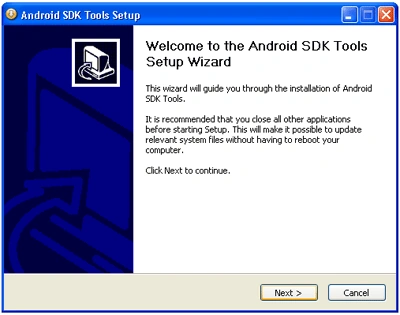
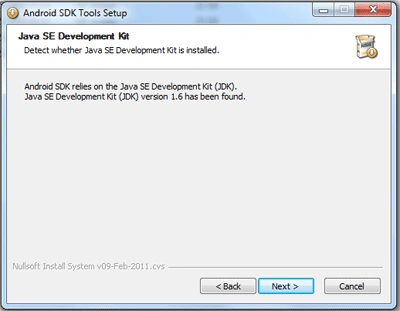
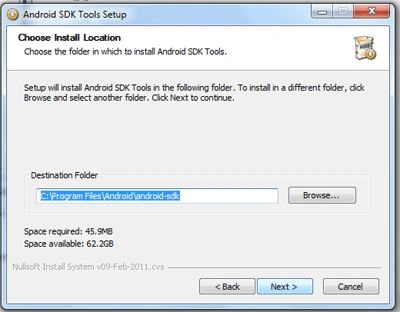
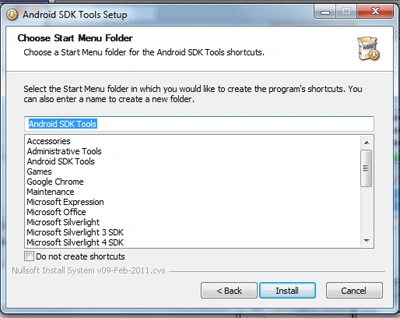
All the steps and images below are installation steps on Windows 7 operating system:
Step: 1 Download and Install JDK.
Download and install the Java(JDK). The JRE is not sufficient.
- Start the installation and select the program feature you want to install:
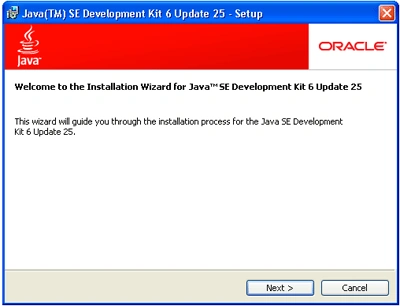
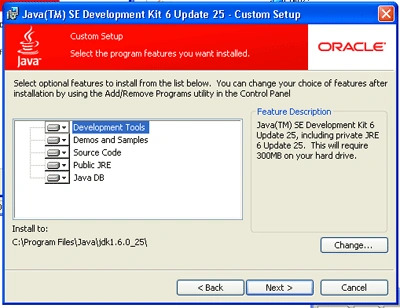
- Chose the destination folder and install the JDK:
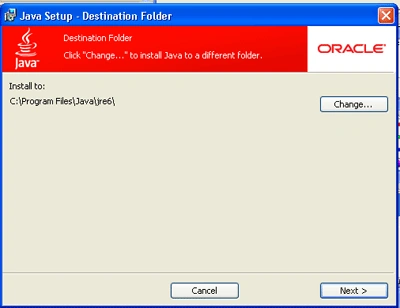
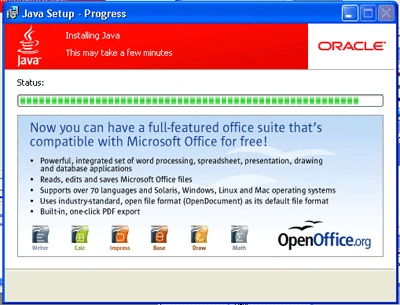
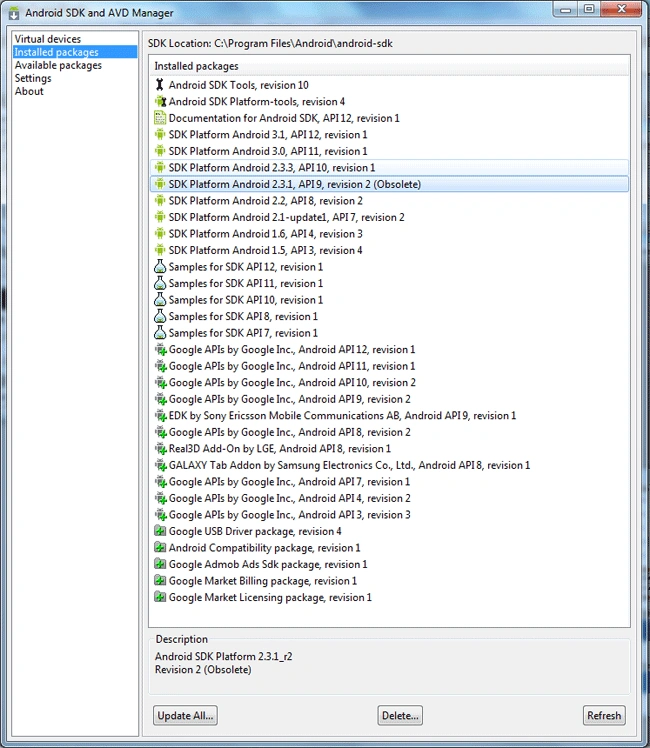
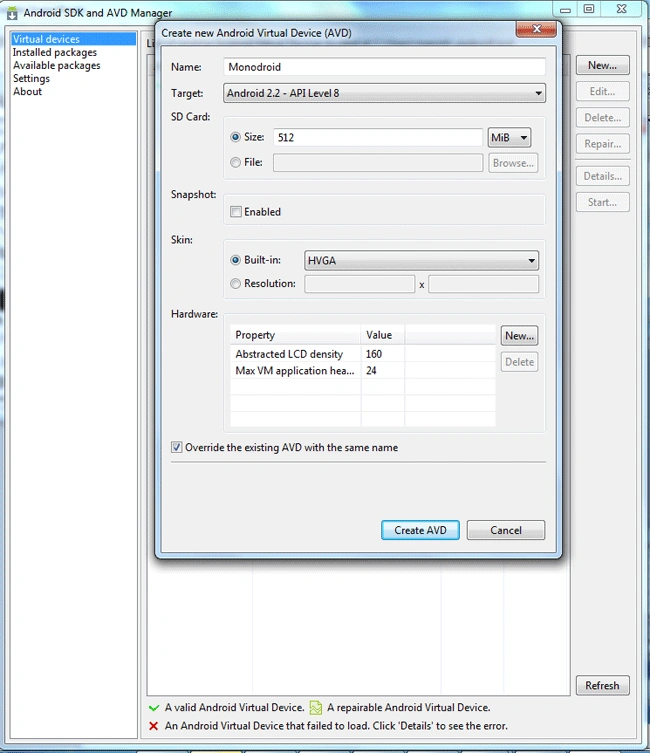
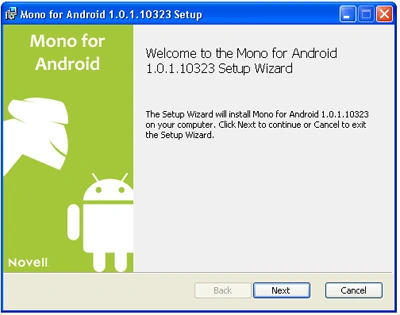
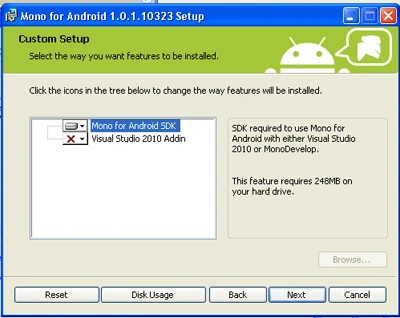
Reza KhanPosted Aug 13, 2015, 6:04 PM
Can I usen this fiture vb.net?
Suraj SoniPosted Jul 15, 2015, 5:15 AM
Sir i have completed these steps but i open the visual studio Monodroid option is not there ..please help.
Suraj SoniPosted Jul 15, 2015, 5:14 AM
Sir i have completed these steps but i open the visual studio Monodroid option is not there ..please help.
muhammed yasirPosted Jul 13, 2015, 12:54 AM
thank you sir
Deepak KumarPosted Jun 3, 2014, 6:03 AM
jdk is optional or not
francisco vazquezPosted Feb 26, 2014, 7:17 PM
how to fix this error: aresgen.exe exited with code -2146232576 ?
Saddam Khan Ranjhani BalochPosted Mar 5, 2012, 8:57 AM
Dear Can I Find You Over A Social Network...
shane wozPosted May 23, 2011, 7:40 AM
What is the difference between GetType() and typeof?
Sam HobbsPosted May 21, 2011, 12:58 AM
There is a demo version of Mono for Android that is free. It won't work in a real device but it includes an emulator and you can test using that. To use in a real device you must purchase a license and many people that have invested many hours of work want their money back. Mono for Android is probably a total waste of money. There is something new being developed by the original developer of Mono for Android that will be available in the future and the demo version of Mono for Android can be used to develop software using C# that will be highly compatible with the new software (Xamarin) but Xamarin is not yet available and Mono for Android is probably a total waste of money.
Suthish NairPosted May 20, 2011, 12:59 PM
thanks for posting a good article. also, am looking for some samples from you, like Hello World ! etc .. :)... Also will this installation take care of emulator also, or is it in-built?
Mahesh ChandPosted May 20, 2011, 9:50 AM
Good article Manish. Here is my feedback. 1. Moved article to MonoDroid category that is related to Android 2. Article has too many keywords. It should have only 5 most effective keywords only. Cheers!
Mamta MPosted May 20, 2011, 8:05 AM
This was a helpful article. Thanks for sharing. Mono as far as I know is the open source .NET platform. Can I use C# with mono to develop android apps?