

Introduction
The Microsoft Power Platform CLI, commonly called PAC CLI, is a command-line tool for developers and administrators working with Microsoft Power Platform.
It provides commands for working with areas such as:
Environment lifecycle
Authentication
Microsoft Dataverse environments
Solution packages
Power Pages
Code components
Installation
Microsoft currently provides three installation methods for Power Platform CLI:
.NET Tool
Windows MSI installer
The Visual Studio Code extension and .NET Tool support Windows, Linux, and macOS. The MSI option is Windows-only.
Which Installation Method Should I Use?
For a Power Platform developer working primarily in Visual Studio Code, I would personally start with:
Power Platform Tools Visual Studio Code extension
If you want PAC CLI available as a user-specific global .NET tool from PowerShell, CMD, or Bash, the.NET Tool installation is particularly useful. Microsoft documents that installation as supporting those shells across Windows, Linux, and macOS.
There is one important restriction to understand.
Microsoft currently states that these commands are available only on Windows:
pac data
pac package deploy
pac package show
On Windows, these commands require the Visual Studio Code extension or Windows MSI installation. They aren't available if PAC CLI was installed only through the .NET Tool.
This is worth considering before deciding which installation method you'll use.
Verify Power Platform CLI Installation
Follow the below steps to verify the Power Platform CLI installation.
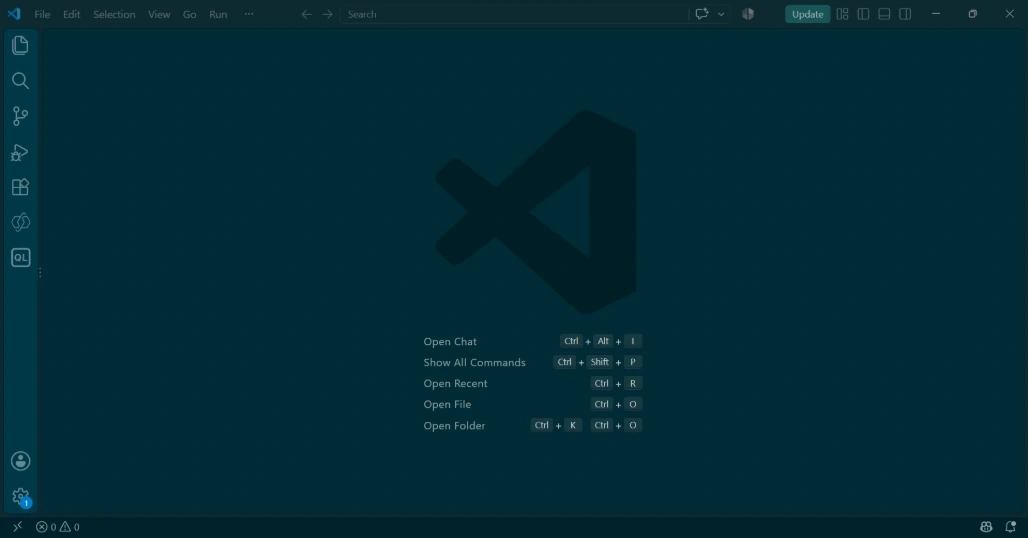
Step 1: Open the Visual Studio Code.
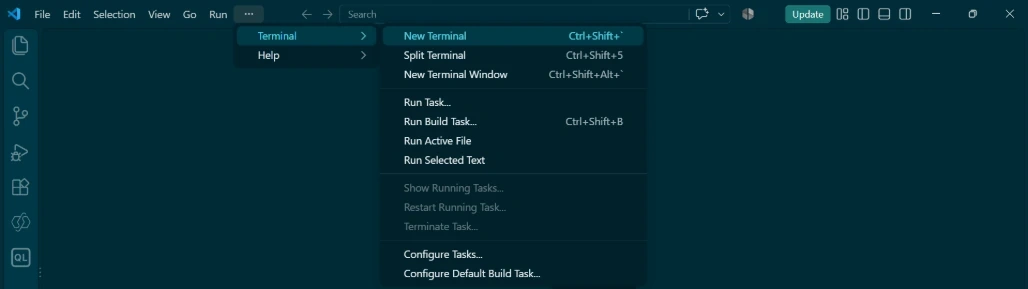
Step 2: Click on Terminal and New Terminal.
or
Press Ctrl + Shift +` .
Terminal is opened.
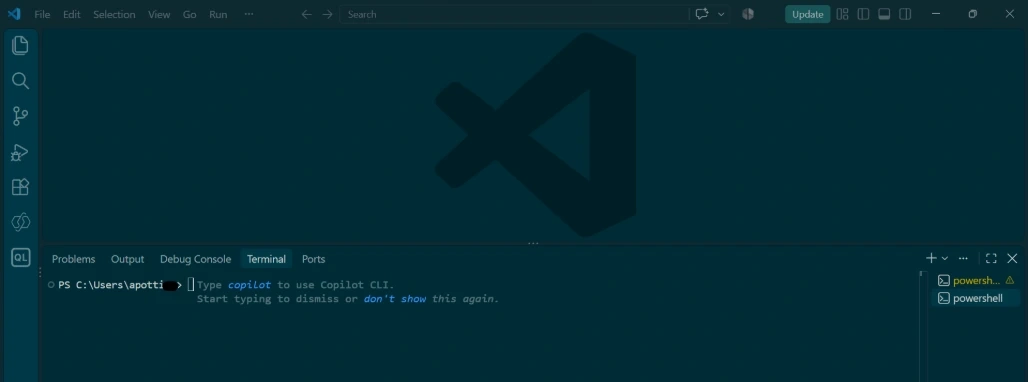
Step 3: Type the below command and press enter to see the installed version of the Microsoft PowerPlatform CLI.
pac
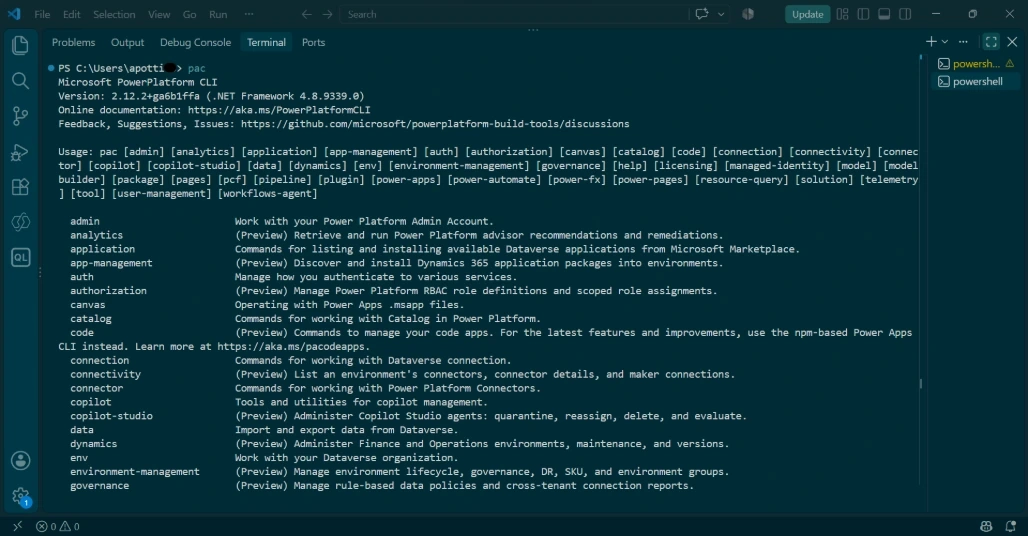
Now that PAC CLI is installed successfully.
The CLI follows the general pattern:
pac <command-group> <command> [parameters]
For any help in PowerPlatform CLI, type the below command and press Enter.
pac help
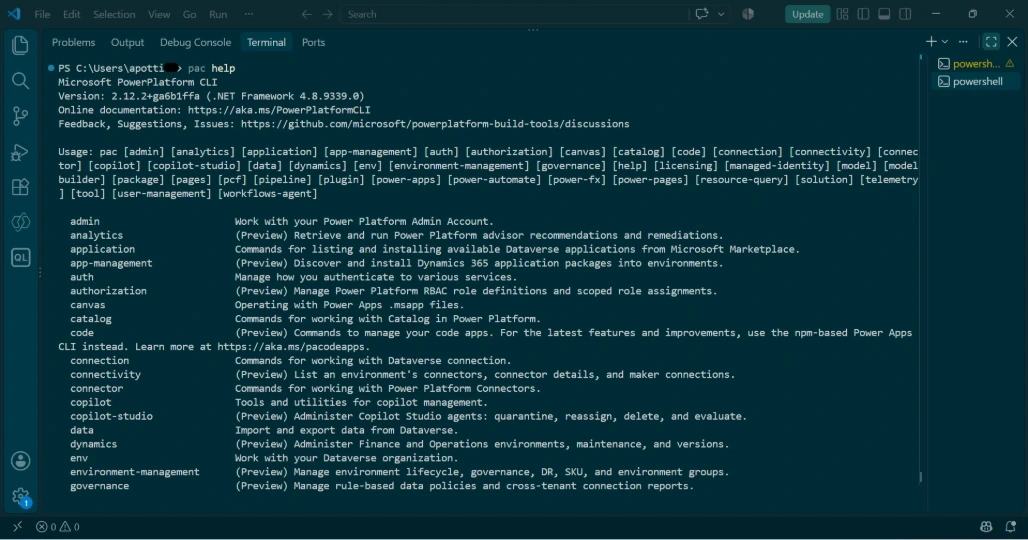
Conclusion
In this this article, we learned what PAC CLI is and explored the installation of it using Visual Studio Code.
We also verified the installation and explored PAC CLI command general pattern and help command.
Now that PAC CLI is installed and ready to use.
Join the conversation! Your thoughts help the community grow.