Abstract / Overview
Ollama Launch is a new command-line capability that simplifies how developers run AI-powered coding tools using local or cloud-hosted large language models. It removes manual configuration, environment variables, and repetitive setup steps. With a single command, developers can launch supported coding tools connected to the right model and context settings.
The result is faster onboarding, consistent environments, and practical access to high-context AI models for real-world software development.
Conceptual Background
What Ollama Is
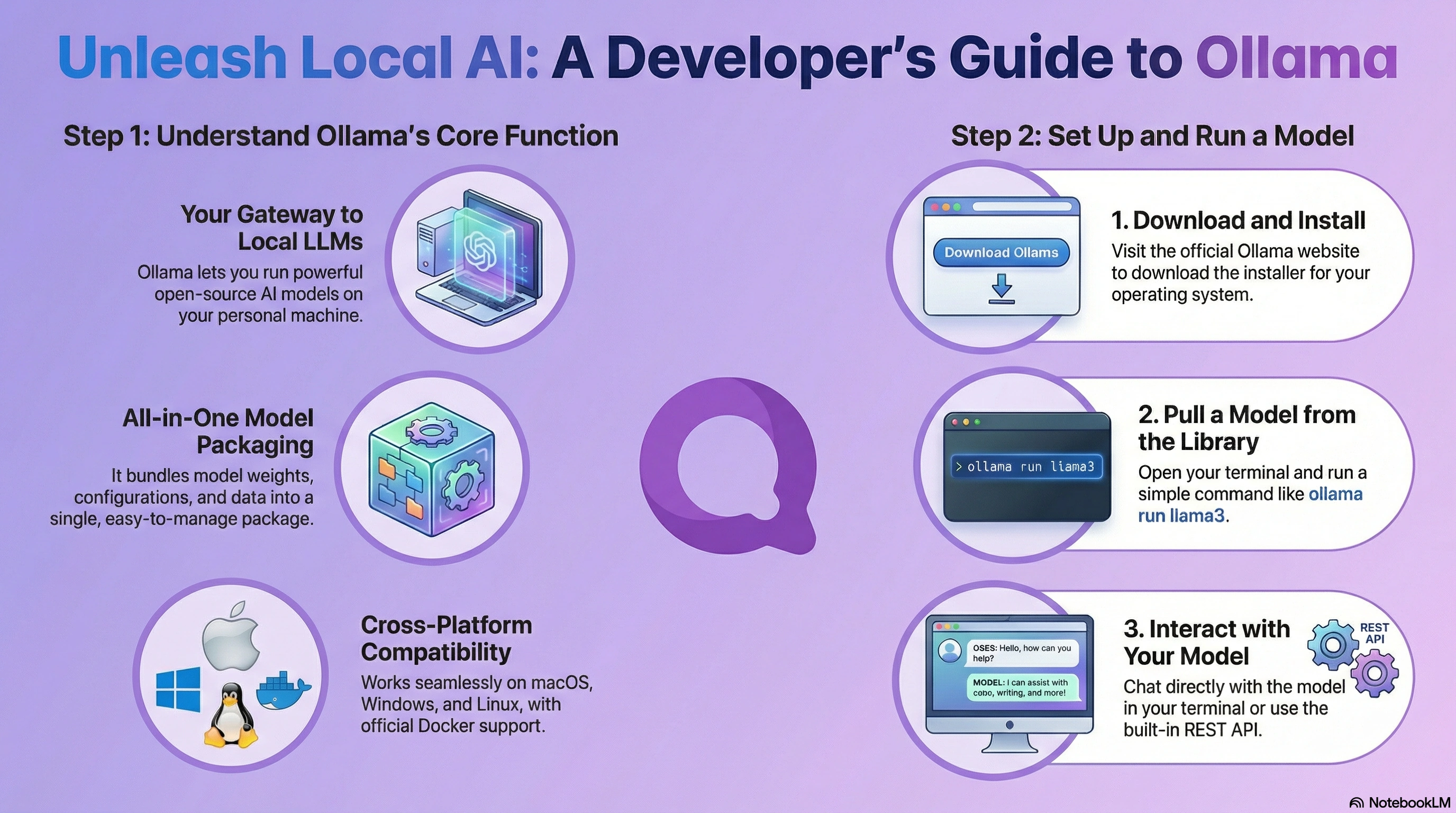
Ollama is a runtime and distribution layer designed to run large language models locally or via managed cloud backends. It focuses on developer ergonomics, privacy, and predictable execution.
Before Launch, developers needed to:
Ollama Launch consolidates these steps into a guided, repeatable workflow.
What Ollama Launch Introduces
Ollama Launch is a CLI command that:
It is designed specifically for coding workflows rather than general chat use.
How Ollama Launch Works
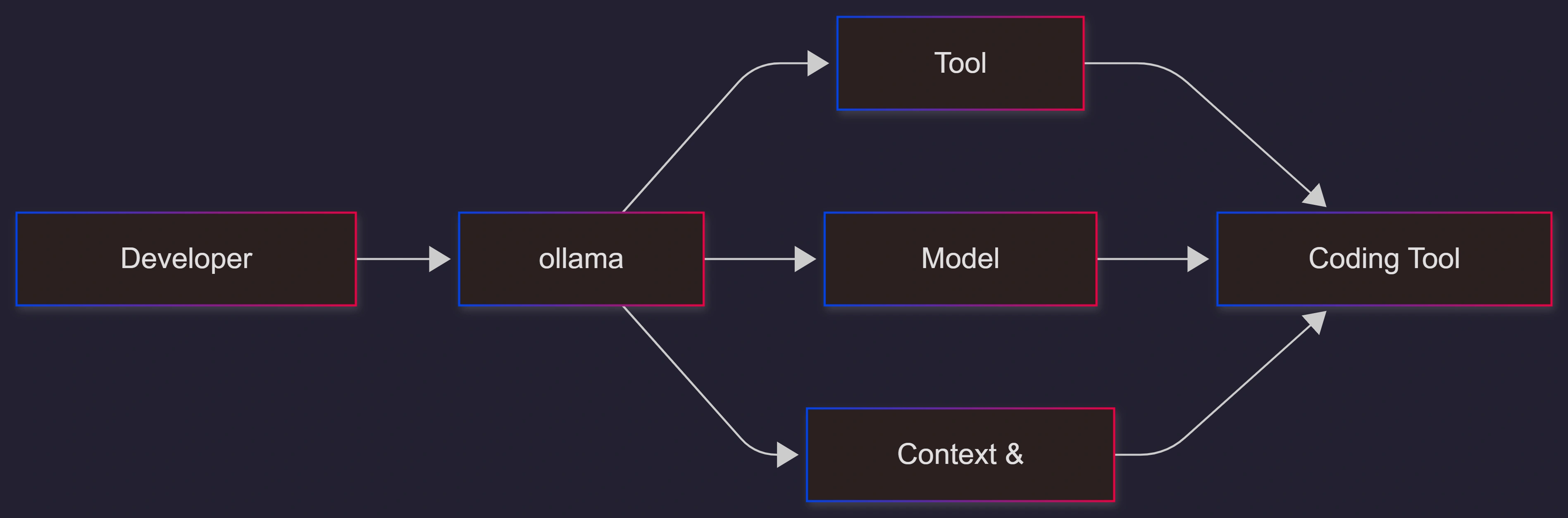
At a high level, Ollama Launch orchestrates three layers: tooling, models, and execution context.
Step-by-Step Walkthrough
Step 1: Install or Update Ollama
Ensure Ollama is installed and updated to a version that includes Launch support.
Assumption: You are using macOS, Linux, or Windows with CLI access.
Step 2: Pull a Suitable Model
Coding tools require large context windows. Pull either a local or cloud model.
Local example:
ollama pull qwen3-coder
Cloud example:
ollama pull qwen3-coder:cloud
Cloud models provide higher token limits without local hardware constraints.
Step 3: Launch a Coding Tool
Run the launch command with your desired tool.
ollama launch opencode
Or:
ollama launch claude
Ollama Launch will:
Detect the tool
Prompt for model selection if needed
Apply recommended context length
Start the tool immediately
Step 4: Configure Without Running (Optional)
To generate configuration only:
ollama launch opencode --config
This is useful for CI pipelines or editor integrations.
Supported Coding Tools
Ollama Launch currently supports several developer-focused tools, including:
Claude Code – structured code reasoning and refactoring
OpenCode – local-first coding assistant
Codex – program synthesis and automation
Droid – workflow and task automation
These tools benefit most from long context and stable execution.
Recommended Models for Ollama Launch
Local Models
Best for privacy and offline workflows:
qwen3-coder
glm-4.7-flash
gpt-oss:20b
Cloud Models
Best for large repositories and deep reasoning:
qwen3-coder:480b-cloud
gpt-oss:120b-cloud
glm-4.7:cloud
Assumption: Cloud usage is acceptable for non-sensitive code.
Use Cases / Scenarios
Local AI Coding Assistant
Developers working on proprietary codebases can run models locally with OpenCode and Ollama Launch, ensuring data never leaves the machine.
Large Codebase Refactoring
Cloud models with 64k+ context windows enable multi-file reasoning and architectural analysis without manual tuning.
Rapid Tool Switching
Developers can test multiple tools and models quickly without rewriting configuration files.
CI and Automation
Preconfigured Launch outputs can be reused in automated workflows or editor plugins.
Limitations / Considerations
Large local models require significant RAM and VRAM
Cloud models introduce network dependency
Supported tools are currently limited to coding-focused systems
Context limits still apply, depending on model selection
Fixes (Common Pitfalls)
Tool fails to start: Ensure the tool is installed and in the PATH
Model runs out of context: Switch to a cloud variant or larger model
Performance issues: Reduce local model size or use cloud execution
Incorrect defaults: Use --config to inspect generated settings
FAQs
Is Ollama Launch required to use Ollama?
No. It is an optional productivity feature for coding tools.
Does it work offline?
Yes, when using local models.
Can I use my own custom model?
Yes, as long as the model is compatible with Ollama and supports sufficient context.
Is this replacing manual configuration?
It complements it. Advanced users can still override defaults.
References
Ollama official launch announcement
Developer documentation for supported coding tools
Community model benchmarks and context size guidance
Conclusion
Ollama Launch introduces a practical abstraction for running AI coding tools with minimal friction. By unifying tool selection, model configuration, and execution into a single command, it enables developers to focus on writing code instead of managing infrastructure.
For teams and individuals working with AI-assisted development, Ollama Launch represents a meaningful step toward stable, repeatable, and scalable local and cloud workflows.


Join the conversation! Your thoughts help the community grow.