

Introduction
Windows Azure is picking up speed in the market and the businesses seem to shift to
this new paradigm. Surely this is changing the way the game is played.
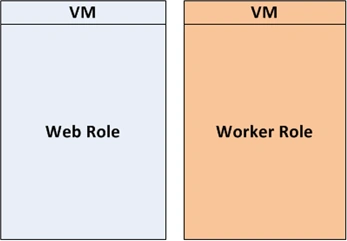
Windows Azure provides a Windows Server based computing environment for
applications. The applications deployed on Windows Azure are getting executed on
Virtual Machines.
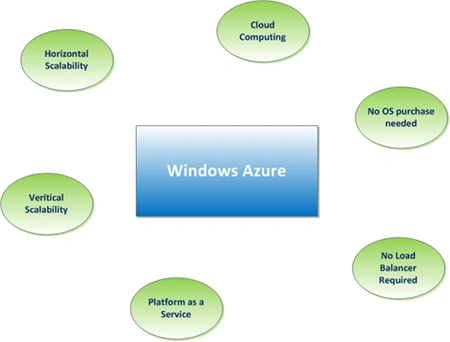
Windows Azure is Microsoft's answer for Cloud Computing.
The advantages provided by Azure would be many:
Platform as a Service
As the Azure platform provides the software the business organizations can save
high amount of software licensing costs. This will reduce the operating expenses
of the company or they can divert the expense to provide more features to their
application. Similarly the hardware costs are also reduced.
So one may raise a question that the current ASP.NET deployment can also be made
without purchasing any software's and by paying yearly rent. In this case if
additional processing power is needed then more IT support for Load balancers,
Programming for Caching, Testing efforts are needed. These all overheads are
addressed in Windows Azure.
Availability
Windows Azure is designed to provide availability of the application in the
mid of any software upgrade or hardware failure. This can be achieved through
instance management.
Scalability
In the current situations of ASP.NET, the need for load balancer arise
additional costs of programming and testing. These additional requirements and
costs can be reduced through the Azure platform. The load balancers are deployed
in the Azure platform so that the IT support/developers can be freed from these
tasks and concentrate on the business features.
Vertical and Horizontal Scalability
Scalability can be vertical and horizontal. Vertical Scalability infers
increasing the resources like CPU, memory etc. Horizontal Scalability infers
increasing the number of application instances.
Uneven Demand Processing
In the case of business applications which require high computing power during
peak times (during Christmas Season, Year End, Demo Launch etc.) Azure
provides advantage of upgrading or downgrading the hardware resources.
Roles in Windows Azure
Roles are an important concept in Windows Azure and learning them is the base
for further programming. There are mainly 3 roles in Windows Azure.
- Web Role
- Worker Role
- VM Role
Web Role
It provides a web front end solution. This is similar to an ASP.NET application.
While under hosting Azure provides IIS and required services.
Worker Role
It provides a background service solution. This can be thought as a windows
service application. We can use this role to run background operations like
database management tasks, report generation etc. It can run lengthy operations.
According to msdn, the Web Role can be considered as a Worker role loaded with
IIS. Similarly the worker role can be used to host other application platforms.
VM Role (Virtual Machine Role)
The Web Role and Worker Role are executed on virtual machines. The Virtual
Machine Roles provides the user the ability to customize the virtual machine on which the
web and worker roles are running. The VM role run a virtual hard disk (VHD)
image which can be created and uploaded by the user. Through the VM role the
customers can run scheduled tasks and other windows services.
Application Overview
From the above we can summarize that a Windows Azure application will contain web roles, worker roles and vm roles.
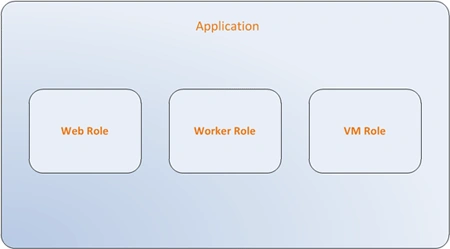
The case of application is similar to our ordinary solutions where a project
include
- Web Application in ASP.NET
- Background Services in Windows Services
- Configuration
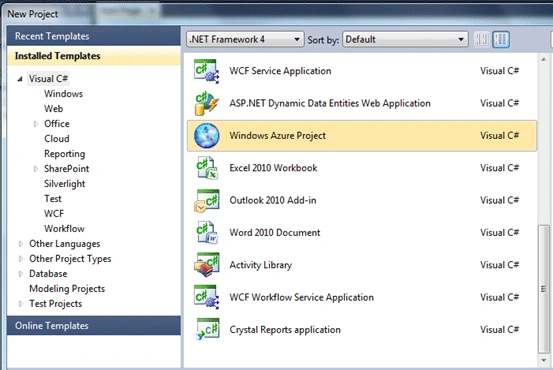
Setting up Visual Studio
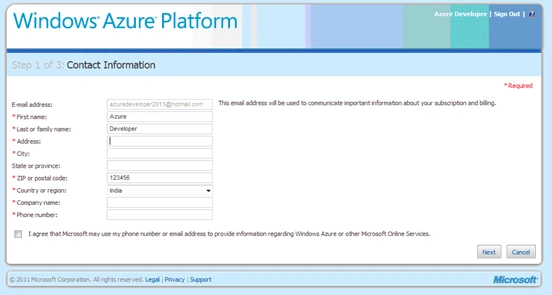
After creating an account, we can proceed with setting up the development
environment.
Windows Azure applications can be developed in multiple environments.
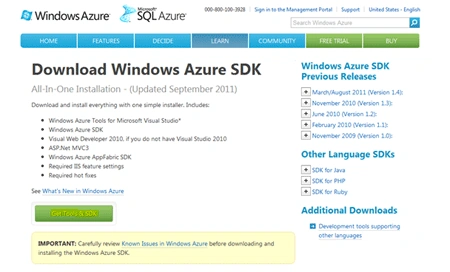
- Visual Studio 2008, 2010
- Standalone SDK
Frankie WilliamsPosted Oct 17, 2011, 12:03 AM
Good Article Jean, nicely implemented......