

Introduction
Microsoft added a new feature in Windows 10 for Windows users to send new suggestions ideas and feedback regarding any topic on Windows 10 Operating System. In Windows 10 operating system, some user requires new functionality and also want some changes in Windows apps and applications. The Windows Feedback app name feature is used to solve user issues and fulfill user requirements.
The main motive of the Windows Feedback app is that any Windows 10 user after using Windows 10 experience sends some suggestions on apps and applications to create more powerful and good apps. To understand the working of the Windows Feedback app we have to follow some steps and features.
Step 1
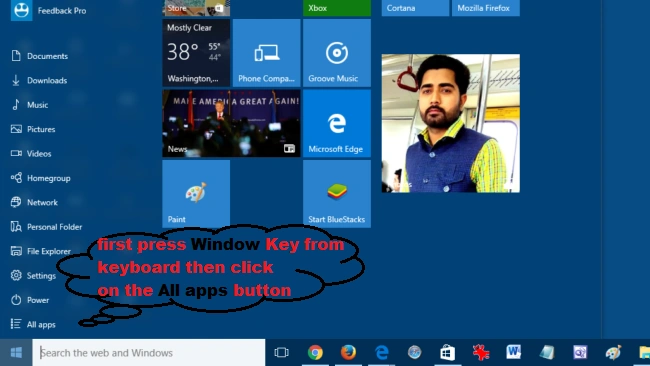
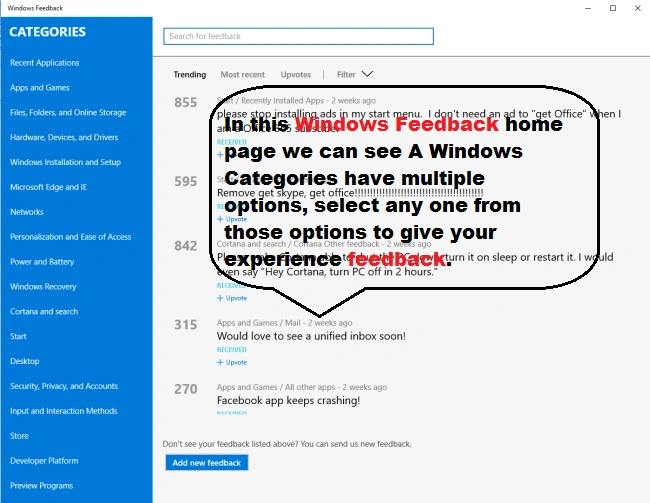
Firstly, open the Windows Feedback app, Press Windows key button form keyboard and then click All apps. Here are the screenshots,


Step 2
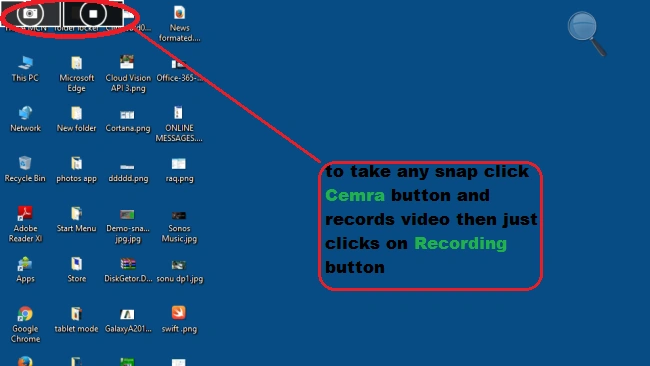
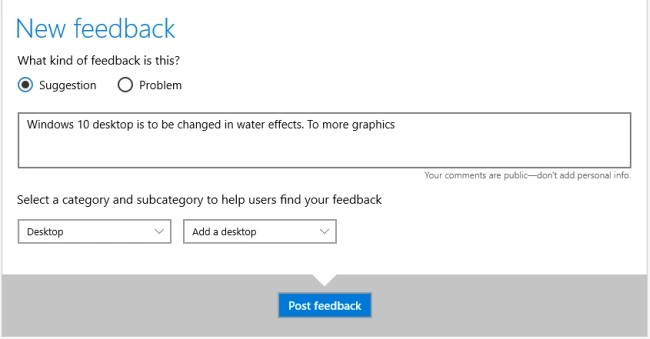
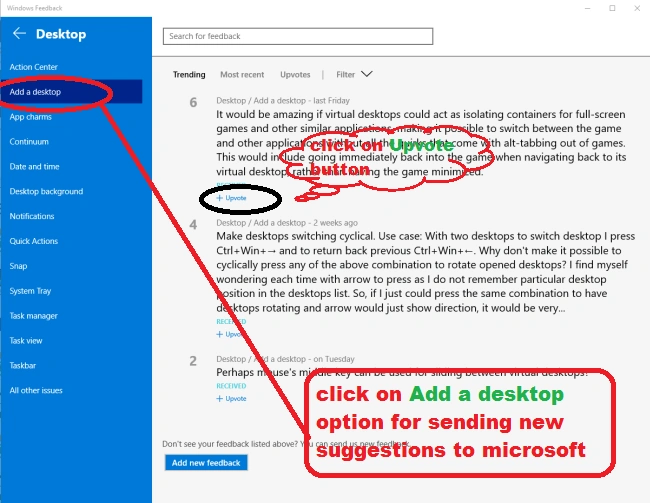
In this step, we will send any suggestion to Microsoft Windows 10 supports. Here's the screenshot,



Step 3
Windows Feedback allows Windows users to Upvote the already existing suggestion. In this scheme we Upvote when your suggestion is the same as a posted suggestion to Uprate this. To Upvote here's the screenshot,

Joe WilsonPosted Dec 26, 2015, 2:30 PM
Well, Thank you .
Gowtham KPosted Dec 12, 2015, 7:45 AM
Good Informative, Thanks for sharing
Harshad PansuriyaPosted Dec 11, 2015, 7:08 AM
Nice one
Sibeesh VenuPosted Dec 11, 2015, 7:04 AM
Nice Share