

In Windows Store apps it is possible to use a WebView control to show web pages and sometimes we may need to intercept the action between the web page and the code behind of the XAML page, to do other tasks based on the action.
There are some changes from Windows 8.0 to Windows 8.1 related to the WebView control. These differences can be found here What's new in WebView in Windows 8.1 and there is an interesting sample: How to intercept JavaScript alert in WebView in universal Windows apps from OneCode Team. In this sample, we will see a solution for when we click a button from a web page hosted in a WebView.
Description
To start, we need to create a Windows Store App. We can select the Blank Template and then we need to create a basic HTML page with a button as in the following:
- <!--<span class="hiddenSpellError" pre="" data-mce-bogus="1"-->DOCTYPE html>
- <button id="MyButton" type="button">Click here...</button>
- <WebView Name="WebView"
- Margin="100"
- NavigationCompleted="WebView_OnNavigationCompleted"
- ScriptNotify="WebView_OnScriptNotify"
- Source="ms-appx-web:///HtmlPage.html" />
- private async void WebView_OnNavigationCompleted(WebView sender, WebViewNavigationCompletedEventArgs args)
- {
- await WebView.InvokeScriptAsync("eval", new[]
- {
- "var signButton=document.getElementById(\"MyButton\");" +
- "if (signButton.addEventListener) {" +
- "signButton.addEventListener(\"click\", MyButtonClicked, false);" +
- "} else {" +
- "signButton.attachEvent('onclick', MyButtonClicked);" +
- "} " +
- "function MyButtonClicked(){" +
- " window.external.notify('%%' + location.href);"+
- "}"
- });
- }
Now we need to define the ScriptNotify event handler, as in the following:
- private void WebView_OnScriptNotify(object sender, NotifyEventArgs e)
- {
- var url = e.Value;
- }
Running the Application
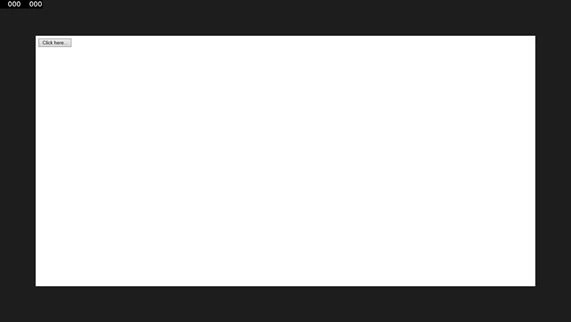
And by clicking the button we will get the URL value, as we can see in the following image.

Join the conversation! Your thoughts help the community grow.