

Hello Readers.
Yup, a beautiful collaboration and yes, with Adobe too. Word Online is an app being provided by SharePoint to help users to use both SharePoint and Word products simultaneously. How? We'll see that now.

Keep Learning! Cheers!
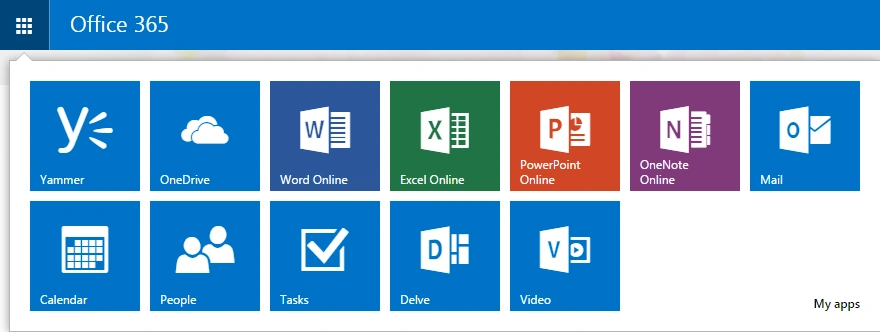
- Click on the extreme left of your site.
- You will be able to see Word Online, click on it.
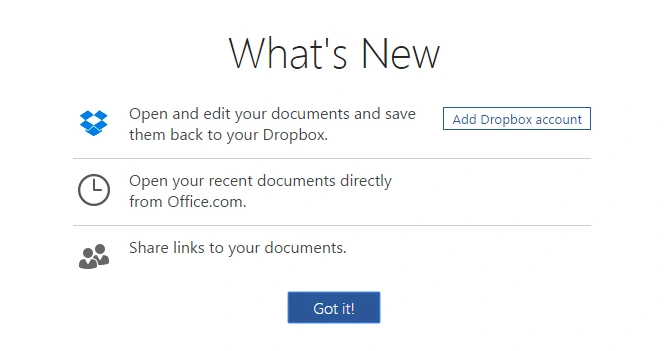
- Welcome to your Word Online, What's new here?
- You can connect your Dropbox account directly to connect your SharePoint and all files together, you can open your recent files, share and many other things.
- Click on Got it!
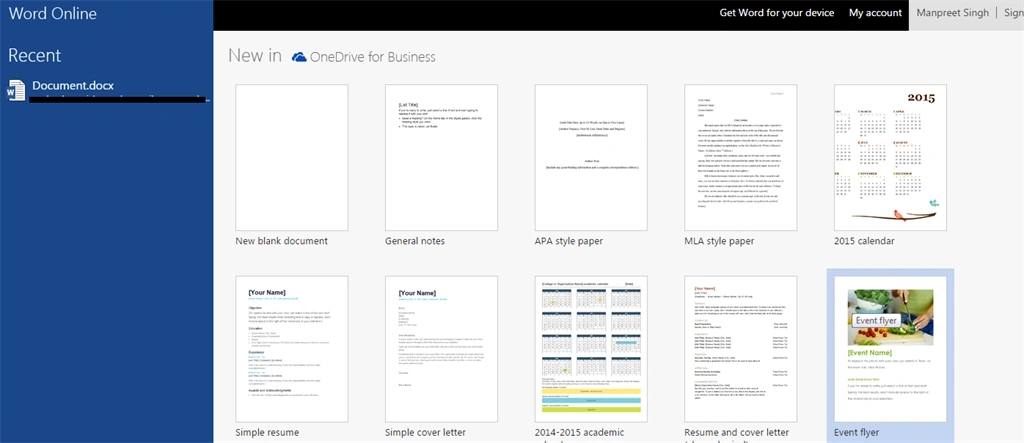
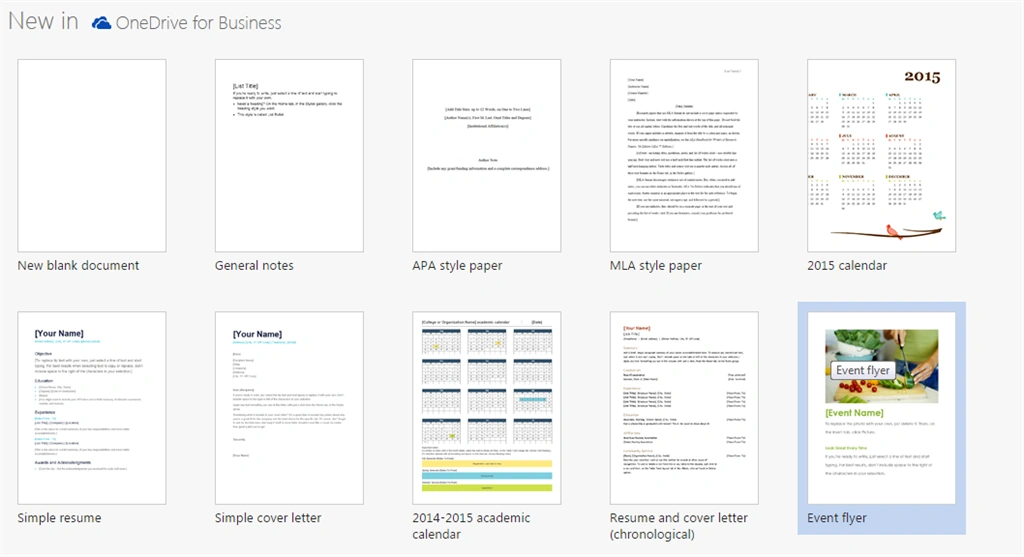
- Welcome to your Word where to create a new document you have various templates.
- Now not only Dropbox, you can also connect your OneDrive to connect all your document files.
- After choosing your template (as in for me I selected “New Blank Document”).
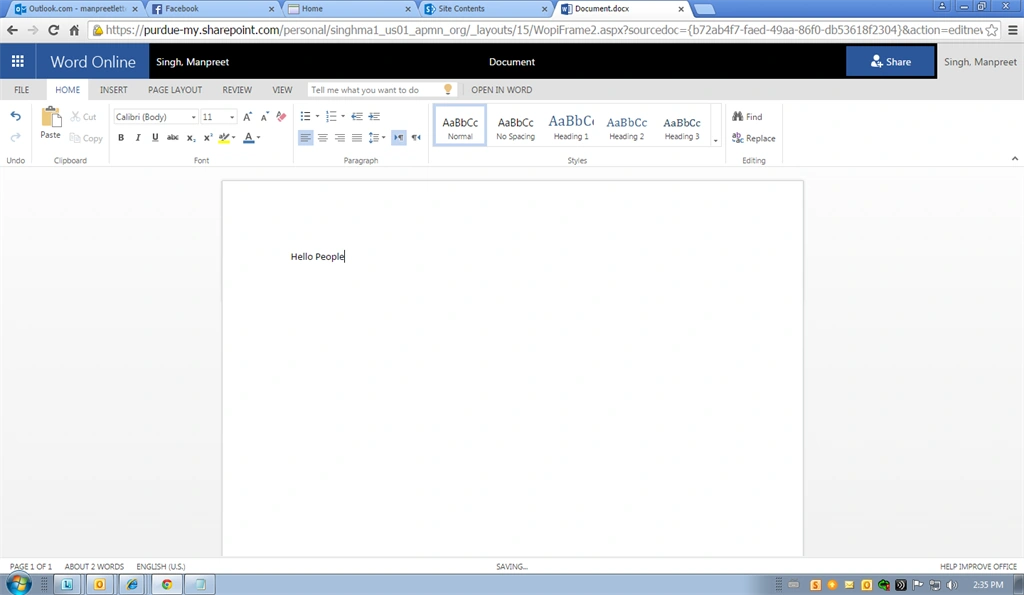
- You will open up your file using Work Online.
- This file can be used as a normal Word file from your Microsoft Office product.
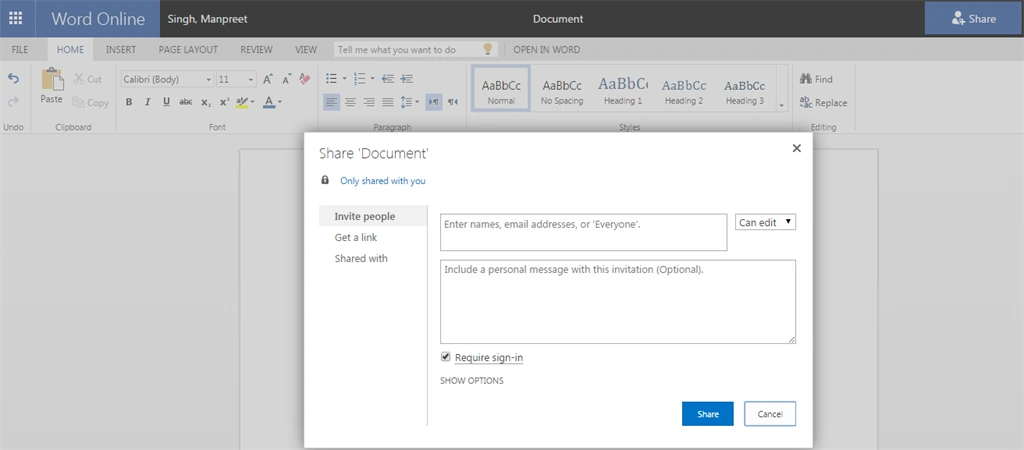
- Moreover you have an option to share it with people directly from here rather than sending them by email as attachment. You just need to click on the “Share” icon on the top-left corner.
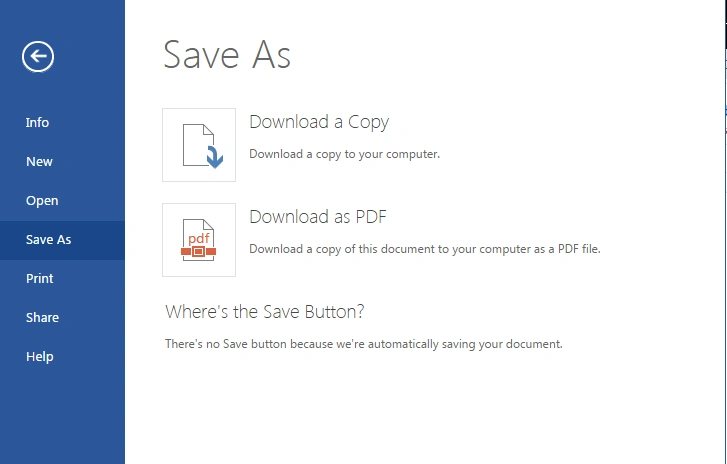
- Here comes the best part, saving the file. It automatically saves it to your Document Library and if you want a separate copy you can download it as a Word file or PDF.
Keep Learning! Cheers!
Prasad PathakPosted Apr 14, 2015, 4:41 AM
Great article
Karthik Muthu KaruppanPosted Apr 13, 2015, 1:36 PM
Good one.... keep going....
NitinPosted Apr 13, 2015, 2:41 AM
nice
Santhakumar MunuswamyPosted Apr 12, 2015, 1:14 PM
Good one
Vithal WadjePosted Apr 12, 2015, 1:03 PM
nice