

This article explains how to work with a discussion list for a community site in SharePoint 2013.
Step 1
Login to the SharePoint 2013 site as an administrator. Here I am logged in as Alan Wilkins User.
Step 2
Go to the site contents in the Community Site Portal.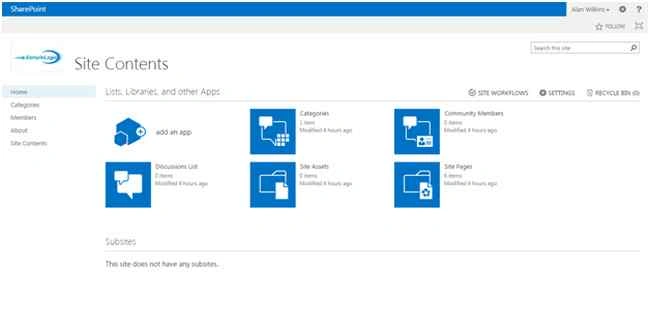
Step 3
Click the Discussion List menu item.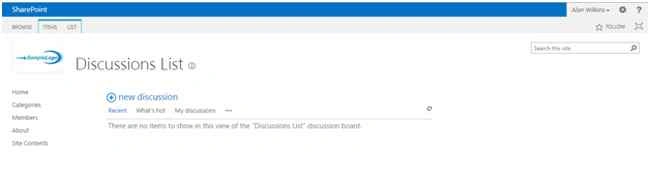
Step 4
Click the new discussion link. Enter the subject and body of the discussion. If you have a question then select the question checkbox then click the Save button.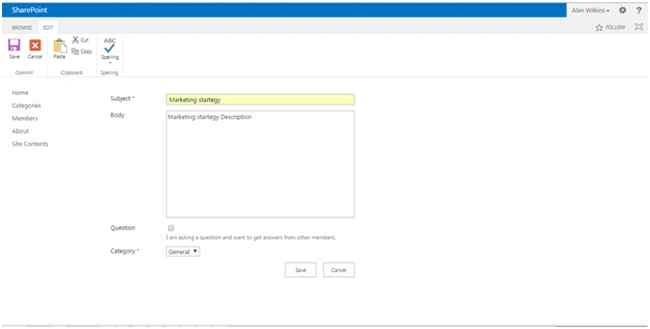
Your discussion will show as in the following.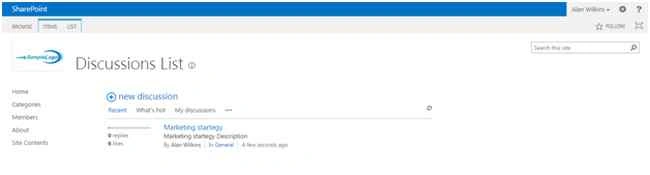
Reply for the Discussion
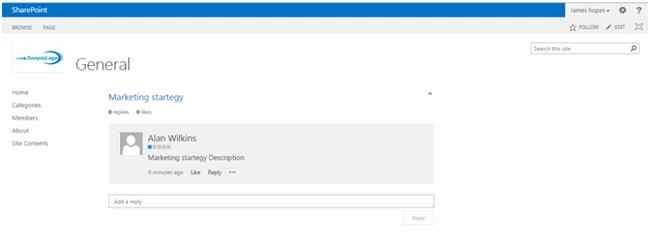
Click which discussion you need to reply to. Here I have logged in with another user (James Hopes).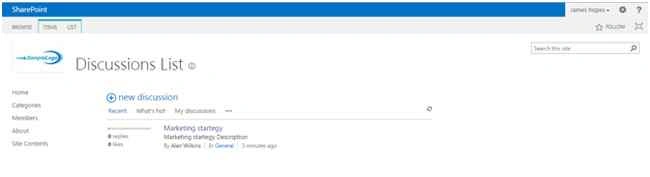
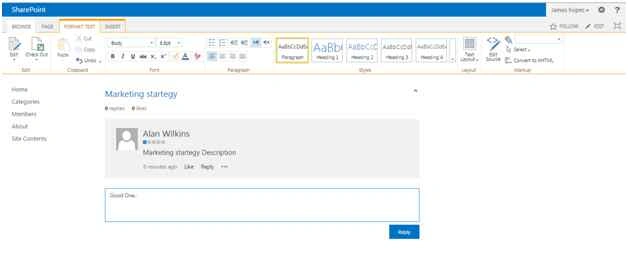
Once entering into the reply text box click the Reply button.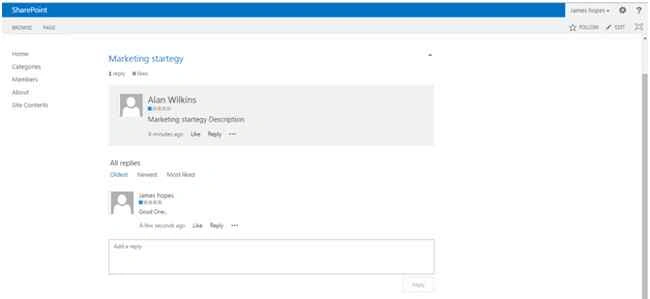
You also like and unlike the specific discussion comments. The like and unlike counts are also shown in the discussion list. 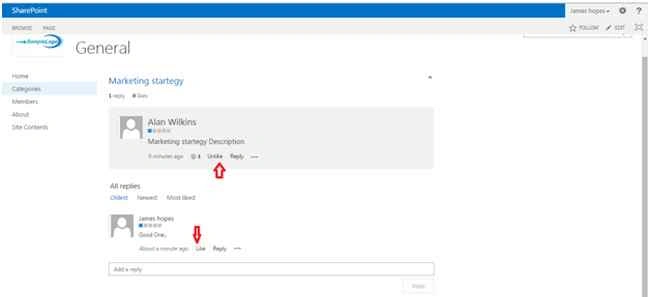
Summary
In this article we explored how to work with a discussion list for the community site in SharePoint 2013.
SriramPosted Jul 6, 2015, 3:29 AM
Good.............
Sibeesh VenuPosted Jul 3, 2015, 1:36 AM
Good one.
Gopi ChandPosted Jul 1, 2015, 11:34 PM
Nice one