

In SharePoint Workflows, Initiation Forms are used to provide some additional information into the workflow for whom it is triggered or who starts it. Basically, the initiation forms are used to interact with the user, for example - if we want to take some data from the user before the workflow is triggered, this will be done by Initiation Forms. At first, the input will be taken and then the workflow will be triggered. This is the scenario of initiation form.
On the other hand, Association Forms are also workflow forms which are used to take the information before associating with the list and they are usually used for reusable workflows.
Let’s take an example of initiation form workflow.
Scenario
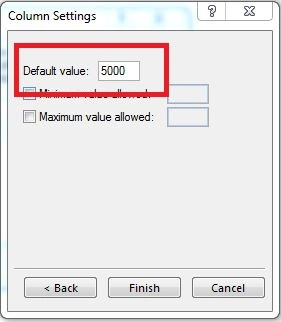
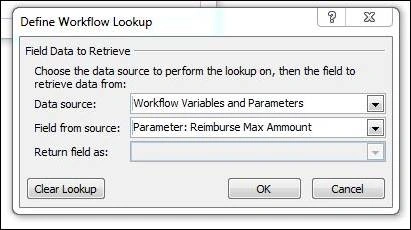
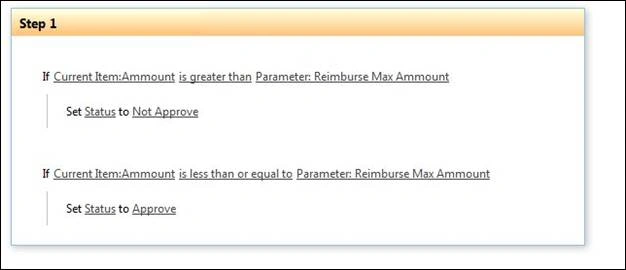
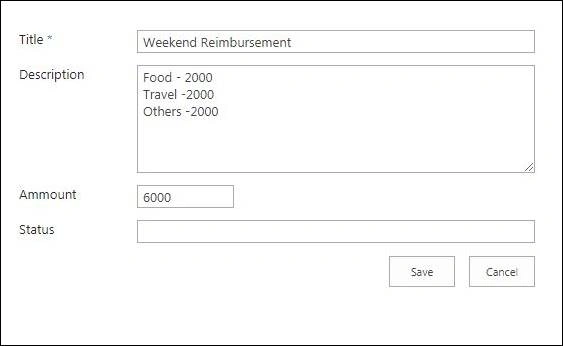
We are making a workflow named “Reimbursement” in which a user applies for a reimbursement of some amount against his/her expenditure but if the manager wants to allow it only up to certain amount, then we can use initiation parameter. Let’s say the Max Limit for reimbursement amount will be up to 5000. So, we will set this parameter and make workflow to provide a solution.
Step 1st
Make a “Custom List”, let’s say “Reimburse”, which contains the following columns - Title, Description, & Amount.

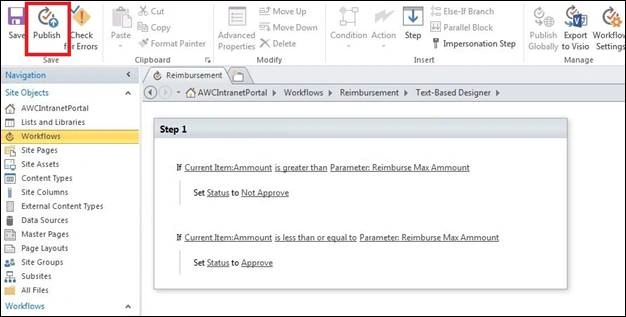
Go to SharePoint Designer and select the List Workflow; and after that, select your List “Reimburse”.
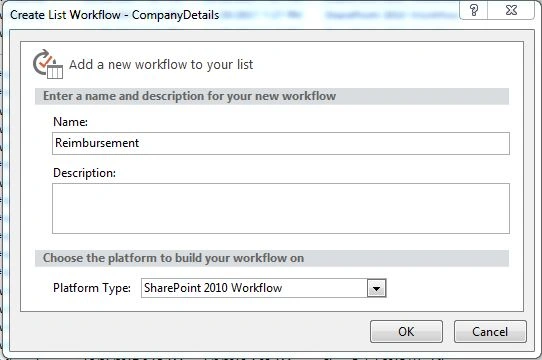
Once you select your list, a workflow window appears named as “Reimbursement”. Select SharePoint 2010 Workflows.
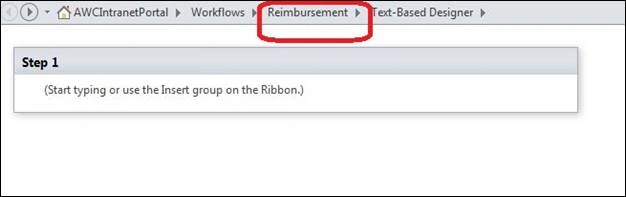
Now, click on Reimbursement that expands some options on the top of the page.

Now, select Initiation Form parameters in which you can set parameters or you can say amount limit.
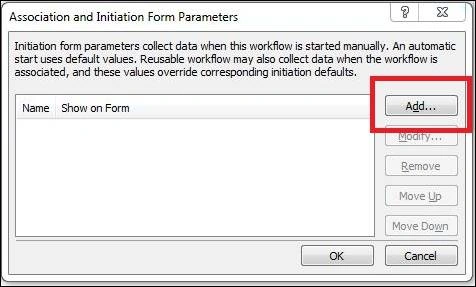
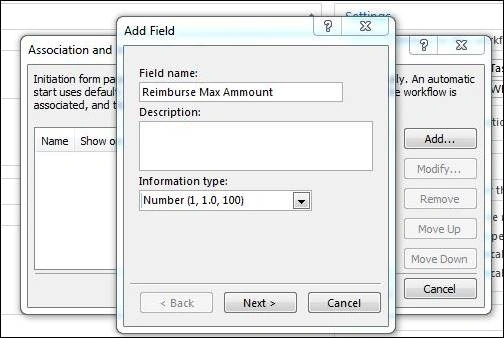
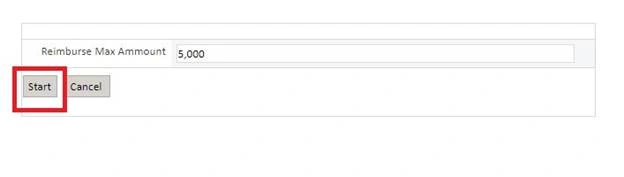
For setting the Parameters, click on "Add" button and after that, name it as Reimburse Max Amount and make information type a number.
Join the conversation! Your thoughts help the community grow.