

Introduction
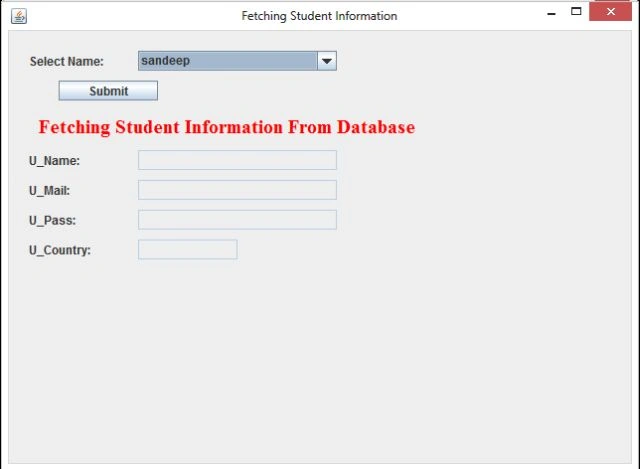
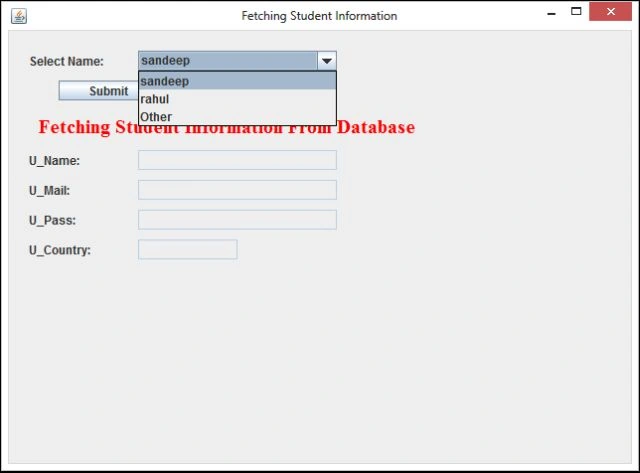
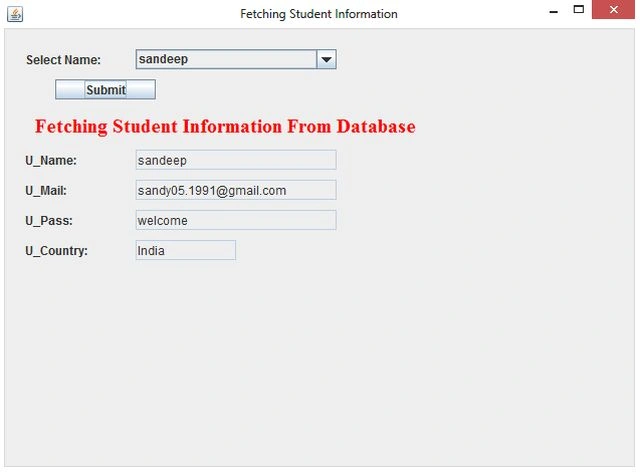
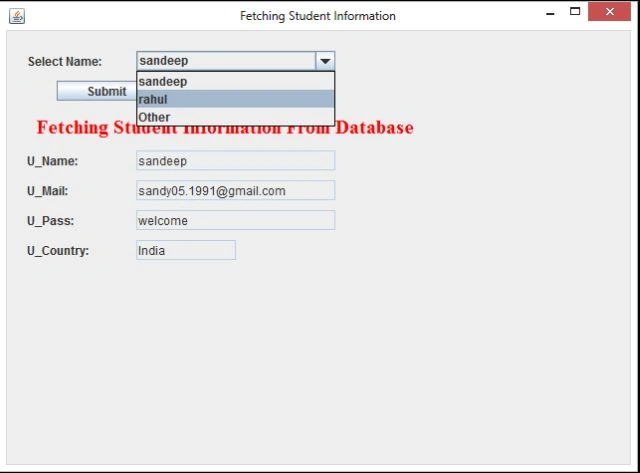
This article explains how JComboBox of Swing works and explain how to search records of a user from the database by their name of the Swing GUI in Java. The NetBeans IDE is used for the sample examples.
Search Employee Records
To create this app that searches Employee records from the database in a Window Forms application depending on their name, we need the following files:
- Java file (JComboBoxSearchApp.java)
- SQL table (emp.sql)
1. SwingSearchApp.java
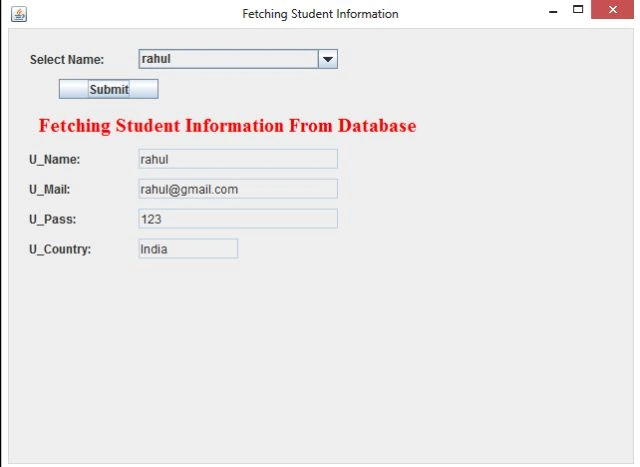
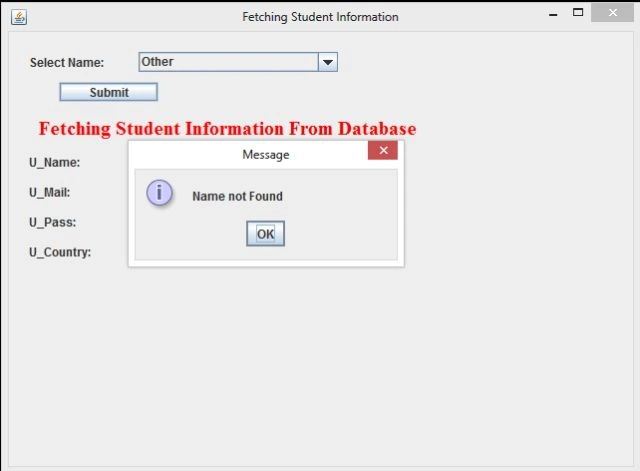
This Java file consists of all the logic. First of all we initialize JFrame components using a constructor then create a database connection and finally set the database value to the textfield. If the given name is not found in the database then it displays an error message and displays it by running the constructor.
2. emp.sql
For fetching records we need a database table; for that we create an "emp" table in our database.
Syntax
emp.sql
create table emp
(
uname varchar2(20), umail varchar2(30),
upass varchar2(20), ucountry varchar2(20)
);
Insert some rows in it
1. insert into emp values ('sandeep', '[email protected]', 'welcome', 'India');
2. insert into emp values ('rahul', '[email protected]' , '123', 'India');
Now let's start creating this app. Use the following procedure to do that in the NetBeans IDE.
Step 1
Open the NetBeans IDE.
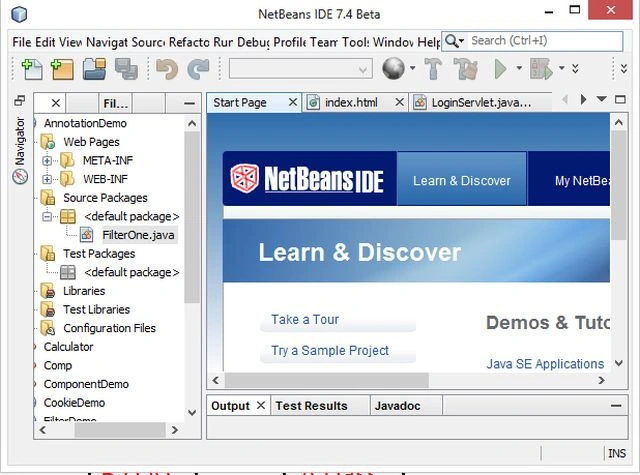
Step 2
Choose "Java" -> "Java application" as shown below.
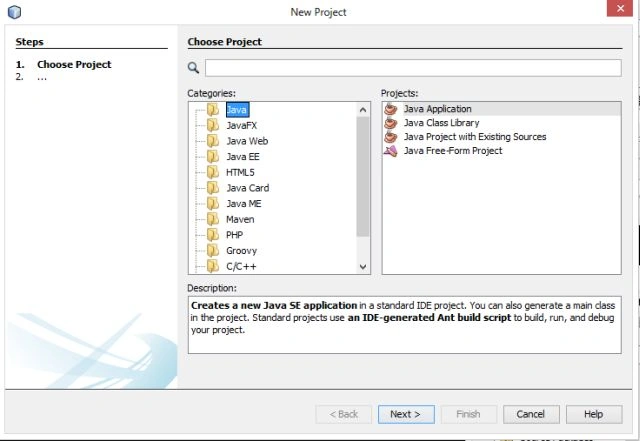
Step 3
Type your project name as "JComboBoxSearchApp" as in the following.
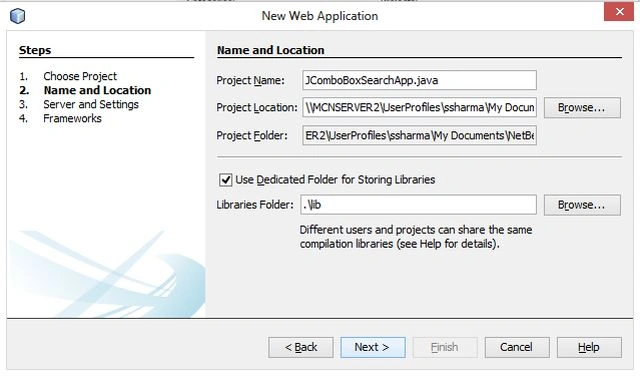
Step 4
Select server and version wizard as in the following.
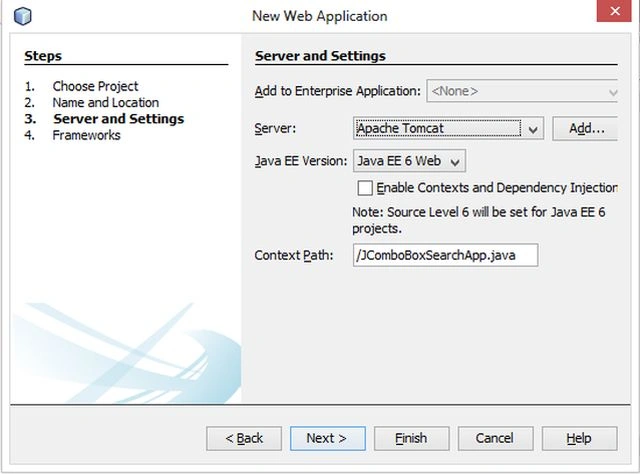
Step 5
Create a new Java Class "JComboBoxSearchApp.java" and write the following code in the "JComboBoxSearchApp.java" file.
JComboBoxSearchApp.java
import javax.swing.*;
import java.awt.event.*;
import java.awt.*;
import java.sql.*;
public class JComboBoxSearchApp extends JFrame implements ActionListener {
//Initializing Components
JLabel lb, lb1, lb2, lb3, lb4, lb5;
JTextField tf1, tf2, tf3, tf4, tf5;
JButton btn;
JComboBox bx;
//Creating Constructor for initializing JFrame components
JComboBoxSearchApp() {
//Providing Title
super("Fetching Student Information");
lb5 = new JLabel("Select Name:");
lb5.setBounds(20, 20, 100, 20);
//adding a combox box and assign some name.
bx = new JComboBox();
bx.addItem("sandeep");
bx.addItem("rahul");
bx.addItem("Other");
//add button for searching records from database
bx.setBounds(130, 20, 200, 20);
btn = new JButton("Submit");
btn.setBounds(50, 50, 100, 20);
btn.addActionListener(this);
lb = new JLabel("Fetching Student Information From Database");
lb.setBounds(30, 80, 450, 30);
lb.setForeground(Color.red);
lb.setFont(new Font("Serif", Font.BOLD, 20));
setVisible(true);
setDefaultCloseOperation(JFrame.EXIT_ON_CLOSE);
setSize(500, 500);
//adding lable and textfields for displaying emp records
lb1 = new JLabel("U_Name:");
lb1.setBounds(20, 120, 100, 20);
tf1 = new JTextField(50);
tf1.setBounds(130, 120, 200, 20);
lb2 = new JLabel("U_Mail:");
lb2.setBounds(20, 150, 100, 20);
tf2 = new JTextField(100);
tf2.setBounds(130, 150, 200, 20);
Join the conversation! Your thoughts help the community grow.