

Add a Content Query Web Part to the Existing Documents Site:
- Open your SharePoint site.
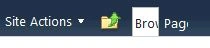
- Click the Site Actions drop-down box and select Edit Page.
- Locate the Right Web Part zone and click the Add a Web Part link. It is located in the body of the page in the right-hand column.

- Select the Content Rollup category in the Web Part gallery.
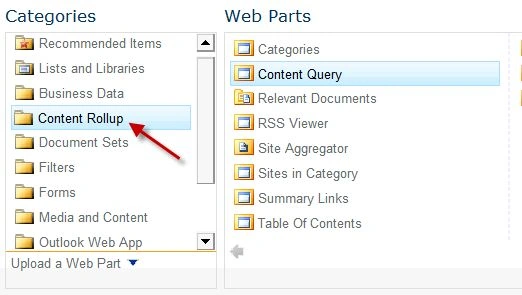
- Select Content Query in the Web Parts pane.
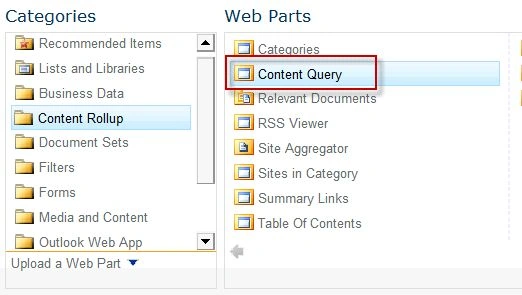
- Click Add to add the Web Part to the Right Web Part zone.
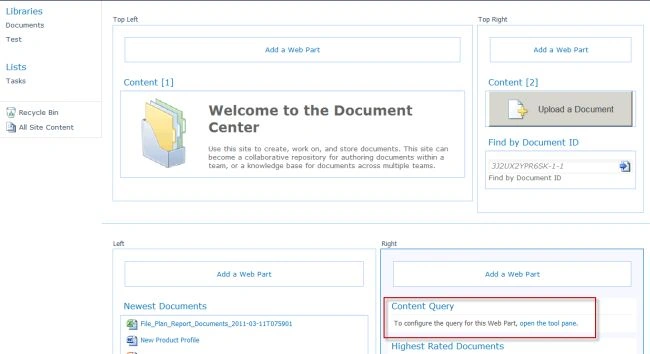
Task 2: Configure the Content Query Web Part to Display
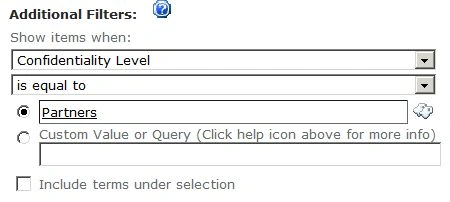
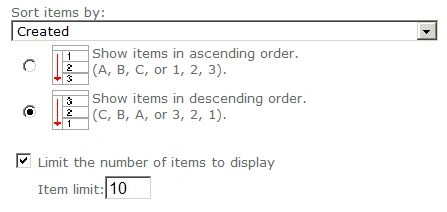
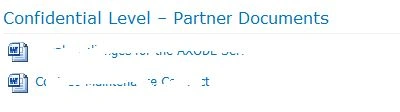
In this task you configure the new Content Query Web Part to display documents located in document libraries that are based on the Contoso content type and have a Confidentiality Level value of Partners.
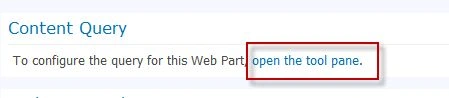
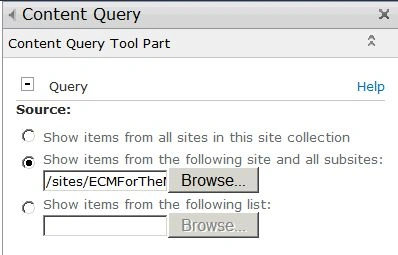

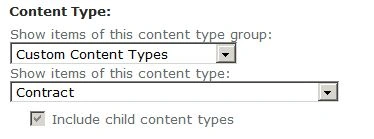
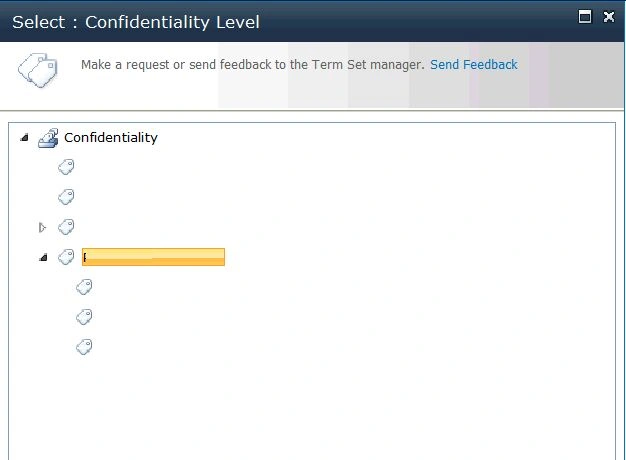
 located next to the criteria text box to select the confidentiality level.
Join the conversation! Your thoughts help the community grow.