
Introduction
A DataTable is a class of Disconnected architecture in the .NET Framework. It is
found in the System.Data namespace and represents a single table. We can
create a table and can add columns and rows of that table. Now, we will create
an window application and use the DataTable class.
Create a windows application > create a dataGridView control and write the following
code on the form load event.
using
System;
using
System.Collections.Generic;
using
System.ComponentModel;
using
System.Data;
using
System.Drawing;
using
System.Linq;
using
System.Text;
using
System.Windows.Forms;
namespace
datatable
{
public partial
class Form1 :
Form
{
public Form1()
{
InitializeComponent();
}
DataTable dt;
private void
Form1_Load(object sender,
EventArgs e)
{
//Adding Columns
dt = new
DataTable();
dt.Columns.Add("ID",
typeof(int));
dt.Columns.Add("Name",
typeof(string));
dt.Columns.Add("Department",System.Type.GetType("System.String"));
dt.Columns.Add("City",
typeof(string));
//Adding Rows
dt.Rows.Add(111, "Alok",
"IT", "Delhi");
dt.Rows.Add(222, "Satish",
"IT", "Jhansi");
dt.Rows.Add(333, "Amitabh",
"Management",
"Noida");
}
}
}
Run the application.
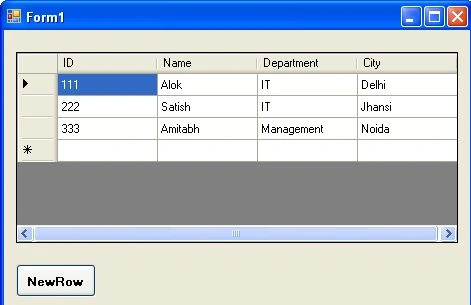
Output
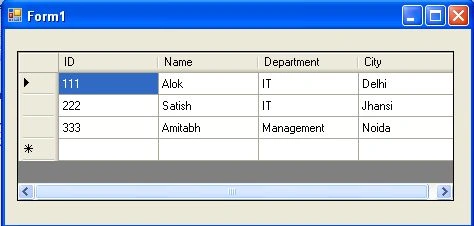
It is a simple example for creating a datatable and adding column and value to
its row. Now we work with its different method.
Working with it's methods
AcceptChanges()
This method saves changes which made with records in a
Datatable.
Take another dataGridView control and a Button. Add below code.
private
void btnacceptchanges_Click(object
sender, EventArgs e)
{
dt.AcceptChanges();
dataGridView2.DataSource = dt;
}
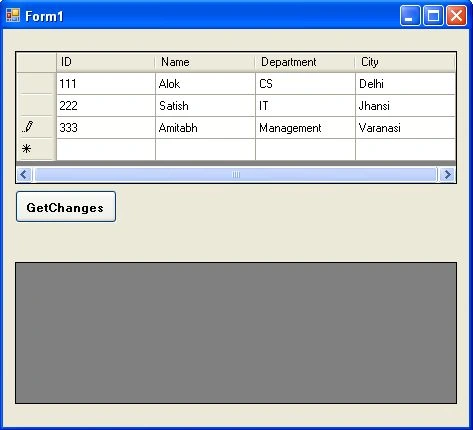
Run the application. Make some changes in rows value. I have changed department
name as "cs" for first row and added a new row at last.
Output
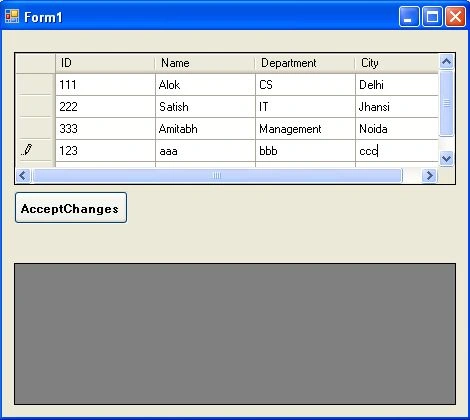
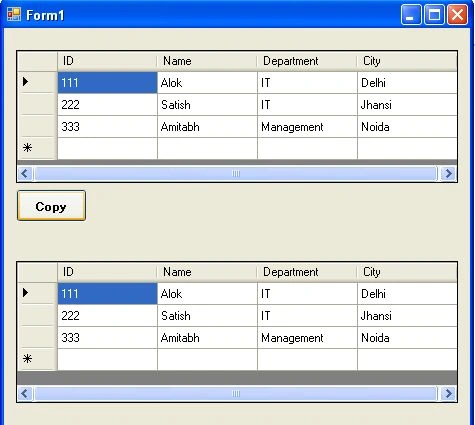
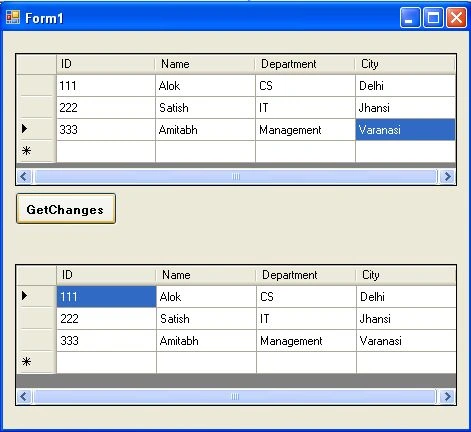
Click the "AcceptChanges"
button. Second
dataGridView will show updated record.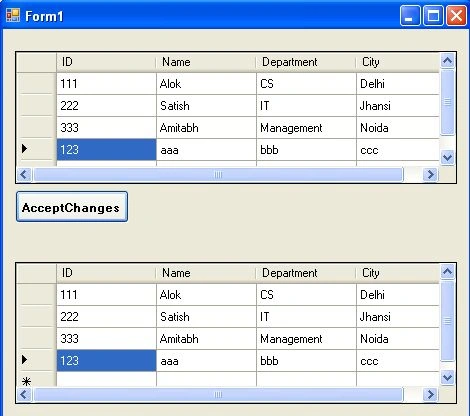
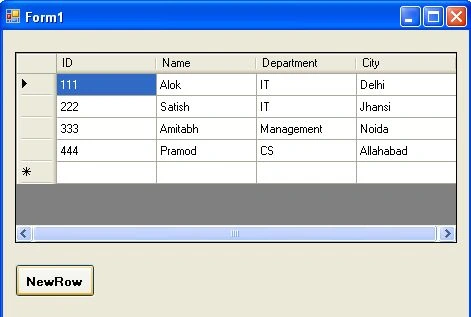
Clear()
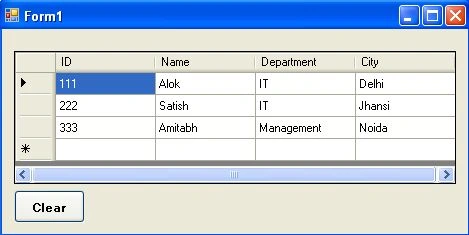
This method clears
(removes) all data from datatable. Take a button and write the following code on click event.
private
void btnclear_Click(object
sender, EventArgs e)
{
dt.Clear();
}
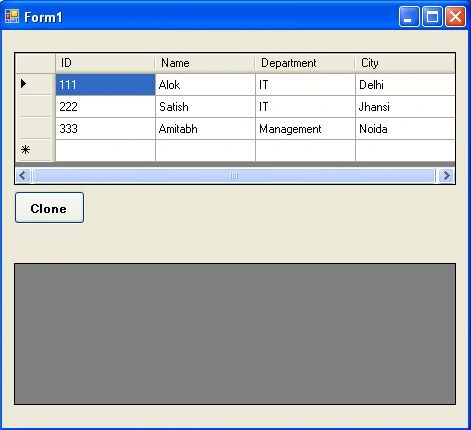
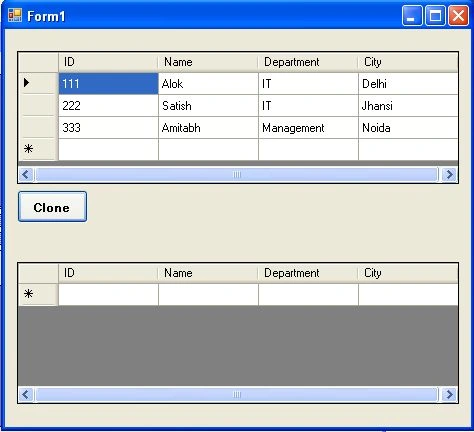
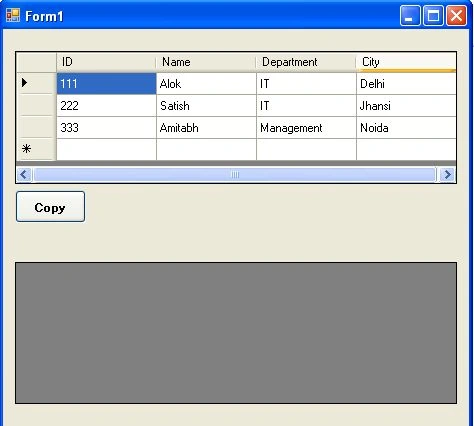
Output

Laxmi NayakPosted Dec 8, 2017, 10:52 AM
Thank You So much..I and my team learnt so much from this
Nayak AnshumanPosted Dec 12, 2012, 4:31 AM
Thank you sir,It's a very good example......
Mahesh ChandPosted Dec 27, 2011, 2:58 PM
This a good article. Basic but useful.
Vijay PrativadiPosted Dec 27, 2011, 7:37 AM
Good One!!!