

Introduction
SignalR is a technology used to create real-time functionality to applications. The term real-time is the ability to get the content to the clients instantly from the server. It doesn’t wait for the client to request the data. This can add any kind of ‘real-time’ web functionality to your ASP.NET application. You can perform any kind of operations related to real-time functionality, here we are using a discussion page where users are connecting just for any discussion.
The application requiring this functionality can use the functionality of SignalR to add the real-time behavior to the app. It doesn’t need the page to be refreshed for any new data or any Ajax call to get the updated data to display just by calling the service internally. This is a very simple and lightweight technique to update the client for any new pushed data.
You can use the real-time behavior for gaming applications, kiosk machines, and any embedded system. This provides a simple API for creating a server to client RPC that calls the Javascript function in a client-side browser from the server. All the management for connection maintenance, and disconnecting from apps is done by SignalR API.
Prerequisite
- Programming of C#.
- Knowledge of JavaScript and Jquery.
Implementation
- Open Visual Studio.
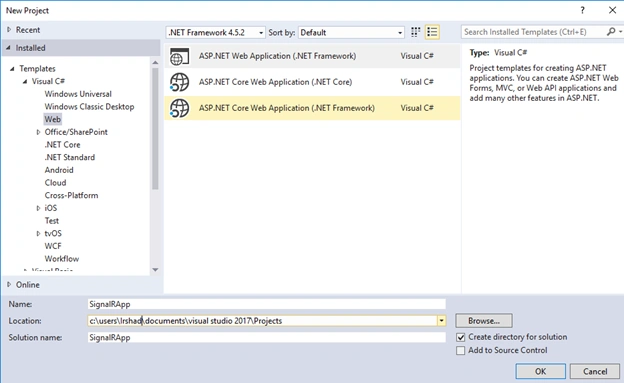
- Create a new project.
- Enter the project name and select location.
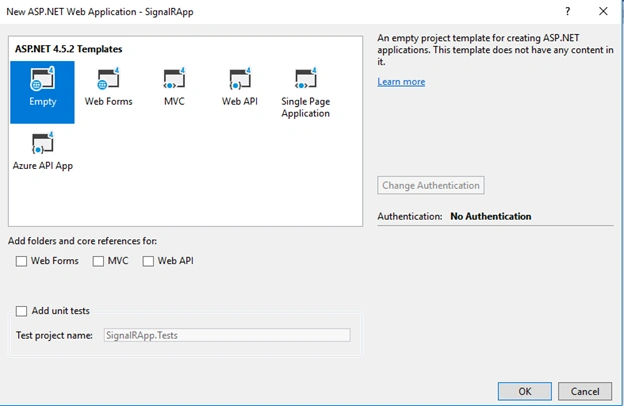
- Select Empty from templates.
- Add SignalR to your project
Goto Tools - Library Package Manager - Package Manager Console.
Run the below command.
install-package Microsoft.AspNet.SignalR
If you have added the SignalR from the console, then create the SignalR hub class as separate after you add SignalR.
Add the signalR hub class ChatHub.cs and replace the content as below,
- using System;
- using System.Web;
- using Microsoft.AspNet.SignalR;
- namespace SignalRChat
- {
- public class ChatHub : Hub
- {
- public void Send(string name, string message)
- {
- // Call the broadcastMessage method to update clients.
- Clients.All.broadcastMessage(name, message);
- }
- }
- }
SignalR Hubs
The Hub class is used to build the SignalR application.
The Send method of ChatHub class demonstrates several hub concepts :
- We can declarea public method which is being called by the client.
- We use Microsoft.AspNet.SignalR.Hub.Clients dynamic property to access all clients connected to this hub.
- Call a function on the client (such as the broadcastMessagefunction) to push any update to the connected client.
Add the StartUp.cs class and add the below content,- using Microsoft.Owin;
- using Owin;
- [assembly: OwinStartup(typeof(SignalRChat.Startup))]
- namespace SignalRChat
- {
- public class Startup
- {
- public void Configuration(IAppBuilder app)
- {
- // Any connection or hub wire up and configuration should go here
- app.MapSignalR();
- }
- }
- }
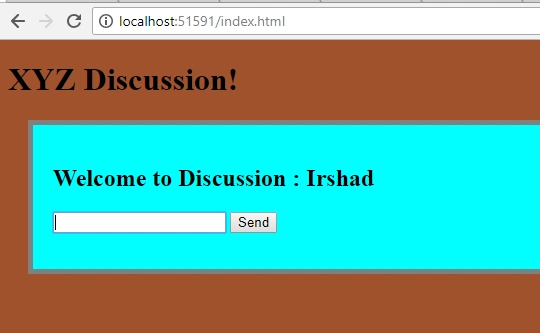
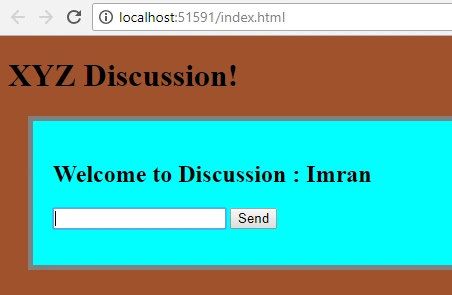
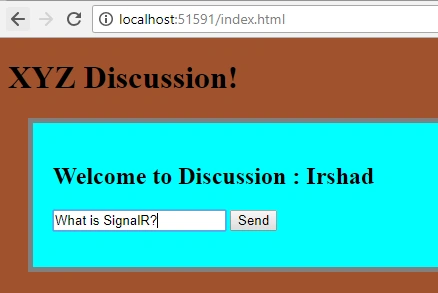
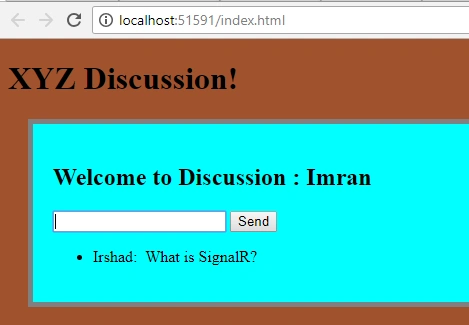
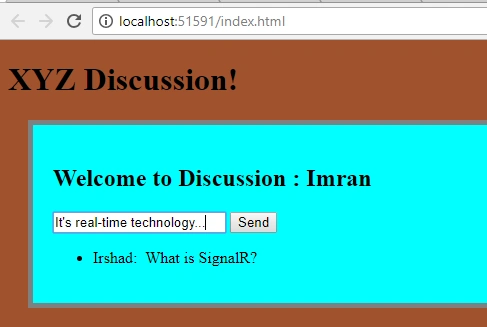
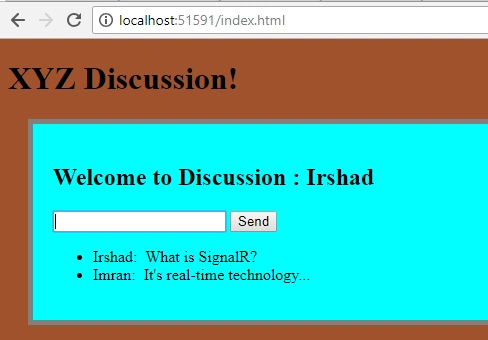
Sridhar YelagandhulaPosted Dec 20, 2019, 1:33 PM
Hi,In Core and noraml API to implement signalR are same or any other different ?
Hamid KhanPosted Aug 21, 2019, 7:52 AM
Good explanation keep it up……………...
Pooja MistryPosted Apr 4, 2019, 2:34 AM
Hello, How two send two different message to two users. Like user1 send message to user2 so in user1 screen "you accepted their friend request" and in user2 screen "user1 accepted your friend request".
Kunind OberoiPosted May 20, 2018, 9:47 PM
Very interesting mo'dog
Ralph MaurmeierPosted May 20, 2018, 12:13 AM
The style tag in the header would not allow the page to load for me. Also, I cannot send messages.