

Adding a Modern page to the SharePoint site
The Add-PnPClientSidePage command is used to add a modern page to the SharePoint site.
- Add-PnPClientSidePage -Name "NewPage"
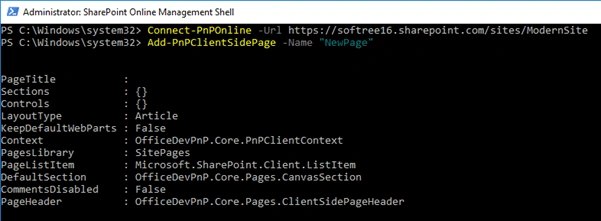
Output
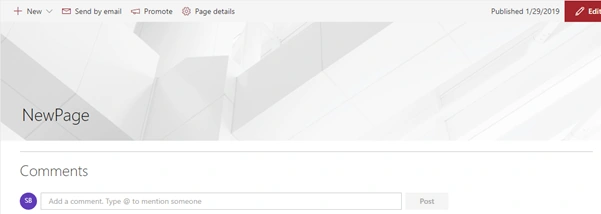
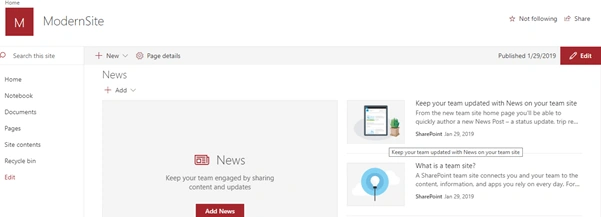
By default, Add-PnPClientSidePage creates an Article layout type. To create the Home layout type, we have to pass "Home" as a “LayoutType” parameter.
- Add-PnPClientSidePage -Name "NewPage" -LayoutType Home
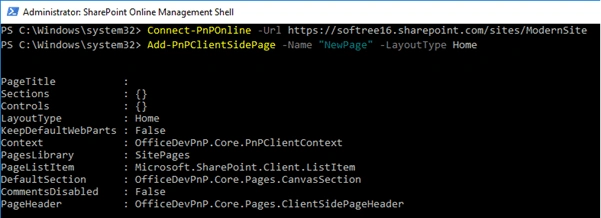
Output
Set the Modern page Property
The Set-PnPClientSidePage command is used to update the property of a SharePoint Modern page.
Example 1
This example updates the properties of the modern page named "MyPage".
- Set-PnPClientSidePage -Identity "NewPage" -Title "MyPage"
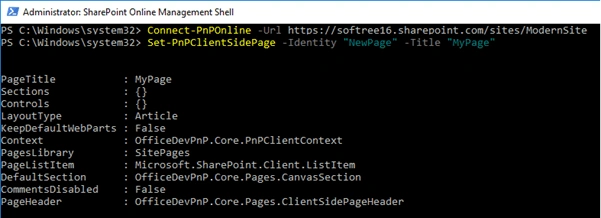
Output
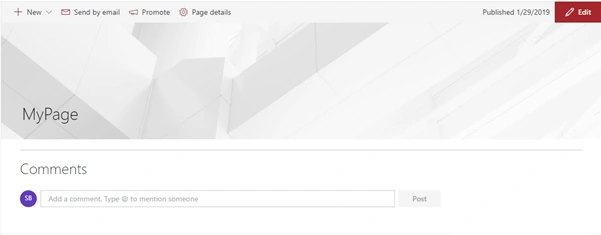
Example 2
This example disables the comments on the Modern page.
- Set-PnPClientSidePage -Identity "NewPage" -CommentsEnabled:$false
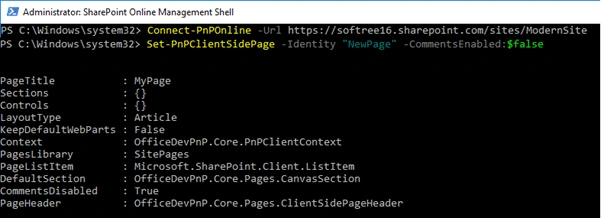
Output
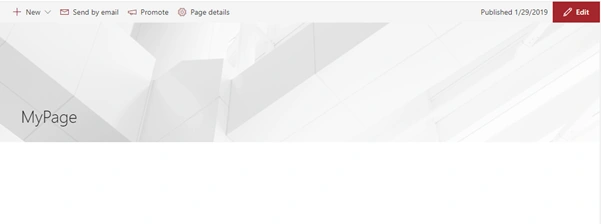
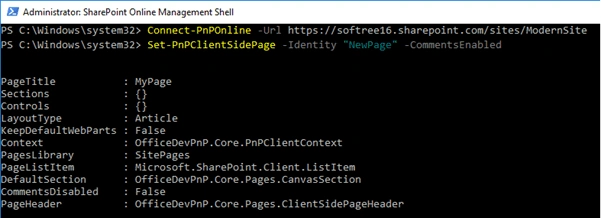
Example 3
This example enables the comments on the Modern page.
- Set-PnPClientSidePage -Identity "NewPage" –CommentsEnabled
Getting the Modern page information
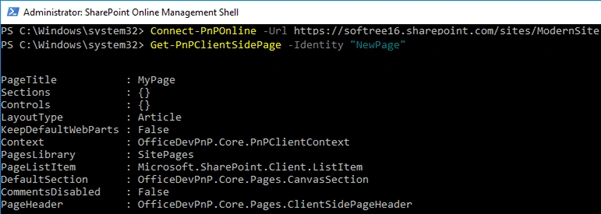
The Get-PnPClientSidePage command is used to get information about the SharePoint Modern page.
- Get-PnPClientSidePage -Identity " NewPage"
Removing a Modern page from the SharePoint site
The Remove-PnPClientSidePage command is used to remove the specified modern page from the SharePoint site collection.
- Remove-PnPClientSidePage -Identity "NewPage"

Greg RojasPosted Sep 3, 2021, 8:12 PM
Can you use this to manipulate a web part as well? Say a weather web part and I want to add the Zip code?