

ASP.NET 4.5 has not been registered on the Web server. You need to manually configure your Web server for ASP.NET 4.5 in order for your site to run correctly.
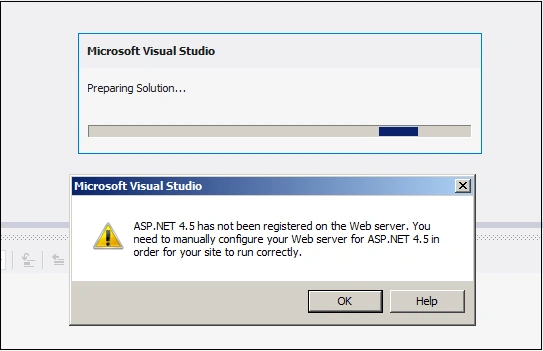
Image 1.
To resolve this Open Visual Studio tools command prompt and execute below command:
aspnet_regiis -i
asutosh shinePosted Jul 6, 2017, 4:38 PM
How to resolve it? its quite frustrating again and again seeing the error dialog box when try to open an project .
Neha NarangPosted Dec 19, 2016, 6:00 AM
Still getting the same error
Santhakumar MunuswamyPosted May 1, 2015, 1:08 AM
i think, we have to specific target framework location full path like C:\WINDOWS\Microsoft.NET\Framework\v2.0.50727\aspnet_regiis.exe -I. I hope you doing well but if you added some more details to understand the concept with a beginner easily.