

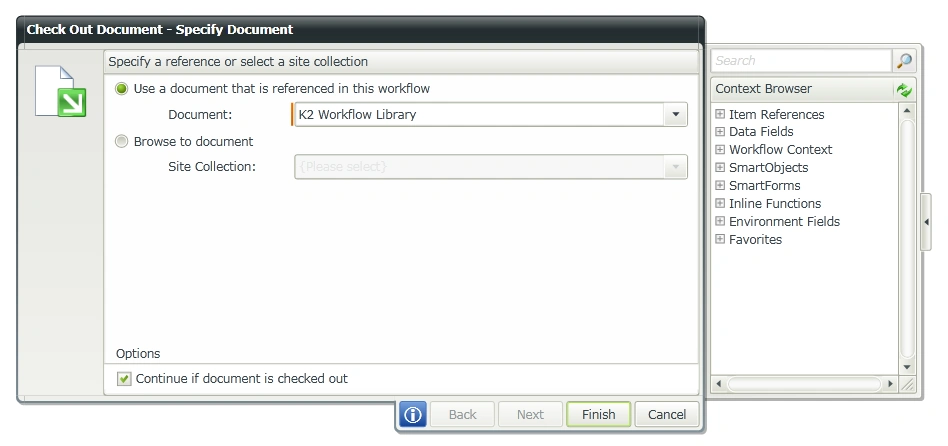
I have created a document library named “K2 Workflow Library” in which K2 workflow will be created to check out document. Please refer to my previous article to create a K2 workflow in SharePoint 2013 Online.
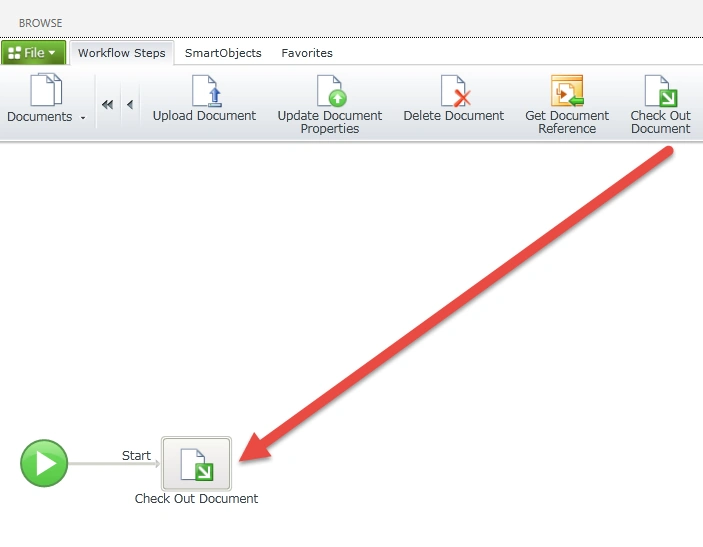
Go to K2 designer, drag and drop Check Out Document step from the Documents workflow steps in the ribbon interface.
Deploy the workflow. Upload a new document in “K2 Workflow Library” library. After few minutes the workflow will be completed and the document will be checked out.
Join the conversation! Your thoughts help the community grow.