

Steps Involved:
- Open SharePoint 2010 Management Shell by going to Start | All Programs | SharePoint | Microsoft SharePoint 2010 Products | SharePoint 2010 Management Shell (Run as Administrator).
- Run the following script.
Powershell Script:
## Create folder in the document library for the document workspace site using SharePoint 2010 web service in powershell
$uri="http://serverName:10736/sites/ECT2/DWS/_vti_bin/DWS.asmx?wsdl"
## $folderURL is a string which contains the url where the folder has to be created - "Shared Documents/folder_name".
[String]$folderURL="Shared Documents/NewFolder"

## Web Service Reference - http://Site/_vti_bin/DWS.asmx
$dwsWebServiceReference = New-WebServiceProxy -Uri $uri -UseDefaultCredential
[String]$createFolder=$dwsWebServiceReference.CreateFolder($folderURL)
Output:
Navigate to the document workspace site and click on Shared Documents. You could be able to see a new folder created in the Shared Documents.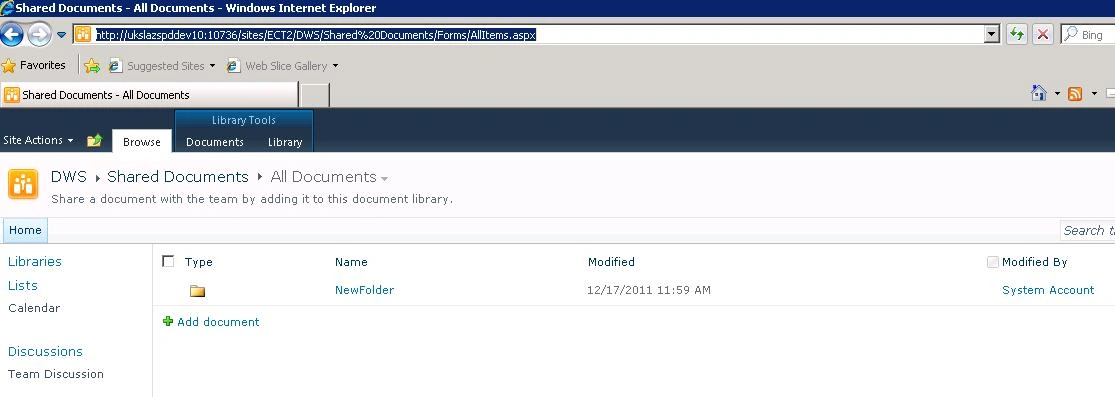
Join the conversation! Your thoughts help the community grow.